Notion client management works best as one disciplined Clients database, made visible to the rest of the team on the CRM record. Here is the setup that holds up as you grow.
What a good Notion client management setup includes
A good Notion client management setup is one Clients database with a row per client, keyed to the client's email, with a named owner, a renewal date, and a status and health rating. Most Notion client setups fail slowly, by sprawling: five databases, three of them half-abandoned, and no single place that answers "what is going on with this client." The fix is to keep the core small and disciplined.
Your Notion client database should have
- One row per client, in a single Clients database, as the source of truth.
- An email property holding the client's main contact, so the row can map to a CRM record later.
- A named owner, so every client has one person accountable for it.
- A renewal or review date, so nothing lapses silently.
- A status and a health rating, so you can see risk at a glance.
Keep the working notes, the scope, and the onboarding docs on each client's page, linked from the row. If you want a ready-made starting point, our free Notion CRM template covers these same building blocks and adapts cleanly to client work, and Notion as a CRM walks through the database design in more detail.
In this article
1.
2.
3.
4.
5.
6.
7.
Your client context lives in Notion. The onboarding doc, the scope, the last three meeting notes, the renewal date you promised yourself you would not miss: all of it sits on a tidy Notion page. Meanwhile the HubSpot record that your account lead, your ops person, and leadership actually open is half empty. When a client escalates, or an account changes hands, the people who need the context cannot find it, because it never left Notion. The setup is genuinely good, better than most agencies get from a rigid CRM, but it only serves the person who lives inside Notion.
Why agencies end up managing clients in Notion
Agencies, consultants, and advisory teams rarely start in a CRM. They start in Notion because client work is document-heavy and a CRM treats documents as an afterthought. Notion does the opposite.
Docs and database in one place
A client page can hold the scope, the notes, the deliverables, and a structured set of properties all at once. A CRM makes you bolt files onto a record; Notion makes the record and the files the same thing.
A page per client, shaped to the work
No two engagements are identical, and Notion lets each client page carry exactly what that relationship needs without forcing a rigid schema on everyone.
It is already where the team writes
The meeting notes get taken in Notion, so the client record and the working notes never drift apart. Nobody has to remember to log anything into a separate system.
If you are weighing this against a dedicated tool, we go deeper in best CRM for agencies and best CRM for consultants. The short version: Notion is a great place to run the client work, and a weak place to run the reporting and the handoffs. You want both, not one.
Where Notion-only client management breaks down
Notion-only client management breaks down at handoffs, escalations, and reporting: the moment a second person needs the context.
Handoffs start cold
When an account moves from sales to delivery, or from one manager to another, the new owner cannot see the history unless they go digging in a workspace they may not even have open. See the sales to customer success handoff for how much context tends to get lost here.
Escalations turn into scavenger hunts
When a client is unhappy and leadership asks what happened, the answer lives on a Notion page nobody outside the team knows how to find, at exactly the moment speed matters most.
Reporting and finance run on the CRM
Renewal forecasting, revenue, and pipeline live in HubSpot. If the real client status only exists in Notion, the numbers leadership sees are always a step behind the truth.
Notion client management does not fail because the setup is bad. It fails because only one person can see it.
The instinct at this point is to copy the important bits into HubSpot by hand. That is a trap. Copied notes go stale the moment the Notion page changes, and the copying gets skipped the first busy week. We broke down why in the hidden cost of copy-pasting notes between Notion and HubSpot. The better move is to keep Notion as the place you manage clients, and connect it, which is exactly the case we make in our complete Notion CRM guide.
Notion or a CRM: you want both, connected
Agencies do not have to pick between Notion and HubSpot: each tool is good at the half the other is bad at. The framing that traps agencies is "Notion versus HubSpot," as if you have to pick.
What Notion is best for
- Flexible, document-heavy client pages
- Working notes captured where the team writes
- A structure shaped to each engagement
- Fast to change as the work changes
What a CRM is best for
- Reporting, forecasting, and renewals
- The record leadership and finance actually open
- Handoffs that inherit full context
- A shared timeline the whole company can see
The winning setup keeps client management in Notion and makes it visible inside HubSpot, so neither tool has to pretend to be the other. For the broader comparison, see HubSpot vs Notion, and for the full range of ways to connect them, the Notion HubSpot integration guide.
How to make your Notion client management visible in HubSpot
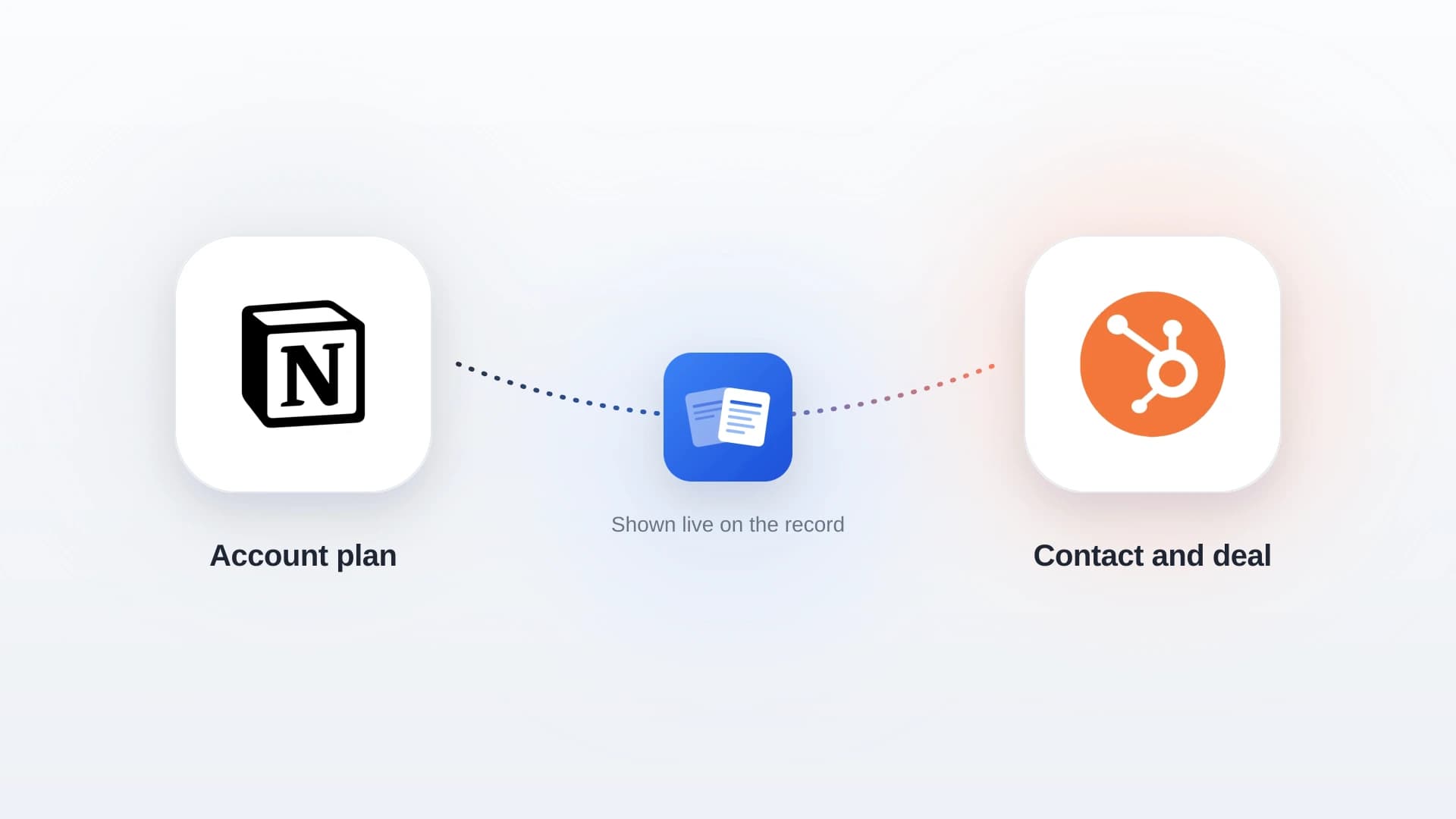
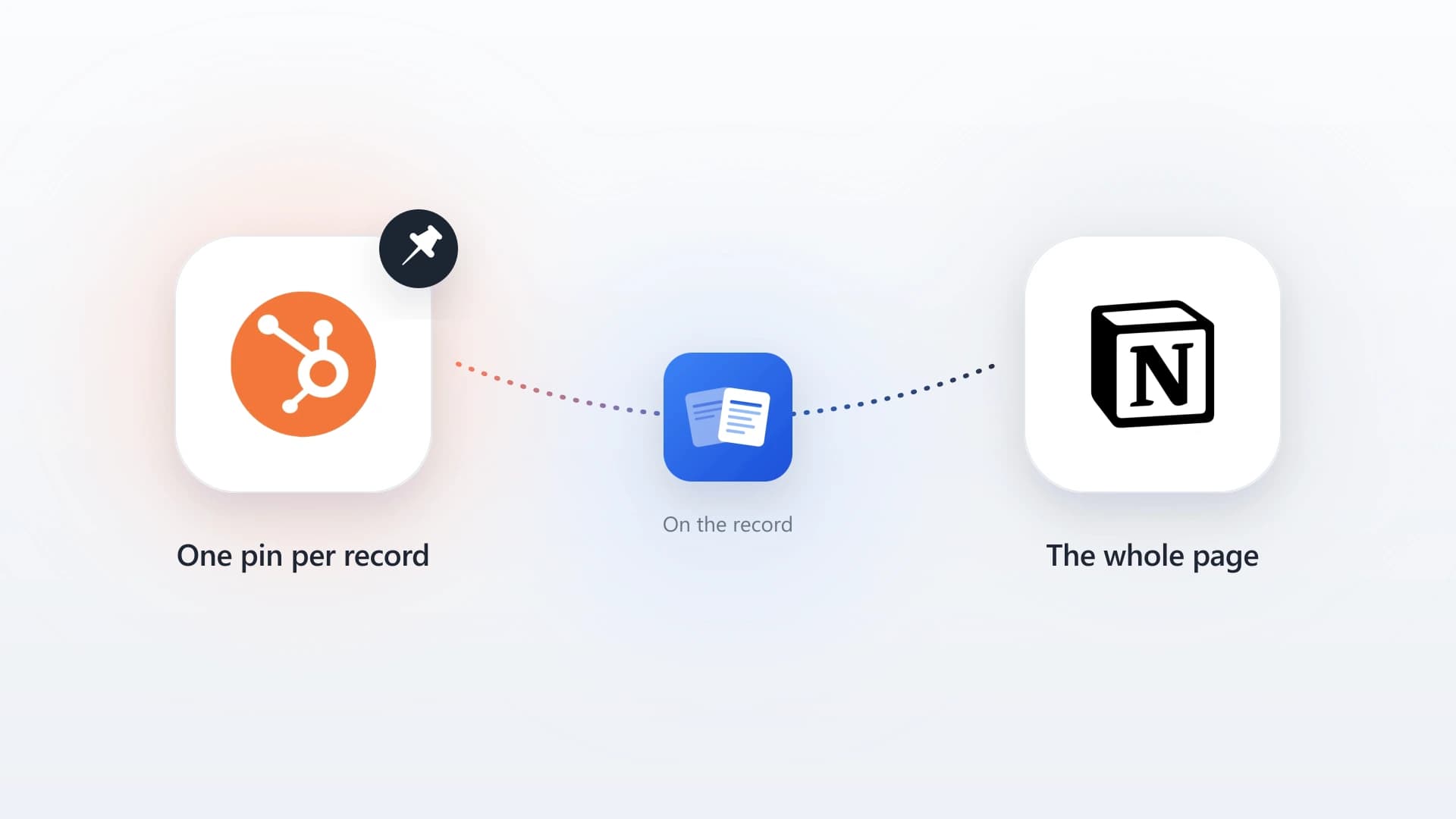
NoteLinker adds a card to your HubSpot contact and deal records that renders your Notion client rows live, right on the record. It is not a copy and there is no sync button. The card reads straight from Notion each time the record loads, so the client status a manager sees in HubSpot is the status that is currently in Notion.
- 1
Install NoteLinker and connect Notion
Install from the HubSpot App Marketplace and authenticate with Notion through OAuth. Grant access only to your client database, so internal docs and personal pages stay private.
- 2
Name your match property
In the NoteLinker settings inside HubSpot, tell it which Notion property holds the email for contacts and which holds the deal name for engagements. That single setting is how it maps each client row to the right record.
- 3
Open a client's record
On the contact record, NoteLinker matches by the client's email and shows their Notion rows. On the deal record for the engagement, it matches by deal name. Rows are visible by default, and each one links back to open the full page in Notion.
Because the card matches by email, the setup rewards the discipline from earlier: keep the client's email accurate on the Notion row and it lands on the right HubSpot contact automatically. Our guide to syncing Notion contacts to HubSpot covers the matching in detail. You can even create a Notion client row straight from the HubSpot record when one does not exist yet, so the next person to open it already has context.
Make your Notion client management visible to the whole team
Install NoteLinker and see your Notion client rows live on the HubSpot contact and deal record, no copy-paste and no second tool to check.
Best practices that survive scale
Four habits keep a Notion client management setup working at scale: one row per client, an owned email field, separate internal and client-facing pages, and a named owner for every client. A setup is only as good as its worst week.
One row per client, always
The moment a client exists in two rows, your status is ambiguous and your CRM mapping breaks. Deduplicate ruthlessly and keep the Clients database as the single source.
Own the email field
Treat the client email as a key, not a nice-to-have. It is what connects Notion to HubSpot, so a blank or wrong email means an invisible client on the CRM side.
Keep internal and client-facing pages separate
Run your internal notes in the private client database, and share a distinct page if you want a client portal. Never let a client-facing share expose the internal status and health notes.
Give every client a named owner
Accountability is what makes renewals and health ratings honest. A client with no owner is a client nobody is watching.
Before you roll this out to the team
- Every client has one row, one owner, and a valid email.
- Renewal dates are filled in and reviewed on a schedule.
- NoteLinker is pointed at the right match property in HubSpot settings.
- Internal notes and any client-facing pages are cleanly separated.
Run client management in Notion because it is the best place to do the work. Connect it to HubSpot so the rest of the team can see it. That combination gives an agency the flexibility of Notion and the visibility of a CRM, without the copy-paste tax in the middle.