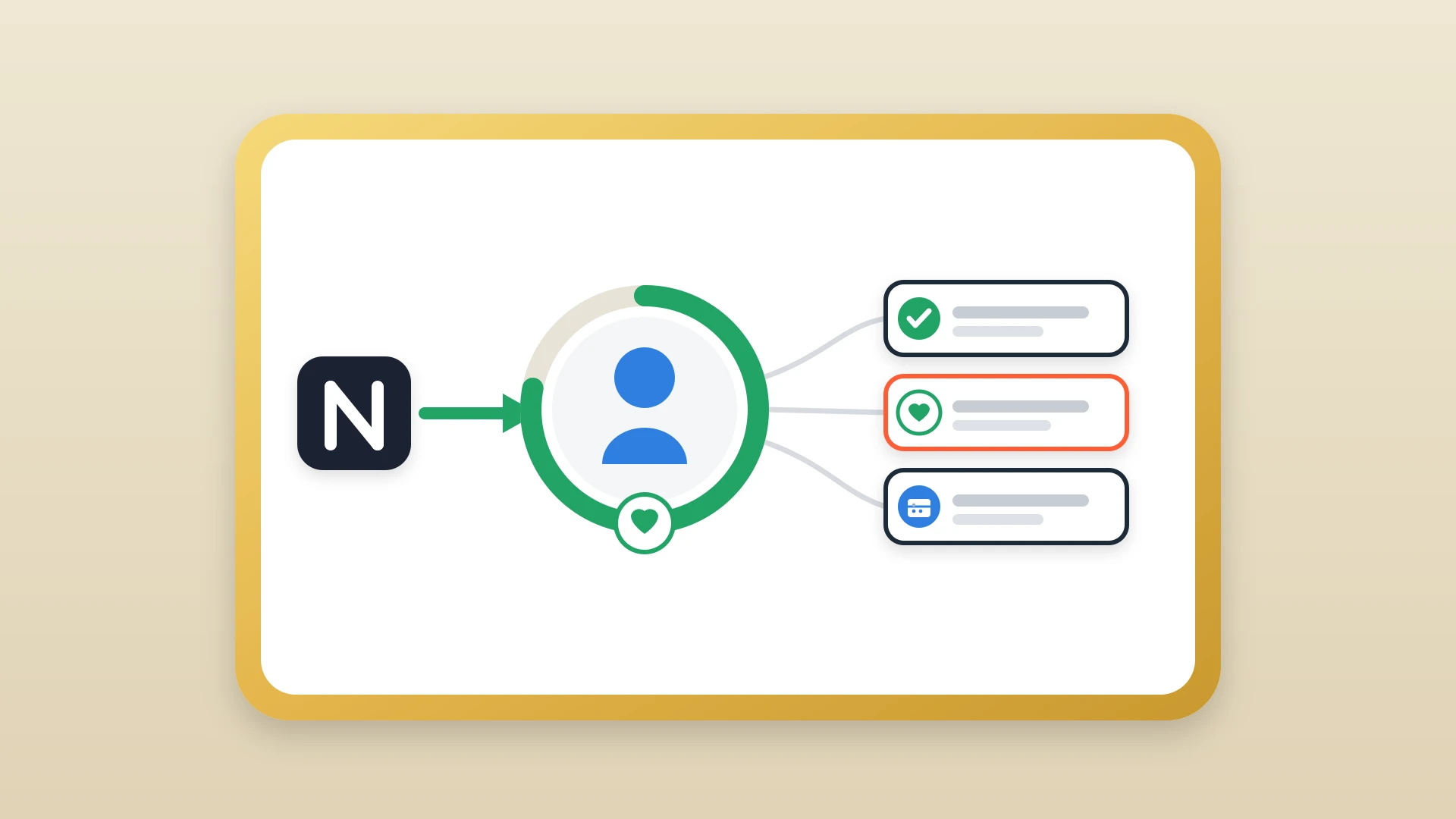
Most companies have a handoff process, but the richest context from the sales cycle, the notes, never reaches the customer success team. Here is a concise handoff template your CS team can use, followed by why handoffs fail and how to fix the notes behind them.
A handoff template that actually works
A working sales to customer success handoff template covers six sections. The critical insight is that this template should not be filled in at handoff time. It should be assembled from notes that were logged throughout the sales cycle.
Customer overview
Company and industry, primary contact and role, account champion (internal advocate), and other stakeholders.
Goals and success criteria
Stated goals in their words, what triggered the purchase, and the success timeline or milestones.
Sales cycle context
Key pain points, alternatives evaluated, and objections raised and how they were addressed.
Commitments and expectations
What was promised during the sales process, pricing or contract details that affect onboarding, and the features the customer is most excited about.
Risks and open items
Known concerns or hesitations, and anything unresolved from the sales cycle.
Next steps
Agreed onboarding kickoff date, and the first deliverables or milestones.
In this article
1.
2.
3.
4.
5.
6.
7.
8.
What a sales to customer success handoff is supposed to do
A successful handoff is not a meeting. It is not a form. It is a transfer of context. The customer success manager should walk into their first interaction knowing the customer's goals, pain points, internal stakeholders, what was promised during the sales process, and where the risks are.
A successful handoff is not a meeting. It is not a form. It is a transfer of context.
When this works, the customer feels continuity. They do not have to re-explain their situation. They do not have to rebuild trust from scratch. The CS team picks up exactly where the AE left off, and the relationship momentum that was built over weeks of sales conversations carries forward into onboarding.
When it does not work, the customer notices immediately. Having to repeat their pain points, their timeline, and their expectations to a new person signals that your team is not coordinated. In a market where buyers have options, that friction is a churn signal before onboarding even starts. Gainsight's customer onboarding research reports that customers who complete a structured onboarding are 2.5 times more likely to renew than customers left to figure things out on their own, and the structure depends on the CS team having the sales context to deliver it.
Why most handoff processes look good on paper but fail in practice
Handoff processes fail in practice because of what flows through them, not because the process is missing. Almost every B2B company has some version of a handoff process.
- 1
The AE is asked to fill out a handoff form
The deal closes, and the AE has already mentally shifted to their next deals. They open the template and try to reconstruct weeks of conversations from memory. Key details get left out because they were never centralized: the buying trigger from the second call, the concern the CFO raised during the demo, the timeline pressure tied to a board review.
- 2
The handoff meeting tries to fill the gaps
It becomes a 30-minute verbal brain dump where the CS manager scrambles to write down everything the AE remembers while asking clarifying questions. Half the nuance is lost in translation. The other half was already lost when the AE tried to recall a call from three weeks ago.
- 3
CS starts onboarding with an incomplete picture
They either schedule another call to re-ask the same discovery questions (which frustrates the customer) or they guess (which creates misalignment that surfaces weeks later as a support ticket or a churn risk).
The real problem is the notes, not the process
Most articles about sales-to-CS handoffs focus on building better templates, running tighter handoff meetings, or using shared deal rooms. These solutions assume the problem is process. It is not. The problem is data.
The context your CS team needs already exists. It was captured during the sales cycle. It is just trapped in a tool the CS team never opens.
The context your CS team needs already exists. It was captured during the sales cycle: discovery call notes with the customer's pain points in their own words, follow-up summaries tracking how requirements evolved, internal notes about stakeholder dynamics and competitive positioning, and records of what was promised or positioned during negotiations.
The disconnect is where those notes live. Most sales teams that value good note-taking use Notion because it is a better writing environment than HubSpot's flat text box. Reps build databases, use templates, and capture structured context in a tool designed for it. But the CS team lives in HubSpot. They check the contact timeline, see a one-line entry that says "discovery call completed," and have no idea what was discussed.
The notes exist. They are just trapped in a silo that the CS team cannot see.
What CS actually needs from sales notes
A customer success manager opening an account for the first time looks for five things in the sales notes.
The customer's stated goals in their own words
Not the AE's summary, but the actual language the customer used to describe what success looks like. This shapes how CS frames value during onboarding. "I need my team to stop wasting time on manual data entry" is a different onboarding conversation than "I need visibility into what my reps are doing."
Buying triggers and timeline pressures
What made the customer start looking now? A quarterly review, a new VP demanding better reporting, a contract renewal with a competitor? The trigger tells CS what success needs to look like and by when. Missing it means the CS team does not know what urgency they are working against.
Key stakeholders and their roles
Who championed the deal internally? Who had concerns? Who is the economic buyer versus the day-to-day user? CS needs to know who to build relationships with, who to loop in on QBRs, and who might push back during implementation.
Commitments made during the sales cycle
Anything the AE said during demos, negotiations, or closing calls is a promise the CS team needs to deliver on. If the AE told the prospect that setup takes ten minutes or that a specific feature is on the roadmap, CS needs to know.
Objections that came up and how they were handled
These reveal the customer's underlying concerns. A pricing objection is often really about whether the ROI will be visible to leadership. An implementation-time objection is often about a bad experience with a previous vendor. CS needs this to proactively address the same concerns before they resurface.
Sales-cycle notes also feed back into your targeting strategy. When you can read notes in aggregate across closed-won deals, you can build a sharper ideal customer profile that reflects what your best customers actually care about.
The gap between Notion and HubSpot at handoff time
CS teams routinely inherit accounts with a fraction of the available context because the sales notes live in Notion and the CS team works in HubSpot. The AE closes the deal. The CS manager opens the HubSpot contact record to get up to speed. The timeline is sparse: a few logged emails, maybe a one-line note that says "signed contract." Meanwhile, the AE has a Notion workspace with pages of structured notes covering every call, every stakeholder conversation, every promise made. The CS manager does not have access to that workspace. Even if they did, they would not know which pages to look at.
This is where the copy-paste ritual begins. The AE is asked to transfer their notes into HubSpot, or worse, to summarize them in a Slack message. But handoff time is the worst time for manual note transfer. The AE has already moved on to new deals. Their motivation to do admin work is at its lowest. The details are starting to fade.
At handoff time the copy-paste cost is highest, because the stakes are the largest and the effort is the least likely to happen.
The hidden cost of copy-pasting is always high, but at handoff time it is highest because the stakes are the largest and the effort is the least likely to happen.
The result is that CS teams routinely inherit accounts with a fraction of the available context, not because the AE did not document the sales cycle, but because the documentation is locked in a tool the CS team never checks. When those detailed contact notes stay invisible to the people who need them most, the entire investment in good note-taking during the sales cycle goes to waste.
Fix the handoff by fixing the sync
The best handoff is the one that does not require a separate process because the notes were already where they needed to be.
NoteLinker solves the handoff problem at its root by syncing your Notion notes to HubSpot contact and deal timelines automatically throughout the entire sales cycle. Every discovery call summary, every follow-up note, every internal memo your AE writes in Notion appears on the HubSpot timeline with formatting intact. By the time the deal closes, the CS team already has access to the complete story.
What CS inherits when the sync is on
- Structured discovery notes in the customer's own words.
- Stakeholder maps and who championed the deal.
- Competitive intelligence gathered during the cycle.
- Objection handling and the concerns underneath each one.
- Commitments and promises made on the deal timeline.
The CS manager opens the HubSpot record and sees everything. No separate handoff meeting required because the context is already there. No template to fill in from memory because the notes were logged in real time. The handoff becomes a two-minute Slack message: "Deal is yours, notes are on the timeline."
Your AEs keep writing in Notion. Your CS team keeps working in HubSpot. NoteLinker makes sure the notes are in both places without asking anyone to do the work twice.
Hand off accounts with the full sales context already in HubSpot
NoteLinker syncs your AEs' Notion notes to the HubSpot contact and deal timeline as they are written, so customer success inherits the full story instead of a one-line summary.