
Free Notion CRM Template
Run your first 100 deals out of Notion. Built for founders and early sales teams who'll graduate to HubSpot eventually, with a schema that travels with you when you do.
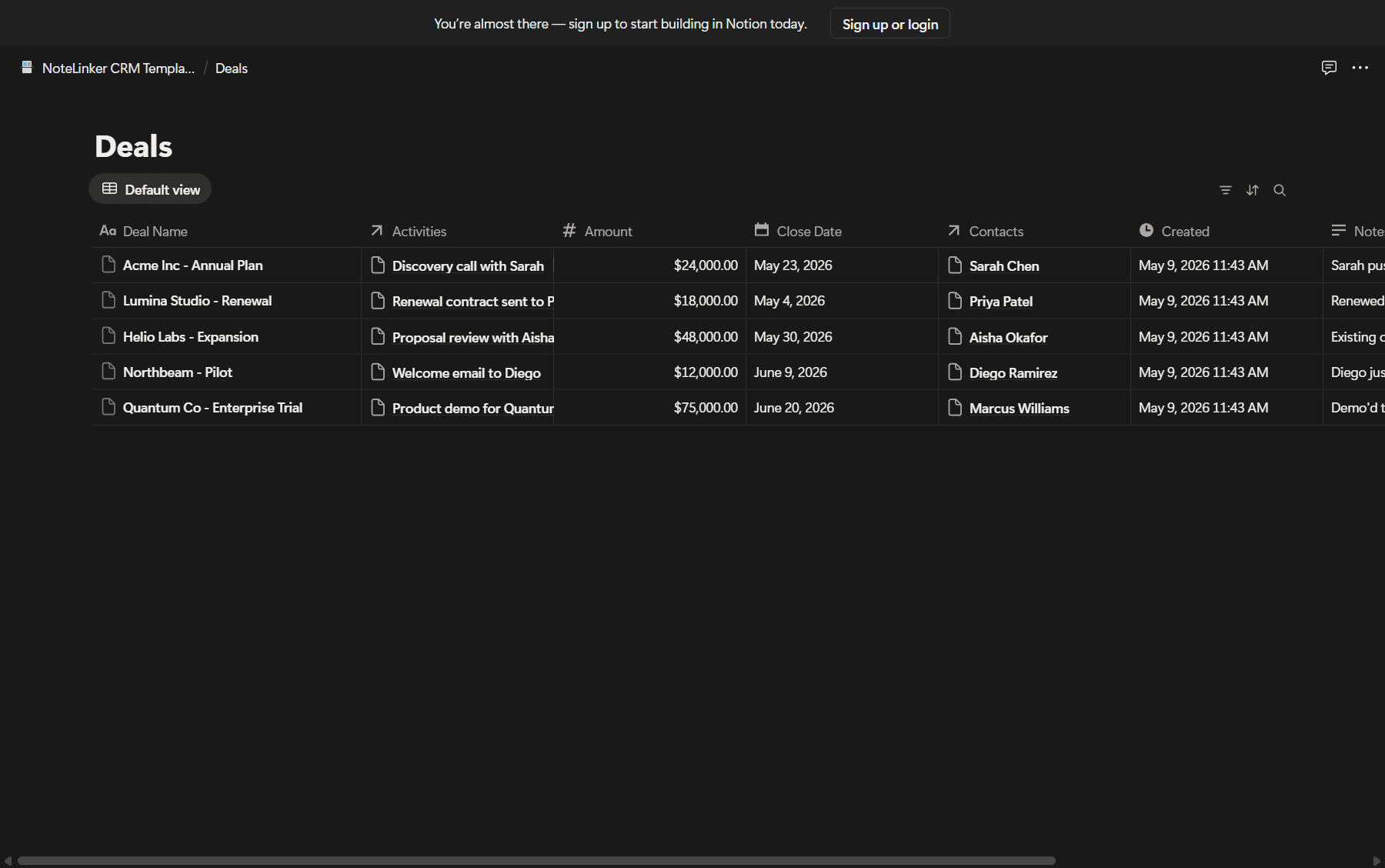
What's inside the template
Everything you need to run a sales process from first touch to closed-won, with no plugins or paid Notion features.
Contacts that will fit HubSpot later
First Name, Last Name, Email, Phone, Company, Lifecycle Stage, Lead Source. Property names match HubSpot's defaults exactly, so when you migrate, the column mapping is automatic.
Deal board with real sales stages
Lead, Qualified, Proposal, Negotiation, Closed Won, Closed Lost. Drag deals between stages, see weighted pipeline value, and forecast close dates without spreadsheets.
Activities log that doesn't lie to you
Log every call, meeting, and email under the contact and deal. Each contact card rolls up activity counts and last-touched date. No more 'why hasn't anyone followed up with this lead'.
Pre-built views for your weekly pipeline review
Hot Leads, Closing This Month, Stale Contacts (no activity in 30 days), Won This Quarter. Open Notion, see what matters, close the tab.
Contacts and deals actually linked
Open a deal, see every contact involved and every activity logged. Open a contact, see every deal they're tied to. The way a CRM should work, not the way most Notion templates do it.
Built to graduate to HubSpot
When you grow past 2 to 3 reps and need real automations, NoteLinker syncs this database into HubSpot. No re-entry, no migration project, no losing the workflow you built.
How to use this template
- 1
Duplicate it to your workspace
Click the button above. Notion opens, you pick a workspace, and the template copies in seconds.
- 2
Customize stages and properties
Rename pipeline stages, add lead-source options, delete fields you don't need. The schema is a starting point, not a contract.
- 3
Start logging contacts and deals
Use the inline forms or copy-paste from a spreadsheet. Activities log under each contact and roll up to deals automatically.
- 4
Move to HubSpot when you outgrow Notion
When your team passes 2 to 3 reps or you need real automations, sync this database to HubSpot with NoteLinker. No re-entry, no migration project.
Outgrowing Notion as your CRM?
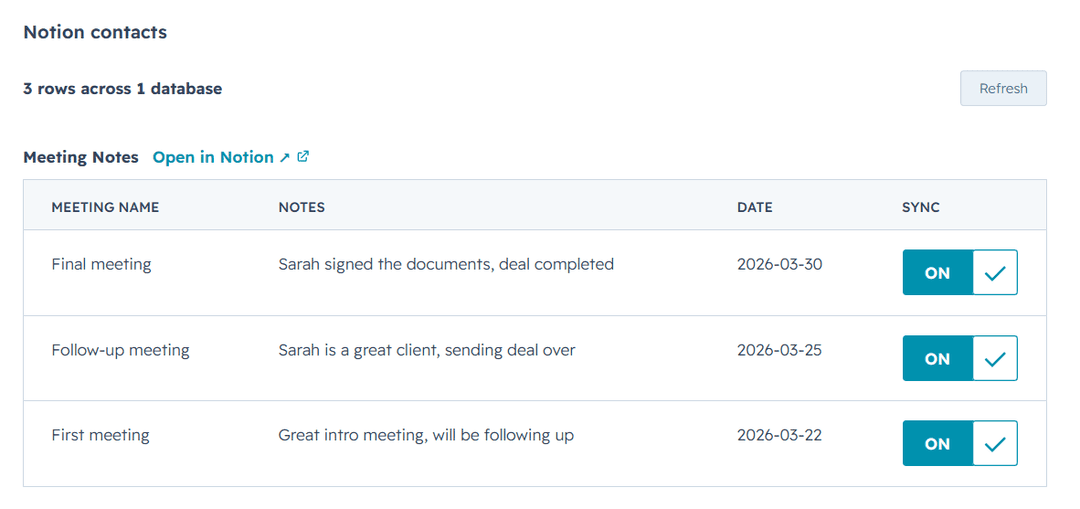
Notion is great for the first 50 deals. Past that, you'll want HubSpot's pipeline forecasting, email tracking, and automation. NoteLinker keeps your Notion database in sync with HubSpot, so you can graduate to HubSpot without losing the workflow you built.
- One-click HubSpot install from the Marketplace
- Rows show up by default, hide any row with a checkbox
- 14-day free trial, no credit card required
Frequently asked questions
Common questions about the Notion CRM template.