An agency has three motions running at once: a new business pipeline that runs on relationships and referrals, an account management function that lives or dies by retainer renewals, and a handoff between the two where most of the context gets lost. The best CRM for an agency is the one that handles all three cleanly; the shortlist of HubSpot, Pipedrive, Copper, and Folk comes first, followed by how to match one to your agency size.
In this article
1.
2.
3.
4.
5.
6.
7.
The shortlist agencies actually consider
Four tools come up over and over in agency operator conversations. Picking between them is mostly about agency size and how much of the workflow already lives in another tool.
HubSpot
The default starting point for almost every boutique agency. The free tier covers contacts, companies, deals, a pipeline view, and basic email logging at no cost, which is enough to run a new business motion through ten or so active opportunities cleanly. The paid Sales and Marketing Hub tiers add sequences, workflow automation, custom reports, and proper retainer modeling through custom objects or pipeline customization.
The strongest argument for HubSpot is the long runway. The free tier is genuinely usable. The paid tiers scale to mid-market agency size (50 plus people) without forcing a platform migration. And the activity timeline on every contact and deal is the single most useful feature for agency teams that need to onboard a new account manager mid-relationship.
The weakest argument is rigidity. HubSpot has a strong opinion about what a CRM should look like, and agencies that try to bend it into a project tracker or a delivery tool end up frustrated. Use it for what it is good at (the pipeline and the relationship), not for what it is not (project management).
Pipedrive
The most popular alternative for agencies under 20 people. Cleaner pipeline UI than HubSpot, lower starting price, and a deliberately narrow product surface. If your only requirement is "track deals through a pipeline," Pipedrive is faster to set up and harder to mess up.
The trade-off is that Pipedrive's marketing and customer service automation lags HubSpot's by a significant margin. Agencies that want to nurture cold leads, automate proposal follow-ups, or run inbound marketing alongside the CRM eventually outgrow it.
Copper
Specifically built for agencies that live inside Google Workspace. Tight Gmail integration, calendar sync, and a UI that looks like a Google product. The pitch is "your CRM where you already work."
It is genuinely good at the Gmail-native workflow and weaker at everything else. Reporting is thinner than HubSpot or Pipedrive, automation is more limited, and the price climbs faster than the feature set justifies once you are past a handful of users.
Folk
The newest entrant, and the one most often recommended for relationship-heavy agencies. Folk's pitch is "a CRM that feels like a contact app," with smart imports from LinkedIn and Gmail, lightweight pipeline views, and a UI that looks more like Notion than Salesforce.
For solo founders and small agency leadership teams who are mostly tracking warm relationships, Folk is excellent. For a 20-person agency with structured handoffs and retainer reporting, it does not yet have the depth.
Where each one fits agency size
A rough mapping that holds up in practice.
Folk if the work is relationship management with light pipeline structure. HubSpot free if you expect to scale and want to avoid a migration later.
HubSpot wins if you anticipate adding marketing automation or inbound alongside new business. Pipedrive wins if you want the simplest possible pipeline tool.
Custom object support, workflow automation, and reporting depth are what separate the mid-market tier, and the cost is justified once you have a dedicated new business team and a separate account function.
Above fifty people, the conversation usually shifts to Salesforce, but it is not because Salesforce is better. It is because at that size, the agency has enterprise procurement requirements, custom integrations with finance and resource planning systems, and an admin function that can actually maintain a Salesforce instance.
What an agency actually needs from a CRM
Strip out the generic CRM features and an agency CRM has to do five things well.
Track a mostly warm pipeline
Referrals, repeat clients, conference conversations, and inbound from your case study page. Cold outbound is a smaller share than a SaaS sales team would expect, which means deal cycles are longer, qualification matters more, and the activity log is full of conversations that look like nothing for months before they suddenly close.
Model retainers, not one-off deals
The default "deal" object in most CRMs has a single close date and a single value, which is wrong for the way agencies bill. A retainer is a relationship with a start date, a monthly value, a contract length, and a renewal date that matters more than the original close date.
Support the new-business-to-account-management handoff
The discovery conversations, the proposal language, the client's stated goals, and the internal politics that closed the deal all need to live somewhere the account team can find them, not buried in a sales rep's inbox.
Make multi-stakeholder accounts legible
An agency client is rarely one person. There is the budget holder, the day-to-day contact, the influencer who quietly killed the last pitch, and the new VP who shows up six months in and reopens every decision. The CRM has to hold all of them, with relations between contacts and accounts that survive someone leaving.
Surface renewals and cross-sell moments automatically
A good agency CRM tells you which retainers are up in 90 days and which accounts have not been touched in 30, and it does this without anyone running a manual report.
A CRM that handles all five is a CRM your team will actually keep updated. A CRM that handles two or three becomes a graveyard within six months.
Where the standard advice falls short
The standard agency CRM shortlist is fine. The problem is that almost every "best CRM for agencies" article stops there, and the actual hard parts of agency CRM use never get addressed.
The retainer problem
Agencies live on recurring revenue, but most CRMs model deals as one-time events with a close date. A clean agency CRM setup uses a custom property for monthly retainer value, a contract start date, a renewal date, and a workflow that triggers a renewal task 90 days out. Without this, the renewal hits the team three weeks before the contract ends and the conversation is rushed.
The pitch-to-account-manager handoff
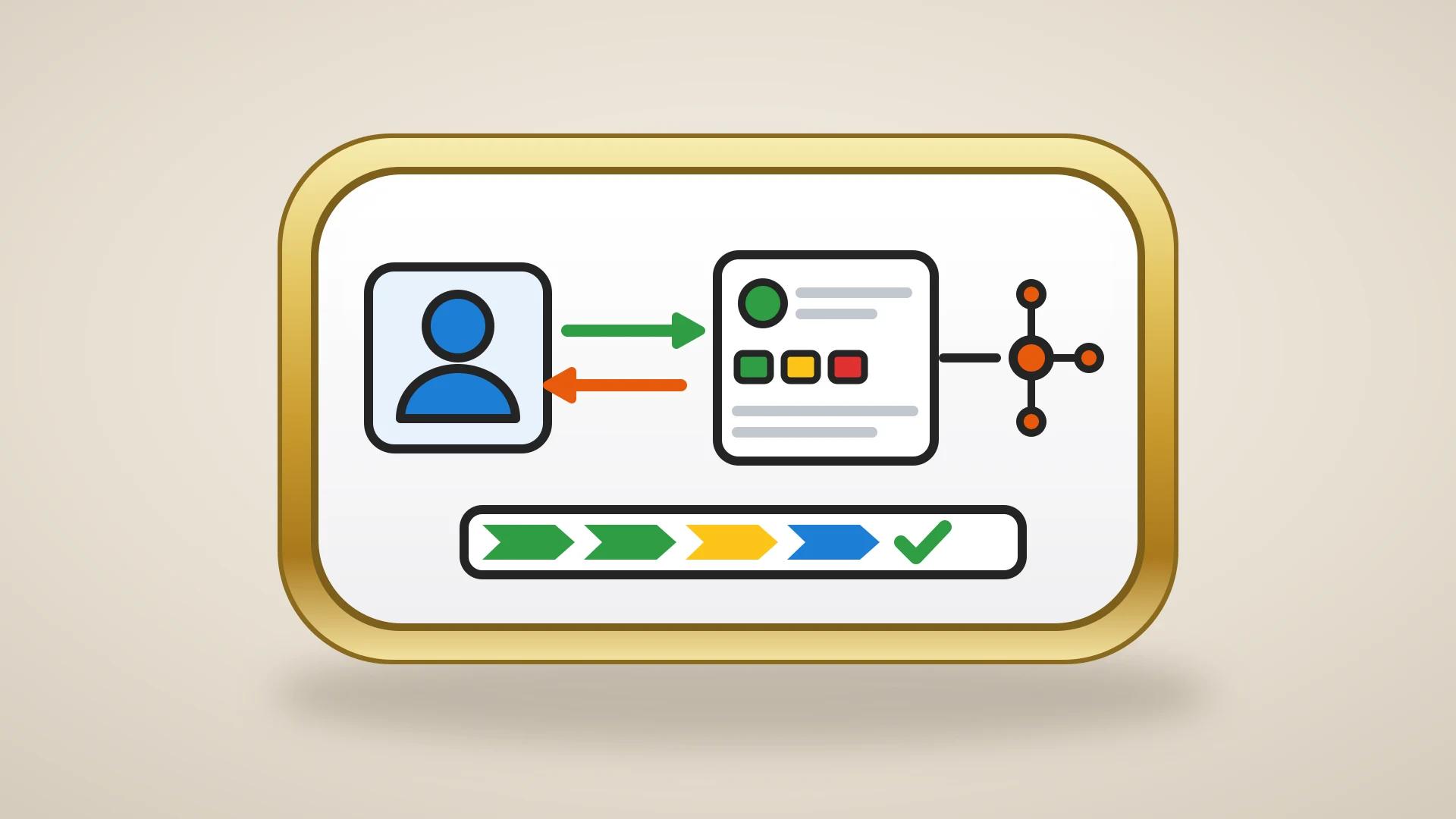
The new business team closes the deal with a clear picture of the client's goals, internal stakeholders, and the language that worked in the pitch. None of that context survives the handoff if it lives in the sales rep's head or in a Slack DM. The CRM has to be the place the account team picks up where new business left off, and that requires structured pitch documentation, not just deal stage names.
The multi-service-line account
Larger agencies sell more than one service. A client might start with a brand refresh, expand into ongoing content, and add a paid media retainer eighteen months in. Modeling this means treating the account as the primary entity, not the deal, and structuring deals as expansions against the same account record.
The qualitative side
The political dynamics inside the client's team, the off-hand comment in the kickoff that turned out to be the real brief, the personal context that makes a renewal conversation go well or badly. CRMs are not built to hold this kind of content, and the agencies that try to force it into the CRM notes field end up with notes nobody reads.
The qualitative side is where most agency CRM implementations quietly fall apart. The structured side of the CRM works. The qualitative side gets neglected. And the account team that needed the qualitative context most ends up running a parallel Notion or Google Doc workspace anyway.
The pattern most experienced agency operators run
The setup that consistently shows up at well-run agencies is not "the perfect CRM." It is two tools working together, with a clear split between them.
Notion holds the qualitative side of the work: pitch decks in progress, account strategy documents, meeting notes from client check-ins, internal politics on the client side, post-mortems on lost pitches, and the long-running narrative of each client relationship. This is the layer the team writes in.
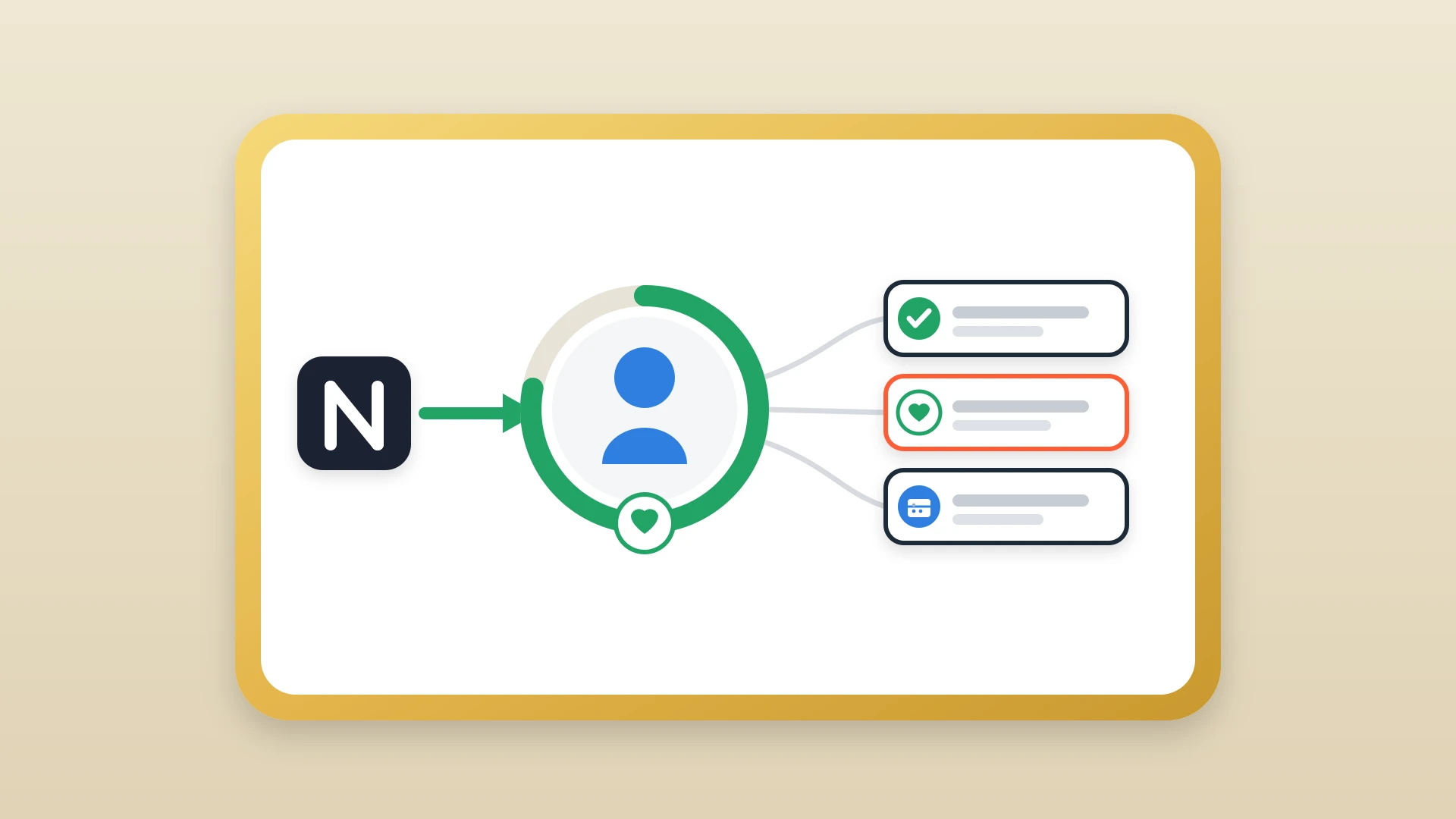
HubSpot holds the structured side: the new business pipeline, active retainers and their renewal dates, contact and account records, email logging, and the activity timeline the whole agency can see. This is the layer the team reports from.
Notion is where the account team thinks. HubSpot is where the agency reports. The link between them is what keeps the qualitative work from disappearing.
The bridge between the two is the part most agencies miss. An account manager writes a detailed client review summary in Notion. The new business lead, prepping for an expansion conversation a quarter later, opens the HubSpot record and sees nothing. The thinking happened in Notion, the conversation gets made in HubSpot, and without a sync layer, the context dies in between.
Notion plus HubSpot with a sync
- Strategy and politics written where the team actually writes
- Pipeline and renewals tracked where the team reports
- Context survives the long handoff to account management
- The activity timeline reflects the qualitative work, not just the structured fields
Forcing one tool to do both
- Qualitative notes nobody reads jammed into a CRM field
- Or a parallel Notion workspace the CRM never sees
- New business reopens a record and finds nothing
- The renewal owner inherits a blank timeline
Sync Your Agency's Notion Notes to HubSpot in One Click
NoteLinker pushes meeting notes and account strategy from Notion onto the matching HubSpot contact and deal timelines, so account managers and new business teams see the same context.
How to actually make the choice
A short framework that holds up.
- 1
Solo or two-person shop
If your new business is mostly warm relationships, start with Folk or HubSpot free. The decision is mostly aesthetic at that size; either tool can carry you to the next stage.
- 2
Boutique agency of three to ten
With a defined new business function and a small account team, default to HubSpot free. Add the Notion sales workspace setup for the qualitative side from day one rather than waiting until the account team complains.
- 3
Mid-size agency with separate functions
Run HubSpot Sales Hub Professional (or higher) and treat the CRM as the system of record. Set up custom properties for retainer value, contract dates, and renewal dates before the first retainer signs. Use Notion alongside it for account strategy and connect the two so the HubSpot timeline reflects the qualitative work. The two-minute Notion to HubSpot sync guide covers the bridge end to end.
- 4
Evaluating Salesforce
Ask whether the requirements driving the conversation are real (enterprise procurement, custom integrations, dedicated admin function) or aspirational. Most agencies that switch to Salesforce on aspiration regret it. Most that switch on real requirements barely notice.
The best CRM for an agency is not the one with the most features. It is the one your team will keep updated when the pitch deadline is tomorrow and the renewal is in 90 days. For most agencies, that is HubSpot for structure, Notion for thinking, and a sync layer between them that makes the qualitative work visible to the people who need it. The teams that get this right do not pick one tool. They pick the right job for each.