The best client notes app is the one whose notes reach the place where the rest of your client context lives: the CRM record with the emails, the deal stage, and the account history. Here are seven client notes apps compared on that, followed by the gap almost all of them share and how to close it.
In this article
1.
2.
3.
4.
5.
6.
7.
8.
The 7 Best Client Notes Apps in 2026
Here is how the main options line up. The CRM connection column is the one most roundups skip, and it is the one that matters most for a client-facing team.
| App | Best for | CRM connection | Starting price | Main weakness |
|---|---|---|---|---|
| Notion | Teams that write in docs | Via a sync tool (NoteLinker to HubSpot) | Free, paid from ~$10/user | Notes stay siloed from the CRM |
| HubSpot notes | CRM-first teams | Native (it is the CRM) | Free | Cramped writing surface |
| Evernote | Fast personal capture and search | None | Free, paid from ~$11/mo | Aging, no real client structure |
| Microsoft OneNote | Microsoft-based shops | None | Free with Microsoft account | Gets disorganized at scale |
| Obsidian | Solo power users | None | Free for personal use | No collaboration, local-first |
| HoneyBook / Dubsado | Freelancers and creative agencies | Built-in client management | From ~$19/mo | Opinionated and heavier |
| Apple Notes / Google Keep | Quick free capture | None | Free | Not built for client work |
1. Notion
The most flexible client notes app on this list, and the one most consultants and agencies reach for first. You can build a client database, link a notes page to each client, template your call summaries, and keep research next to deliverables in the same workspace.
Where Notion wins
- Best-in-class writing and structure
- A real client database, not just a note pile
- Templates keep every call summary consistent
- Free tier is genuinely usable
Where Notion falls short
- No native CRM connection, so notes stay in Notion
- No email logging or activity timeline
- Reporting breaks when someone renames a property
- On its own, it leaves the CRM record empty
Notion's only real weakness for a client-facing team is the last point in that list: the notes live in Notion, disconnected from the CRM where deals and contacts are tracked. That is a solvable problem. For the full picture of running clients in Notion, see Notion client management and our complete Notion CRM guide.
2. HubSpot Notes
The only option here where the note is already attached to a client record. When you write a note on a HubSpot contact or deal, it lands on that record's timeline next to the emails, calls, and meetings. Nothing to sync, nothing to lose.
Where HubSpot notes win
- Note lives on the client record by default
- Free with HubSpot's free CRM
- Sits next to email and deal history
- Nothing to connect or maintain
Where HubSpot notes fall short
- Cramped editor, not built for long-form writing
- Weak organization for research or account plans
- No templating worth the name
- People avoid it, so notes go unwritten
HubSpot notes are the right home for a note once it exists, but a poor place to write it. That is exactly why teams keep reaching for a better writing surface and then struggle to get those notes back into HubSpot. For the mechanics, see HubSpot notes: a simple guide and HubSpot deal notes.
3. Evernote
The classic. Evernote is still one of the fastest capture-and-search tools out there, with a web clipper, strong search, and notebooks you can dedicate to clients. For a solo consultant who lives in their inbox and needs to find a note from two years ago in seconds, it holds up.
Strong points
Excellent search, mature web clipper, cross-platform, dependable capture.
Where it struggles
No client database to speak of, no CRM connection, and a product that has felt in maintenance mode for years. You can force a client structure with notebooks and tags, but it fights you.
4. Microsoft OneNote
Free with any Microsoft account and genuinely good at freeform capture. For teams already living in Outlook, Teams, and the rest of Microsoft 365, OneNote is the path of least resistance, and the notebook-section-page hierarchy maps reasonably onto a per-client structure.
Strong points
Free, deep Microsoft integration, flexible canvas, good for handwriting and mixed media.
Where it struggles
It gets messy fast at scale, has no client-record concept, and no route onto a CRM timeline. Great for one person's capture, weak as a shared client system.
5. Obsidian
The power-user pick. Obsidian stores notes as local markdown files and links them into a graph, which appeals to consultants who want to own their data and think in connections. With community plugins you can build a surprisingly capable client notes setup.
Strong points
Local-first and private, fast, endlessly extensible, no vendor lock-in.
Where it struggles
Built for a single writer, not a team. Collaboration is bolted on, and there is no native way to get a note onto a shared CRM record. A tinkerer's tool, not a team's system.
6. HoneyBook and Dubsado
The client management suites. These are aimed at freelancers and creative agencies, and they bundle client notes with contracts, invoicing, and scheduling. If you want one tool for the whole client relationship and your business model fits their mold, they are worth a look.
Strong points
Notes live alongside contracts, payments, and workflows. Purpose-built for client-facing solo and small teams.
Where it struggles
Opinionated and heavier than a notes app, priced as a full platform, and US-centric. If you already run a real CRM like HubSpot, these overlap awkwardly with it.
7. Apple Notes and Google Keep
The free quick-capture defaults already on your phone. For jotting down a thought right after a call, nothing is faster. Plenty of solo operators run their entire early client-notes practice out of Apple Notes and never think about it.
Strong points
Free, instant, always available, zero setup.
Where it struggles
No client structure, no team sharing that makes sense for business, no search worth relying on at scale, and no CRM connection. Fine until you have more than a handful of active clients.
What a Client Notes App Actually Needs to Do
A client notes app for a consultant, agency, or sales team has to do four things well.
Capture fast, with structure
A note you have to fight the tool to write is a note you stop writing by week three. The app needs to make capturing a call summary or a piece of research nearly frictionless, while still letting you organize by client rather than by date.
Link a note to a client
A wall of undated notes is not a client notes system. The app has to associate each note with a specific client, so you can pull up everything you know about an account in one place before a call.
Hold qualitative context, not just fields
The off-hand comment that turned out to be the real brief, the internal politics, the stated goal versus the actual goal. This is the context that a CRM's structured fields cannot hold, and it is the reason a separate notes app exists at all.
Reach the CRM
This is the one everyone forgets. If the notes never make it onto the client's CRM record, your team still opens HubSpot to a record with no story on it. The best client notes app is the one whose notes are visible where your team already works.
A beautiful notes app whose notes never reach the CRM is how you end up with a CRM that looks half-empty and a team that cannot reconstruct an account before a call.
The Gap Almost Every Client Notes App Shares
Six of the seven client notes apps in the comparison table have the same entry in the CRM column: none. Only HubSpot notes keep the note on a client record, and that is the one everyone avoids writing in because the editor is cramped.
This is the real problem behind the "best client notes app" search. It is not that good notes apps do not exist. It is that the best writing surface and the CRM record are two different places, and almost nothing connects them. So the notes pile up in Notion or Evernote, the CRM record stays empty, and the value of both tools quietly leaks away.
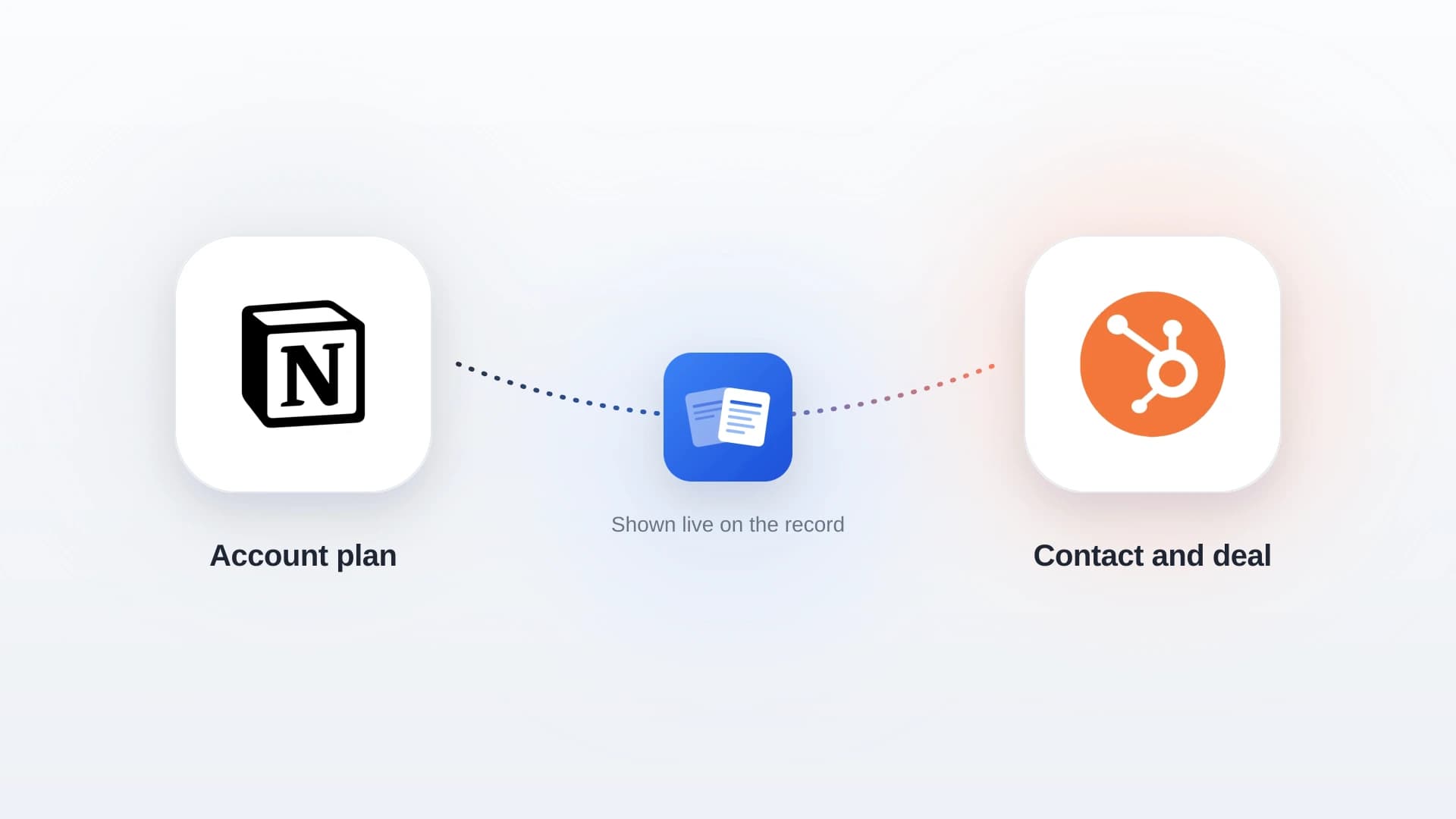
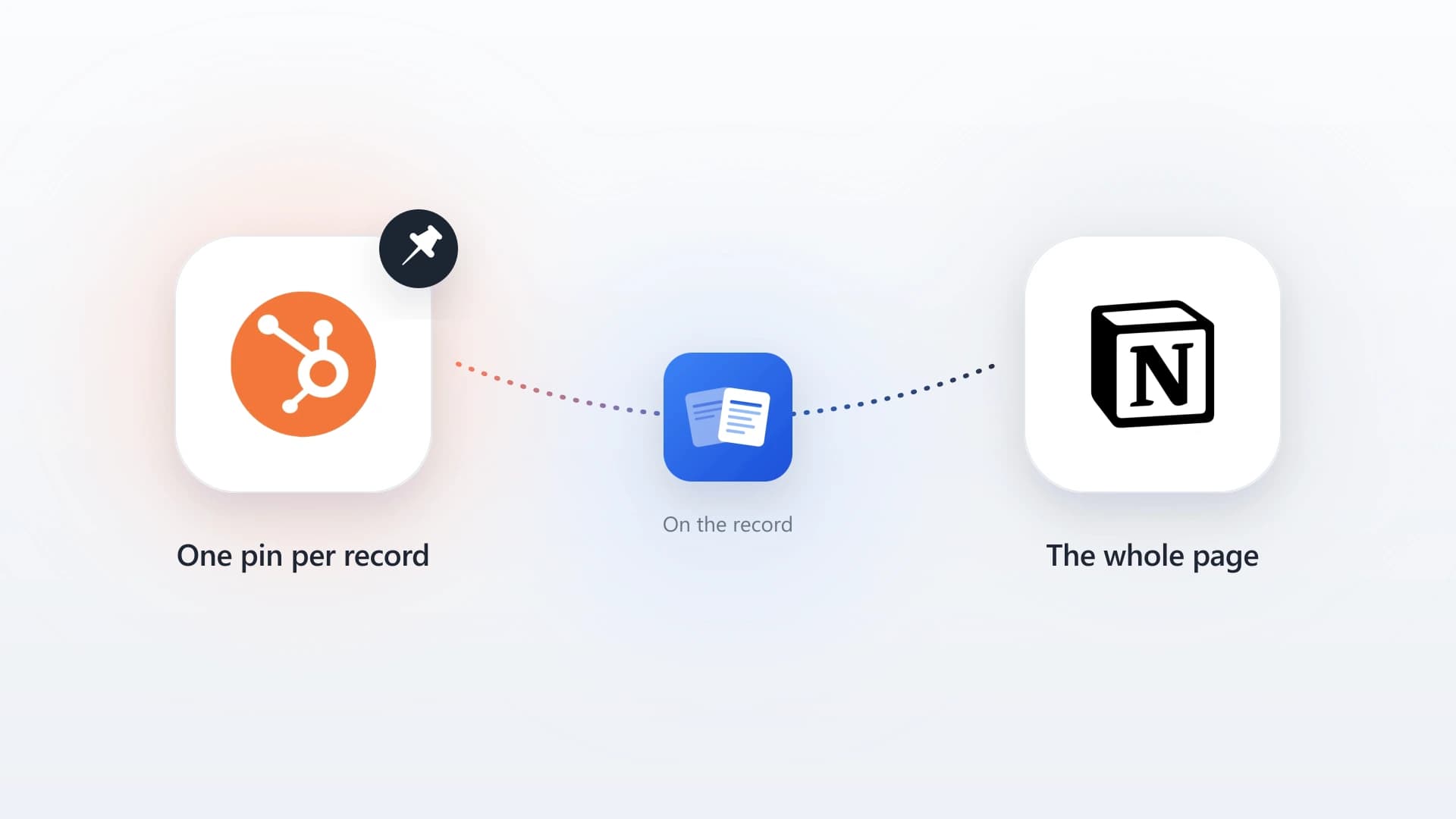
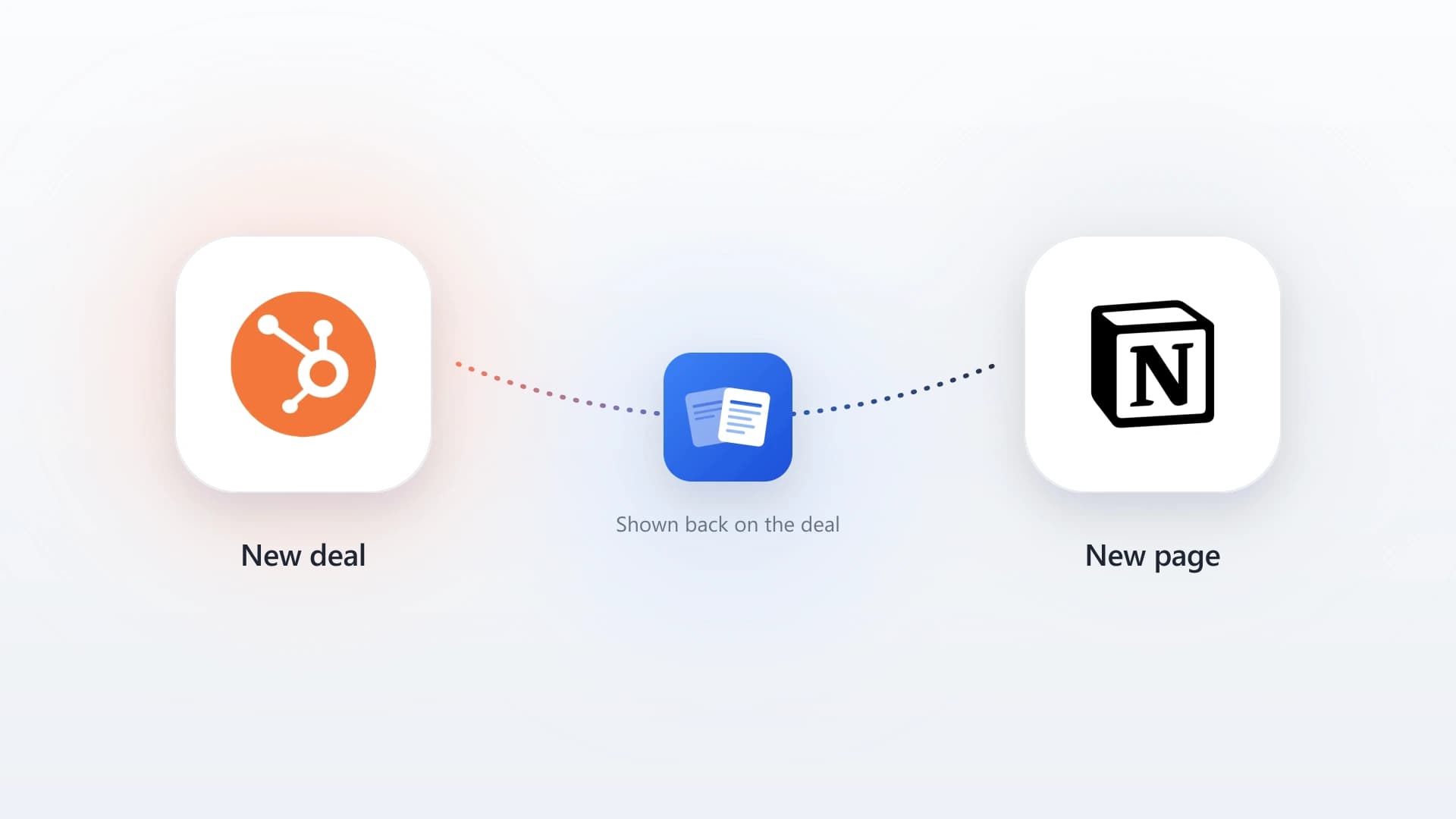
For teams that write in Notion and track clients in HubSpot, this gap has a clean fix. Instead of copying notes across by hand, a purpose-built tool reads your existing Notion client notes and surfaces the matching rows directly inside the HubSpot contact and deal records. You keep writing in Notion; the notes show up in HubSpot on the right record.
The best client notes app is not the one with the best editor. It is the one whose notes end up where your team actually looks.
Keep Writing in Notion. See It in HubSpot.
NoteLinker surfaces your Notion client notes directly inside the HubSpot contact and deal records your team already has open. No copy-paste, no second app.
How to Choose the Right Client Notes App
The right pick depends on where you write today and what your notes need to connect to.
The best writing surface for client work, with the notes surfaced on the CRM record through a sync tool so nothing stays stranded. This is the setup most consultants and agencies land on.
If your client notes are a few lines per interaction and never more, writing them straight onto the HubSpot record is the simplest possible answer.
A single platform for notes, contracts, and invoicing can be worth the lock-in when you do not already run a dedicated CRM.
Perfectly fine for a handful of clients. Plan to graduate to a linked notes-plus-CRM setup once account history starts to matter.
The common thread in the recommended paths is not a specific app. It is that the notes reach the CRM. Any of these tools can capture a note; the ones that make a client-facing team better are the ones where that note does not stay trapped in the app.
Connecting Your Client Notes App to HubSpot
If you land on the Notion-plus-HubSpot setup, connecting the two is short. The point is to stop copying notes by hand and let them appear on the right record automatically.
- 1
Keep your client notes in one Notion database
One database (or one per team) with a consistent template, so each note can be reliably matched to a client. Add a contact email property to the page.
- 2
Connect Notion and HubSpot
Authorize the sync through OAuth. It reads the Notion databases you choose and matches rows to HubSpot records by email or deal name.
- 3
Open a HubSpot record
The matching Notion client notes appear on the contact or deal, right next to the email and deal history, with formatting intact.
- 4
Keep writing where you write
Your team never leaves Notion to log a note, and HubSpot stops looking half-empty. No behavior change, no second app.
For the deeper walkthrough, see how to sync Notion notes to HubSpot automatically and the full Notion HubSpot integration guide.
Free vs Paid Client Notes Apps
You do not have to pay for a client notes app, but the free options make a trade you should see clearly.
Free capture (Apple Notes, Google Keep, OneNote)
Zero cost, instant, and fine until client history starts to matter. The cost is hidden: no client structure, no team visibility, and no route to the CRM.
Free with structure (Notion, HubSpot free CRM)
Notion's free tier gives you a real client database; HubSpot's free CRM keeps notes on the record. Pairing the two free tiers, plus a low-cost sync layer, covers most small teams.
Paid platforms (HoneyBook, Dubsado, Evernote paid)
Worth it when the notes app is doing more than notes, such as contracts and invoicing, or when you need premium capture and search across a large personal archive.
The honest math for most client-facing teams: the app itself is rarely the expensive part. The expensive part is the deals that quietly suffer because the notes never made it onto the record. Whatever you spend, spend it on closing that gap.
Further Reading
Notion client management
How to run client management in Notion and surface it live on the HubSpot record.
Read articleStrategyBest CRM for consultants
Why most consultants pair Notion for notes with HubSpot for the pipeline.
Read articleStrategyBest CRM for agencies
Choosing a CRM that handles new business, account management, and retainers.
Read articleGuidesNotion meeting notes
A CRM-first approach to writing meeting notes that do not get stranded.
Read articleGuidesNotion HubSpot integration
The four ways to connect the two tools, compared on note quality.
Read articleSetupSync Notion notes to HubSpot automatically
The step-by-step setup for getting Notion notes onto the CRM record.
Read article