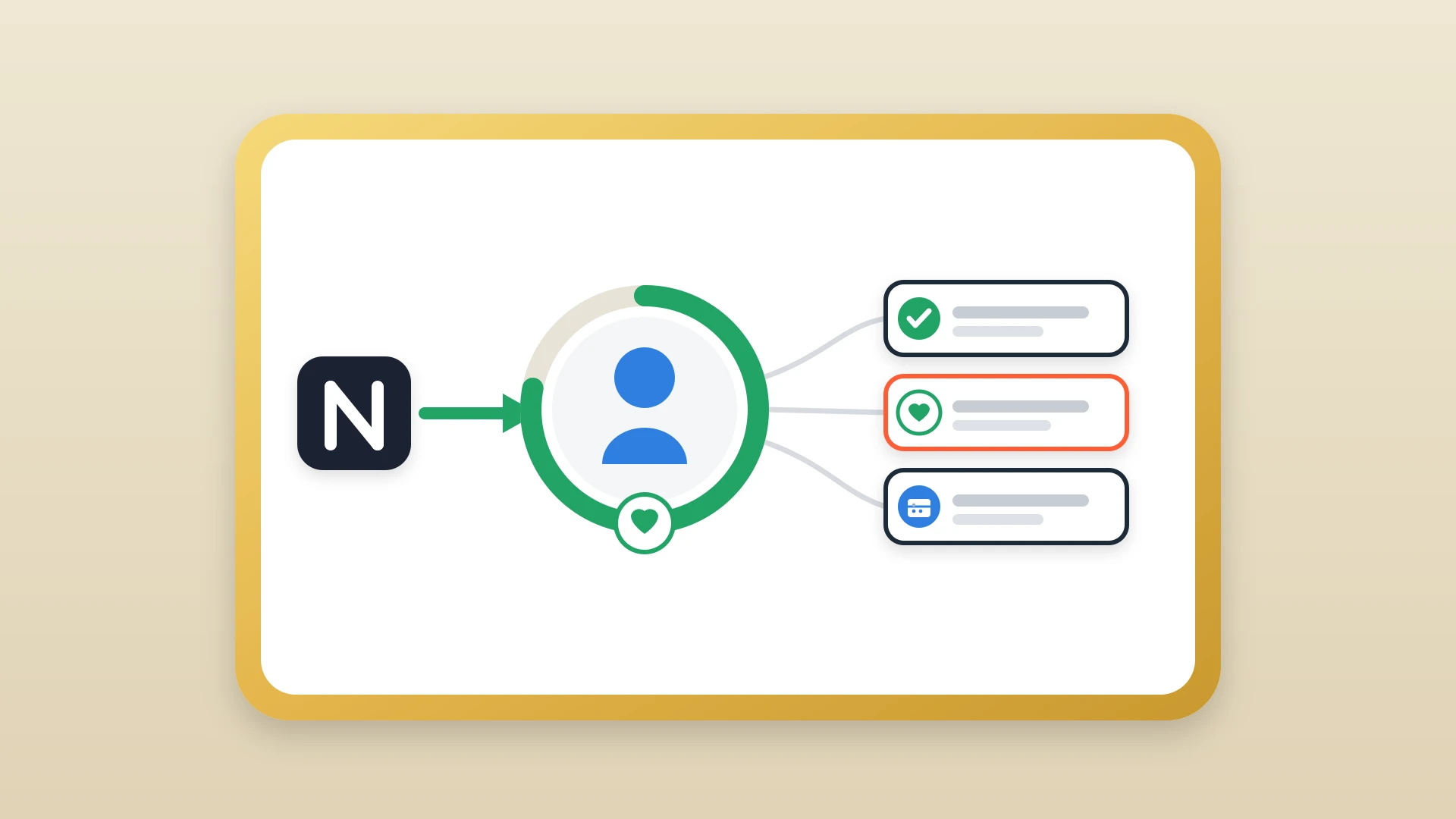
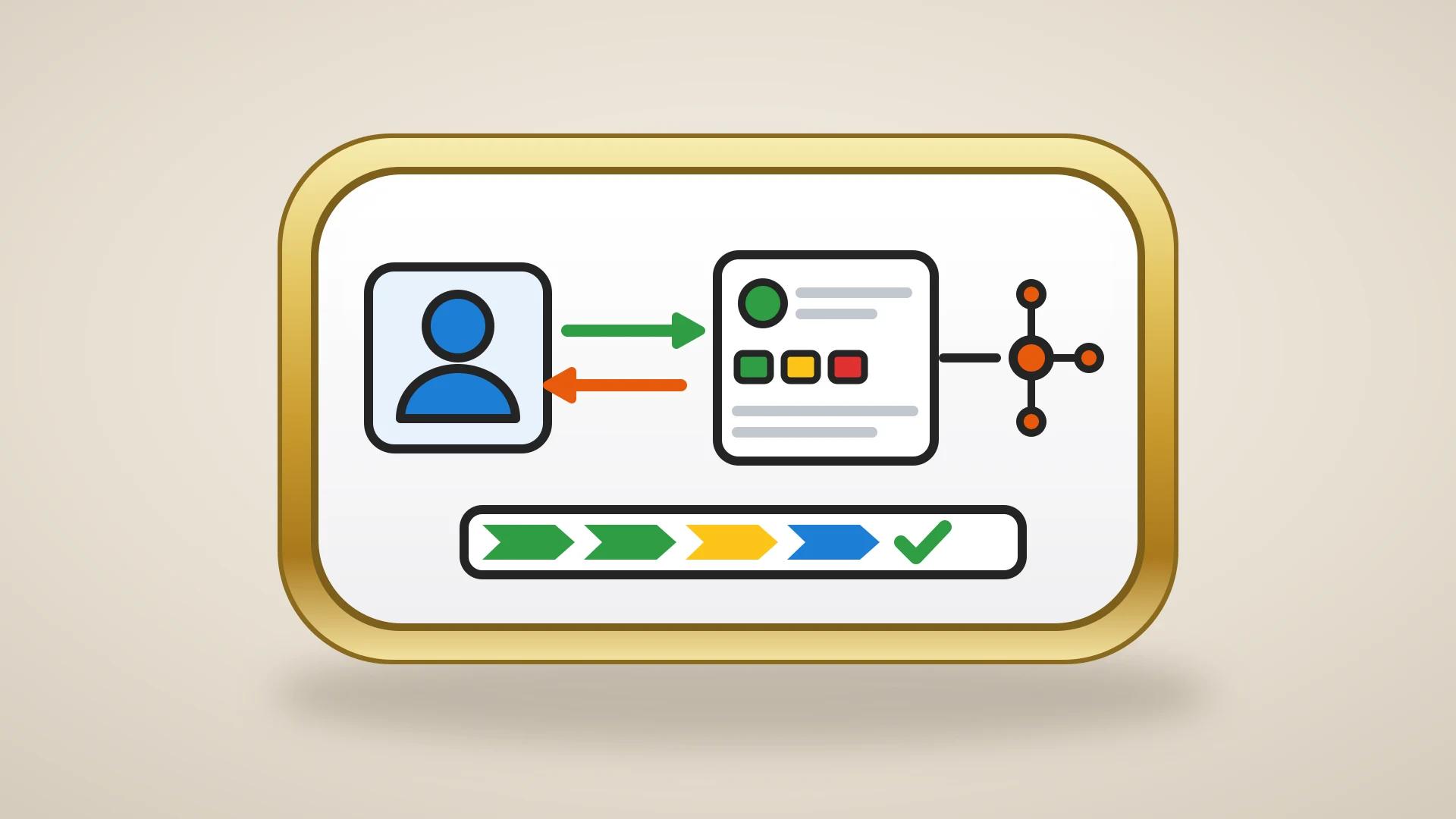
A Notion CRM is not one thing. It is a category of setups that range from "founder tracking ten contacts in a single database" to "fifty-person sales team using Notion as the writing layer for HubSpot."
What a Notion CRM actually is
A Notion CRM is any setup that uses Notion's databases, relations, and views to manage customer or prospect data the way a traditional CRM does. At minimum, that means a database of contacts. A serious version adds linked databases for companies, deals, and activities, plus the relations between them that make Notion behave like a graph instead of a flat list.
The thing that distinguishes a Notion CRM from a "contacts spreadsheet" is structure. A spreadsheet stores rows. A CRM stores entities (people, companies, deals, interactions) and the relationships between them. Notion's Relation property is what makes this distinction real. Without it, you do not have a CRM, you have a list with extra columns.
A spreadsheet stores rows. A CRM stores entities and the relationships between them.
In this article
1.
2.
3.
4.
5.
6.
7.
8.
9.
10.
11.
Whether a Notion CRM is a good idea depends entirely on which kind of setup you have in mind, and what you are trying to do with it. Search "Notion CRM" and you find two camps yelling past each other. One side ships free templates that look gorgeous on Twitter and claim Notion can replace any traditional CRM. The other side dismisses the whole idea, insisting that anything outside of Salesforce or HubSpot is a toy. Both miss the point.
Does Notion have a built-in CRM?
No. There is no "CRM" product inside Notion. You cannot open a menu, toggle on a CRM module, and get contact management, deal stages, and an activity timeline the way you would in HubSpot or Salesforce. What Notion ships is a flexible workspace: pages, and databases you can filter, relate, and view however you like.
That distinction matters more than it sounds.
So the useful question is not "does Notion have a CRM." It is "can I build a CRM in Notion that fits my team, and how far will it take me before it breaks."
There is also no single official first-party Notion CRM the way Notion ships a calendar or a docs product. Notion offers CRM templates in its template gallery, and there are hundreds of free community templates floating around Twitter and Reddit. Those are duplicate-and-adapt starting points, not products with a roadmap. The upside is total flexibility. The downside is that quality, structure, and maintenance are entirely on you. A gorgeous template that crams every property into one database will collapse the first time a company has two contacts.
If you want a starting point that does not collapse, our free Notion CRM template is built on the four-database structure (Contacts, Companies, Deals, Activities) and pre-mapped to HubSpot's schema, so graduating later is an import rather than a rebuild.
Why teams pick Notion as their CRM
Teams pick Notion as their CRM for three legitimate reasons: cost, flexibility, and familiarity.
Cost
HubSpot's free tier is good, but the features most growing teams actually need (sequences, custom reporting, workflow automation) sit on paid plans that scale with contact count. Notion gives you unlimited databases, views, and pages on its free plan. For a founder counting every dollar, that gap is not a rounding error.
Flexibility
A traditional CRM forces your process into its shape. Notion lets you build the exact shape you want, switch between table, board, calendar, and gallery views without filing a ticket with an admin, and change the schema in the middle of a sales cycle when you learn something new. Sales teams that want their CRM to reflect how they actually work, rather than how a software vendor decided sales worked in 2008, find this freeing.
Familiarity
A lot of teams already live in Notion for their wiki, project tracking, and meeting notes. Adding a CRM database keeps everything in one workspace, and onboarding a new hire to a Notion board takes five minutes instead of an afternoon.
These three factors explain why Notion CRMs keep appearing, regardless of whether they are technically the right tool for the job.
Notion CRM vs traditional CRM
A traditional CRM (HubSpot, Salesforce, Pipedrive) ships with structured pipeline stages, automatic email logging via a browser extension or inbox plugin, built-in sequencing, native reporting on pipeline value and conversion rates, and a chronological activity timeline on every contact record. These are the features the rest of your company expects when they look at a CRM, and they exist because the vendor built them on purpose.
A Notion CRM ships with none of that. What it gives you instead is unlimited flexibility on schema and views, free unlimited records, a familiar editing experience, and the ability to hold long-form context (call summaries, account strategy, internal politics) alongside structured fields. Where a traditional CRM forces freeform notes into a tiny rich text field nobody reads, Notion treats the long-form content as the main event.
What a Notion CRM is better at
- Unlimited flexibility on schema and views
- Free unlimited records
- A familiar, fast editing experience
- Holding long-form context as the main event
What a traditional CRM is better at
- Automatic email and activity logging
- Built-in sequences and outbound
- Native pipeline and conversion reporting
- A chronological activity timeline on every record
The trade-off is real and worth stating plainly: Notion is better for thinking, traditional CRMs are better for executing. Teams that try to make Notion handle execution past a certain scale end up frustrated. Teams that try to make HubSpot handle freeform thinking end up with a CRM full of two-sentence notes nobody can read. The interesting question is not which one wins, it is whether you are asking the right tool to do the right job. For a fuller side-by-side, see HubSpot vs Notion.
How to set up a CRM in Notion
If you are building from scratch rather than duplicating a template, start with three linked databases and add a fourth once you have real deal motion.
- 1
Build the Contacts database
Include properties for name, email, phone, role, company (as a relation to your Companies database), deal stage, last contacted date, and a notes field where reps log call summaries, objections, and follow-up items. Add a "Source" select property to track where leads come from: inbound, outbound, referral, event, or partner.
- 2
Build the Companies database
Track company name, industry, headcount range, website, and a relation back to Contacts. Add a formula property that counts the number of linked contacts so you can quickly see account depth.
- 3
Build the Deals database
Include deal name, value, stage (as a select with options like Discovery, Demo, Proposal, Negotiation, Closed Won, Closed Lost), expected close date, and relations to both the Contact and Company databases. A board view grouped by stage gives you a visual pipeline.
- 4
Wire up the relations
When a rep opens a contact, they should see every deal associated with that person and every other contact at the same company. Without these links, your Notion CRM becomes a glorified spreadsheet.
- 5
Add an Activities database
Each entry links to a Contact and includes a date, type (call, email, meeting, demo), and a summary. This is the closest you can get to a CRM activity timeline in Notion, and it is what separates a contact list from a CRM. It also requires manual entry for every single touchpoint, which is the seam that eventually gives way.
The three patterns of Notion CRMs that work
Most useful Notion CRMs fall into one of three buckets. Picking the wrong bucket is where teams get into trouble.
Pattern 1: The solo founder CRM
The solo founder CRM is the simplest version. One person, one Notion workspace, a single database for contacts and a board grouped by stage. Maybe a second database for deals if there is real deal motion, but often the contact-and-stage combination is enough.
This works well for solo founders running outbound to a target list of 20 to 100 people, freelancers tracking ongoing client relationships, and indie hackers doing customer development before they have a real pipeline. The whole CRM lives in a single workspace, takes ten minutes to set up, and costs nothing.
It stops working the moment you cross roughly 20 active deals or add a second person who needs to know what the first person did.
Pattern 2: The lightweight team CRM
The lightweight team CRM is the "real" Notion CRM template that Twitter loves. Four linked databases (Contacts, Companies, Deals, Activities), proper relations, board views grouped by stage, formulas for weighted pipeline and days in stage. This is the structure the free Notion CRM template ships with.
This pattern fits small sales teams of two to five reps, agencies and consultancies managing 20 to 50 active relationships, and post-revenue startups that have not yet committed to a paid CRM. It is genuinely useful, and it can run a small commercial operation cleanly.
Pattern 3: Notion as the writing layer for HubSpot
Notion as the writing layer for HubSpot is the pattern the most effective sales teams actually run, and the one almost nobody talks about. Notion handles the freeform, qualitative side of selling: pre-call research, meeting notes, account strategy, follow-up planning, internal politics, deal narratives. HubSpot handles the structured side: pipeline stages, sequences, email tracking, reporting, and the activity timeline the rest of the company relies on.
The two are not redundant. They serve genuinely different functions, and trying to force one into the other's role creates friction for everyone. This split is the topic of why Notion is the best environment for strategy and HubSpot is the best for execution, which is worth reading if you have not picked a side yet.
Notion is where the thinking happens. HubSpot is where the decisions get recorded. The sync between them is what makes both halves useful.
The catch with this pattern is the bridge. Reps write detailed call summaries in Notion, but the HubSpot timeline shows nothing. A manager opens a deal record to prep for a pipeline review and has no context on the conversation that shaped the opportunity. The thinking happens in Notion, the decisions get made in HubSpot, and without a sync layer, there is a gap between them that breaks everything.
Where a Notion CRM breaks down
A Notion CRM does not fail all at once. It degrades along five predictable seams as deal volume and team size grow, and none of them are features you can template your way into.
Manual data entry
In a dedicated CRM, emails log automatically, calls log through the built-in dialer, and meetings sync from your calendar. In Notion, every single interaction has to be entered by hand. This works at five active deals. At fifty, it becomes a full-time job that reps will quietly stop doing.
No automation or sequences
HubSpot can move a deal forward when a meeting is booked, send a follow-up three days after a demo, flag a stagnant deal, and rotate new leads to the next rep. Notion has no native automation engine. Bolt-on tools like Zapier or Make are fragile, limited in what they can trigger, and add ongoing maintenance.
No pipeline reporting
A manager needs pipeline value, conversion rates by stage, average deal cycle length, and forecast accuracy. In HubSpot these reports exist out of the box. In Notion you would build formula properties, rollups, and manual dashboards that break the moment someone renames a property or adds a stage.
No record ownership at team scale
Two reps sharing a Notion CRM works fine. At five you hit permission issues, conflicting views, and the fact that Notion has no concept of record ownership, territory, or lead routing. Everyone sees everything and nobody knows who owns what.
No activity timeline
In HubSpot, a contact record shows a chronological log of every email, call, meeting, note, and deal change. That timeline is what lets a manager coach, a new rep pick up an account, and a CS team understand the sales cycle. Notion has no equivalent: notes exist as scattered pages with no unified, time-ordered view. Notion also does not connect to your inbox, so it cannot tell you a prospect opened your proposal or that a thread has gone quiet for two weeks.
Notion can hold your CRM data beautifully. It cannot, on its own, do the things a CRM does with that data.
None of this makes Notion bad. It makes Notion a workspace, not a CRM engine.
Is Notion enough, or do you need a real CRM?
Notion alone is enough for a solo founder with fewer than 20 active deals; you need a real CRM once you add a second rep and real outbound. The line is not fuzzy.
| Notion alone is enough when | You need a real CRM when |
|---|---|
| You are a solo founder or freelancer | You have two or more reps sharing a pipeline |
| You track fewer than 20 active deals | Deal volume outgrows manual data entry |
| Every deal has one or two touchpoints | Deals run to many touchpoints across weeks |
| You are not running outbound sequences | You run outbound and need email tracking |
| Nobody asks you for pipeline reports | Leadership expects forecasts and win rates |
If most of your answers sit in the left column, build the Notion CRM and do not overthink it. If they sit on the right, do not try to force Notion to be something it is not.
Signs you have outgrown a Notion CRM
- You are running outbound sequences and need to track open rates, reply rates, and follow-up timing automatically.
- You have more than one rep and need visibility into who is working which accounts.
- Your sales cycle involves more than three touchpoints per deal, making manual activity logging unsustainable.
- You need to report on pipeline metrics to leadership or investors.
- You are handing off closed deals to a customer success team that needs full context on what happened during the sale.
The transition does not have to be all-or-nothing. Most teams move their pipeline and contact records into HubSpot while continuing to use Notion for everything else. The question then becomes how to keep the two connected, which is Pattern 3.
Keep Notion. Add the CRM muscle.
NoteLinker brings your Notion rows and notes onto HubSpot contact and deal records, so you get Notion's flexibility and a real CRM's timeline, reporting, and automation at the same time.
Picking the right Notion CRM pattern for your team
The patterns map to team stage roughly like this.
No formal sales process yet, and no reporting requirement beyond "what am I working on this week." One database and a board grouped by stage is enough. If you start running outbound at scale or hire a second person, plan the move within the next quarter.
20 to 50 active deals, no outbound sequences, and reporting needs that stop at "what is in the pipeline right now." Build the four-database structure. Watch for the five Pattern 2 limits (manual logging, no automation, weak reporting, no ownership, no timeline); any two showing up at once is the signal to move to Pattern 3.
More than three touchpoints per deal, pipeline metrics going to leadership, or closed-deal handoffs to a success team that needs full context. Notion for thinking, HubSpot for execution, a sync layer between them. The two-minute Notion to HubSpot sync guide covers the setup end to end.
The two failure modes are running Pattern 1 when you should be on Pattern 2 (the founder CRM collapses under team handoff) and running Pattern 2 when you should be on Pattern 3 (the lightweight team CRM collapses under outbound volume and reporting demands).
What people get wrong about Notion CRMs
Four mistakes keep showing up in the wild.
Cramming everything into one database
Public Notion CRM templates love a single mega-database with every conceivable property. The first relation you add (a contact to a company) makes this pattern fall apart. Use linked databases from day one.
Skipping the Activities database
Without a dedicated database for individual interactions (calls, emails, meetings, notes), every interaction lives as a paragraph inside a contact page with no way to filter, sort, or report across them. The Activities database is what separates a contact list from a CRM.
Adding thirty properties per record
A CRM with thirty properties is a CRM nobody updates. Keep each database to under ten properties, push everything else into Activities or the page body.
Treating Notion and HubSpot as competing tools
They are not. They serve different functions. The teams that get this right run both, with the sync layer doing the work of keeping them aligned. If you want to see what that looks like on a record, here is Notion inside a HubSpot record.
For a deeper look at the Notion-as-writing-layer pattern, the Notion sales workspace setup guide walks through the database structure most reps actually need.
The teams that end up unhappy with their Notion CRM are almost always the ones that picked the wrong pattern, not the ones that picked the wrong tool. Notion can hold the writing side of selling indefinitely. It just cannot hold the structured side past a certain scale. Knowing which side you are asking it to handle is the whole game.