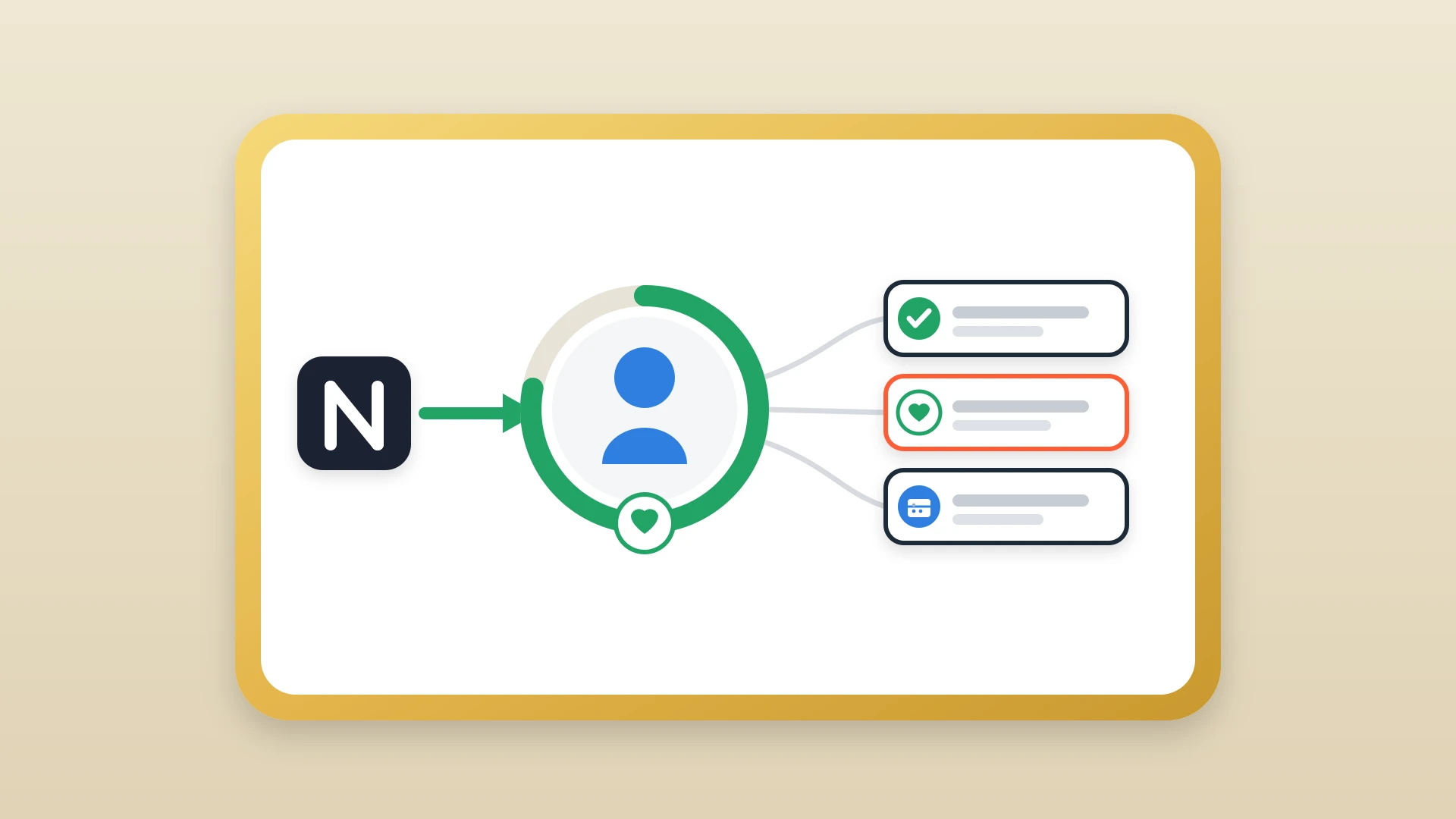
Every sales rep knows the ritual. You finish a discovery call, flip back to your Notion doc, and spend the next five minutes copying your notes into HubSpot. It feels like a minor inconvenience, a small tax on your day. But when you add it up across a team, across a quarter, the cost is far larger than anyone bothers to calculate.
This post is about that cost. Not the philosophical cost of working in two tools, but the real, measurable damage that copy-paste workflows do to your team, your data, and ultimately your revenue.
In this article
1.
2.
3.
4.
5.
6.
7.
8.
Copy-pasting notes might feel like it takes two minutes per deal, but that math changes fast.
1. The Time You Think You're Saving Is Time You're Losing
Salesforce's 2024 State of Sales Report found that reps spend roughly 70 percent of their week on non-selling tasks, with manual data entry and CRM upkeep among the biggest offenders. The average sales rep spends somewhere between 15 and 30 minutes per day on administrative tasks that exist only because their tools don't talk to each other. Copy-pasting notes might feel like it takes two minutes per deal, but that math changes fast. A rep managing 20 active contacts who syncs notes manually after every touchpoint can easily spend an hour a day doing nothing except moving text from one window to another.
That hour compounds. Over a 250-day work year, it adds up to more than six full weeks of selling time lost to a task a machine should handle. For a team of ten reps, that number becomes 60 weeks. It is not a minor tax. It is a structural drag on capacity that most sales leaders never see because it never shows up as a line item.
2. What Gets Lost in Translation
Manual copying isn't just slow. It's lossy. When a rep copies notes under time pressure, they summarize. They abbreviate. They leave out the aside the prospect made about their budget cycle, or the name of the internal champion who hasn't been looped in yet. Those details feel minor in the moment, but they're exactly the kind of context that turns a generic follow-up into a targeted one.
Notion notes are usually written in the flow of a conversation, structured the way a human thinks. A HubSpot timeline entry written under time pressure looks different. Shorter. Flatter. By the time a manager reviews it, or a teammate inherits the deal, the signal has already degraded. The original note in Notion still has the full picture, but almost nobody goes back to read it.
The budget aside
The offhand comment about a budget cycle that tells you exactly when to push, dropped because it felt minor while summarizing.
The internal champion
The name of the person inside the account pushing for the deal, left out because the rep was rushing the paste.
The exact phrasing
The specific words a prospect used to describe their pain, flattened into a generic line that no longer sounds like them.
3. The Delay Problem
Even when reps do copy their notes faithfully, they rarely do it immediately. There's a call to jump on, a Slack message to answer, a proposal to finish. Notes get batched, which means HubSpot is almost always running behind Notion. For anyone trying to understand the current state of a deal by looking at the CRM, the picture they get is already stale.
This delay matters most at handoffs. When a deal moves from an SDR to an AE, or from an AE to a customer success manager, the receiving party checks HubSpot first. If the most recent note was logged two days ago and three conversations have happened since, that rep is walking into a call uninformed. Not because the information doesn't exist, but because it's sitting in someone else's Notion workspace waiting to be manually moved.
4. The Accuracy Problem Nobody Audits
Copy-paste errors are invisible. When a rep types a number wrong, misremembers a timeline, or accidentally attributes a comment to the wrong contact, HubSpot records it faithfully and nobody catches it. Validity's 2022 State of CRM Data Management report found that 44 percent of organizations estimate they lose more than 10 percent of annual revenue to poor CRM data quality, and more than half of CRM admins surveyed rated their own accuracy and completeness below 80 percent. The original note in Notion might be accurate, but the version that lives in your CRM is what gets used for forecasting, for call prep, for handoffs.
There's no audit trail connecting the Notion source to the HubSpot entry. If the data looks plausible, it gets trusted. Over time, small inaccuracies compound into a CRM that sort of reflects reality but can't quite be relied upon. Reps learn to double-check things. Managers learn to take the data with a grain of salt. The CRM becomes a rough approximation rather than the source of truth it's supposed to be.
If the data looks plausible, it gets trusted, even when the original note told a different story.
5. The Behavioral Tax on Your Best Reps
The reps who take the best notes are usually your most thoughtful sellers. They document pain points carefully, track stakeholder dynamics, write down the exact phrases a prospect used. They're also the ones most likely to resist doing double entry, because they understand better than anyone that the time spent on admin is time not spent selling.
When your workflow requires manual syncing, you're implicitly taxing your most valuable behavior. The reps who cut corners on documentation aren't the ones suffering, because they weren't writing thorough notes anyway. The reps who do the right thing are the ones penalized with extra work. Over time, this creates pressure to write less in Notion, not more, which degrades the quality of the notes that made those reps effective in the first place.
This is the most insidious cost because it is invisible in dashboards. You cannot measure the notes that were shortened, the details that were left out, or the prep work that was skipped because the rep knew they would have to copy it over later anyway. The behavioral shift happens gradually, and by the time it is visible in deal outcomes, the root cause is hard to trace back to a documentation workflow.
Calculating the Cost for Your Team
The math is straightforward once you run it. Work through it in order and the number stops being abstract.
- 1
Count your active reps
Start with the number of reps on your team who log notes into HubSpot at all. This is your multiplier for everything that follows.
- 2
Estimate daily copy-paste time
Use the average time each rep spends per day on copy-paste documentation, typically 15 to 30 minutes depending on deal volume.
- 3
Multiply by working days per quarter
For a team of ten reps spending 20 minutes a day, that is over 200 hours per quarter, or roughly five full work weeks of selling time redirected to moving text between tabs.
- 4
Add the indirect costs
Factor in the deals that stalled because the CRM was behind, the handoffs that went poorly because the receiving rep had incomplete context, and the forecasts that were wrong because the notes in HubSpot did not reflect what the rep actually knew.
Those indirect costs are harder to quantify but almost always larger than the time cost alone.
6. What a Better Baseline Looks Like
The fix isn't asking reps to be more diligent. Diligence doesn't scale, and adding more process to a workflow that already has too much friction rarely improves behavior. The fix is eliminating the manual step entirely, so that the note written in Notion becomes the note that appears in HubSpot, without anyone having to move it.
When the sync is automatic, reps write more freely because they're not dreading the admin that follows. Managers see current information because there's no delay between the conversation and the record. Handoffs get cleaner because the receiving rep can trust that what's in HubSpot actually reflects what happened.
Automatic sync
- Notes appear in HubSpot the moment they are written in Notion
- The CRM never falls behind the conversation
- Reps write more because there is no admin to dread
- Handoffs run on context the receiving rep can trust
Manual copy-paste
- HubSpot trails Notion by hours or days
- Detail gets lost every time a note is summarized
- Your most thorough writers carry the heaviest tax
- Errors enter silently with no audit trail back to the source
The goal isn't to make copy-pasting easier. It's to make copy-pasting unnecessary.
For a practical walkthrough of how to set this up, see our guide on how to sync Notion notes to HubSpot automatically, or follow the two-minute setup guide to get started right away.
Signs the copy-paste tax is costing you
- HubSpot is routinely a day or more behind the latest conversation.
- Reps walk into handoff calls without the most recent context.
- Your most thorough note-takers have started writing less.
- Managers quietly discount the CRM when forecasting.
Stop paying the copy-paste tax
NoteLinker removes the manual step. Notes written in Notion land on the right HubSpot timeline as native activities, no copy-paste.