Notion is a strong workspace for customer success: onboarding plans, health notes, QBRs, and renewal context are all easier to write there than in a CRM note field. Here is how to structure it, where Notion stops, and how to keep that context visible to the rest of the company that lives in HubSpot.
What a Notion CS workspace should contain
A Notion customer success workspace needs four building blocks: an accounts database, onboarding plans, a health and check-in log, and renewal tracking. Structure these once and every account gets documented the same way.
Accounts database
One row per customer, with the fields that matter for CS: plan, renewal date, primary contact email, health status, and the owning CSM. This is the spine everything else relates to.
Onboarding plans
A template per new customer covering goals, milestones, and the success criteria you agreed on, so onboarding is a documented plan rather than a memory.
Health and check-in log
A running record of every touchpoint and a simple health read, so a dip is visible before it becomes a churn risk. A structured QBR template fits naturally here.
Renewal tracking
Renewal date, expansion signals, risks, and the plan for the conversation, tied to the account so nothing sneaks up on you.
In this article
1.
2.
3.
4.
5.
6.
7.
Customer success runs on context. The onboarding plan, the health check from six weeks ago, the offhand comment about a budget review next quarter: that is the material a good CSM uses to keep an account and grow it. The problem shows up at exactly the wrong moment. Renewal comes around, or the account gets reassigned, and the context is trapped in a CSM's Notion workspace where nobody else can see it.
Why customer success teams reach for Notion
Customer success teams reach for Notion because CS work is writing-heavy in a way sales pipeline management is not. A CSM is drafting onboarding plans, documenting how an account actually uses the product, prepping for QBRs, and keeping a running log of every conversation. Notion fits that shape.
Freeform writing that still has structure
A CRM note field is a flat box. A Notion page is a document with headings, toggles, and embedded checklists, so an account plan reads like a plan, not a wall of text.
Databases and templates keep it consistent
An accounts database with a template per row means every onboarding, health note, and QBR is captured in the same shape, instead of each CSM inventing their own format.
One workspace for the whole account
Relations link an account to its onboarding plan, its QBRs, and its renewal, so opening one row shows the full history in a way scattered CRM notes never do.
None of this is an accident. Notion is a genuinely good workspace, which is the same reason sales teams draft their notes there too, covered in how to set up your Notion workspace for sales teams. For CS, the pull is even stronger because the job is mostly documentation.
Where Notion alone stops working for CS
A Notion-only CS setup fails when the account context needs to be seen by someone who does not live in Notion, and it fails at the highest-stakes moments: renewal, escalation, and handoff.
The context that saves a renewal is worthless if it is locked in one person's Notion workspace when the renewal lands on someone else's plate.
The rest of the company (sales, support, leadership) works in HubSpot. When a support ticket comes in, the rep opening the HubSpot record sees none of the CS history. When an account is reassigned, the new CSM inherits a HubSpot record with no notes and a Notion workspace they may not even know exists. This is the same silo problem sales teams hit, laid out in five signs your sales notes are trapped in Notion silos.
Notion as the CS workspace
- Best-in-class for writing account plans and notes
- Templates keep every account documented the same way
- Relations show the full account history in one place
- CSMs actually enjoy using it, so it gets used
Notion as the only home for CS context
- Invisible to sales and support who work in HubSpot
- No automatic activity log or health reporting
- Context is orphaned when an account is reassigned
- Renewal owner has to go hunting for the history
The setup that lasts: Notion plus HubSpot
The teams that get this right stop framing it as "Notion or a CRM." They run CS work in Notion and let HubSpot be the system of record, then bridge the two so the CS context shows up where the rest of the company already looks.
- 1
Structure your CS workspace in Notion
Build the accounts, onboarding, health, and QBR databases, with an email property on the account or contact rows and a renewal deal name where you track renewals as deals.
- 2
Install NoteLinker from the HubSpot Marketplace
Find NoteLinker in the HubSpot App Marketplace and install it. It uses standard OAuth, so there is no code, API key, or developer build.
- 3
Connect Notion and name your match properties
Grant access to your CS databases only, then tell NoteLinker which Notion property holds the email (for contacts) and which holds the renewal deal name (for deals).
- 4
Open the account's record in HubSpot
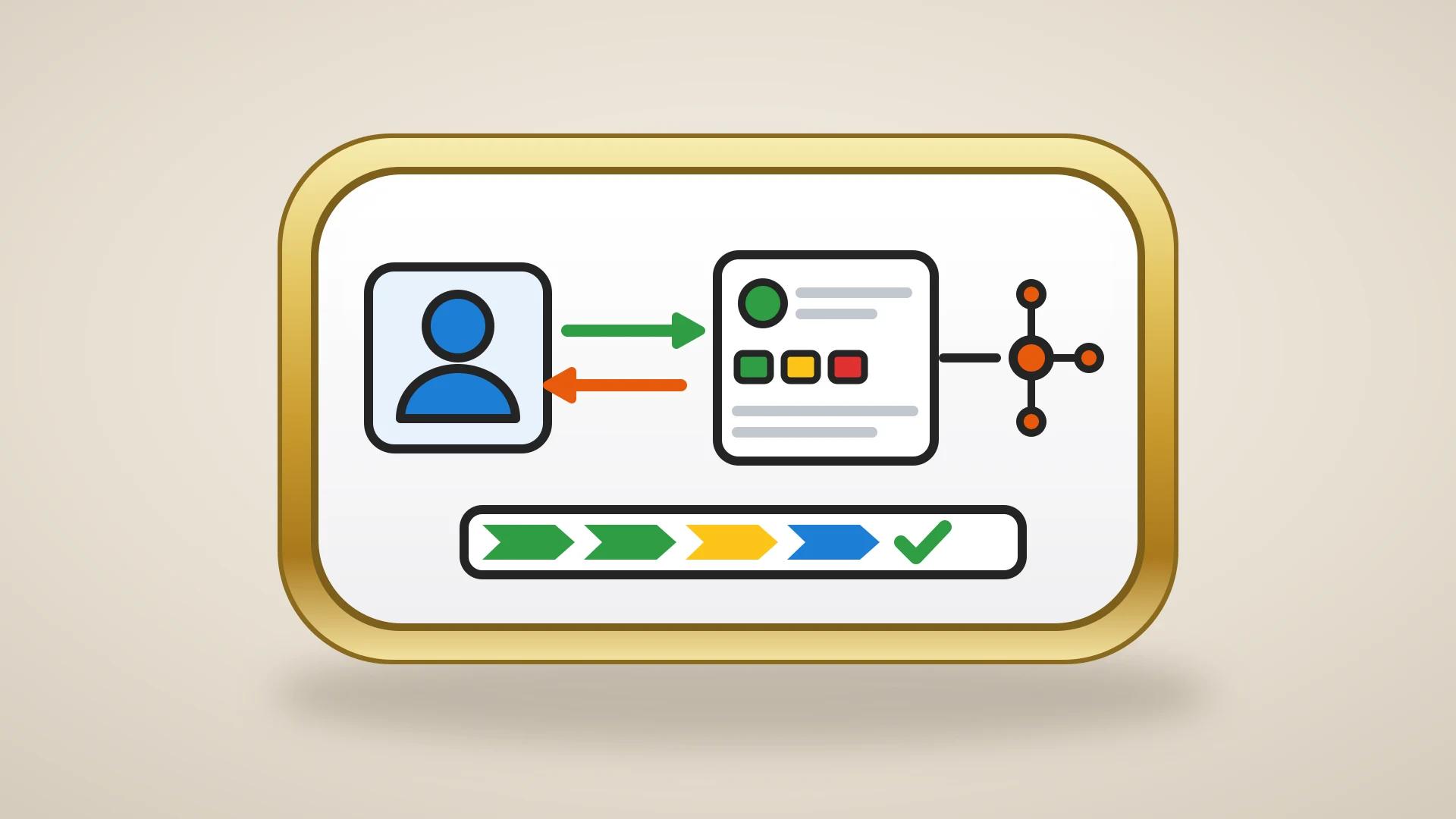
The NoteLinker card renders the matching Notion CS rows on the contact and renewal deal, so onboarding, health, and renewal context sit next to the pipeline. Rows are visible by default, nothing to press.
This is the same architecture we recommend for the whole Notion HubSpot integration: Notion stays the place your team writes, HubSpot stays the shared record, and the notes appear on the record live. To see exactly what that looks like, here is Notion inside a HubSpot record.
Put your CS notes on the HubSpot account record
NoteLinker renders your Notion onboarding plans, health notes, and renewal context live on the matching HubSpot contact and deal. Install it and the whole team sees what the CSM sees.
CS workflows that get better when Notion sits on the record
Bridging Notion and HubSpot is not just tidier. It changes how specific customer success moments play out, because the context is finally where the work happens.
With Notion CS notes on the HubSpot record
- The sales-to-CS handoff carries real context, since the onboarding plan is visible on the record the moment the deal closes.
- A support rep opening the contact sees the account's health history without pinging the CSM.
- The renewal owner reads the QBR notes and risk flags on the renewal deal, not in a workspace they have to go find.
- A reassigned account comes with its full Notion history already on the HubSpot record, so nothing is orphaned.
The handoff case is worth its own read, since it is where most account context gets lost: see the sales to customer success handoff. The through-line is the same. The notes are good; they just need to be where the rest of the team looks.
Notion, a CS platform, or both
The choice between Notion, a CS platform, or both comes down to scale and to what you actually need automated, not to whether Notion is "good enough."
Keep the account plans, health notes, and QBRs in Notion, and surface them on the HubSpot record with NoteLinker. The team writes where it likes and the company sees one shared history.
Fine while everything lives with one person, but plan for the day the context needs to be shared, because that day comes fast.
Worth it at scale, though many teams still keep Notion for the qualitative account notes a purpose-built tool rarely matches.
Notion is one of the best places a customer success team can write and think. It is just not the place the rest of your company looks. Run CS in Notion, keep HubSpot as the record everyone shares, and put the Notion context on that record so the account's history is never one person's private workspace. For the broader case on splitting the two tools by strength, see why Notion is the best environment for strategy and HubSpot is the best for execution.