Here is a QBR template you can fill in before your next customer meeting: the sections every quarterly business review should cover, then a time-boxed agenda. Who to invite and where to build the QBR so your account team can see it follow the template.
What to include in a QBR template
Every strong QBR covers the same core sections. Treat this as the checklist your template has to satisfy, in roughly this order.
Relationship health summary
One slide or block that states where the account stands: green, yellow, or red, and why. It sets the tone before you get into detail.
Goals from last quarter
Restate the goals you agreed on last time. You cannot review progress without them, and pulling them up keeps everyone honest.
Results and ROI delivered
The heart of the meeting. Show what changed against those goals in the customer's own metrics: revenue, hours saved, tickets closed, pipeline created. Numbers, not adjectives.
Wins and challenges
Two or three concrete wins, and an honest look at what did not go well. Naming a challenge before the customer does builds more trust than any win.
Adoption or delivery status
For SaaS, how usage and adoption are trending. For services, the state of the deliverables. This is where you spot a churn risk early.
Next-quarter plan
The goals, initiatives, and dates for the coming quarter, tied back to the customer's stated priorities. This is the other section that earns the meeting.
Risks and open issues
Anything threatening the outcome or the renewal: a champion leaving, a stalled rollout, a budget review. Surface it here rather than discovering it at renewal.
Action items
Every agreed next step with an owner and a date, on both sides. A QBR that ends without owned actions changes nothing.
The QBR agenda template
Here is a time-boxed agenda for a 45 to 60 minute review. Adjust the minutes to fit, but keep results and the next-quarter plan as the two longest blocks.
- 1
Welcome and agenda (5 min)
Confirm who is in the room, restate the purpose, and preview the agenda so the customer knows a planning discussion is coming, not just a recap.
- 2
Goals and health recap (10 min)
Pull up last quarter's goals and the current health status. Keep this tight; it is context for the results, not the main event.
- 3
Results and ROI (15 min)
Walk through what changed against each goal, in the customer's metrics. This is where you make the case that the relationship is paying off.
- 4
Challenges and risks (10 min)
Name what did not work and what threatens next quarter. Invite the customer to add to the list. Honesty here is what makes the good numbers credible.
- 5
Next-quarter plan (10 min)
Present the goals and initiatives for the coming quarter, tied to their priorities, and get agreement in the room.
- 6
Action items and next steps (5 min)
Recap the agreed actions with owners and dates on both sides, and confirm the next QBR date before anyone leaves.
In this article
1.
2.
3.
4.
5.
6.
7.
What a QBR actually is
A quarterly business review is a recurring meeting between your account team and a customer to review results against the goals you set together, surface risks, and agree on a plan for the next quarter. In SaaS it is usually run by customer success. In an agency or consultancy it is the client review that keeps a retainer alive. The name changes; the job does not.
The QBR is where a customer decides whether the relationship is worth keeping. Treat it like the renewal conversation it quietly is.
Who should attend
A QBR is only as valuable as the people in the room. Get the wrong attendees and you have run an expensive status call.
Your account owner or CSM
Runs the meeting and owns the relationship. Prepares the data and drives the next-quarter plan.
An executive sponsor (for strategic accounts)
On larger accounts, a leader from your side signals the relationship matters and can speak to roadmap and commitments the CSM cannot.
The customer's champion
Your day-to-day contact, who can fill in context and advocate internally after the call.
The economic buyer or decision maker
The person who controls the renewal and budget. A QBR without them is a status update; with them, it is a business review.
QBR mistakes to avoid
Four failure modes turn a good template into a wasted hour.
A QBR that renews accounts
- Tied to the customer's goals and metrics
- Results quantified in their numbers
- Decision maker in the room
- Ends with owned action items and a next date
A QBR that wastes an hour
- Turns into a product demo
- Full of activity with no outcomes
- Only the day-to-day contact attends
- No follow-up, so nothing changes
The one that quietly does the most damage is the last: a QBR with no owned next steps. The meeting felt productive, everyone nodded, and a week later nothing has moved because no one wrote down who does what by when. Your sales-to-customer-success handoff has the same failure mode, and the fix is identical: every commitment gets an owner and a date, in writing, where the team can see it.
Where to build and store your QBR
The QBR is not a document you write from scratch each quarter. It is an assembly of things you already track: the account plan, the goals, the meeting notes, the metrics. The question is where that assembly lives, and whether the rest of your revenue team can see it.
Most account teams draft QBRs in Notion, because the account plan, the meeting notes, and the client details are already there. Notion handles the structure cleanly, and building the QBR next to the notes it draws from beats rebuilding a slide deck every quarter. The catch is the same one that hits every Notion-based sales team: HubSpot cannot see any of it, so the account owner reviewing the pipeline in the CRM has no idea the QBR exists.
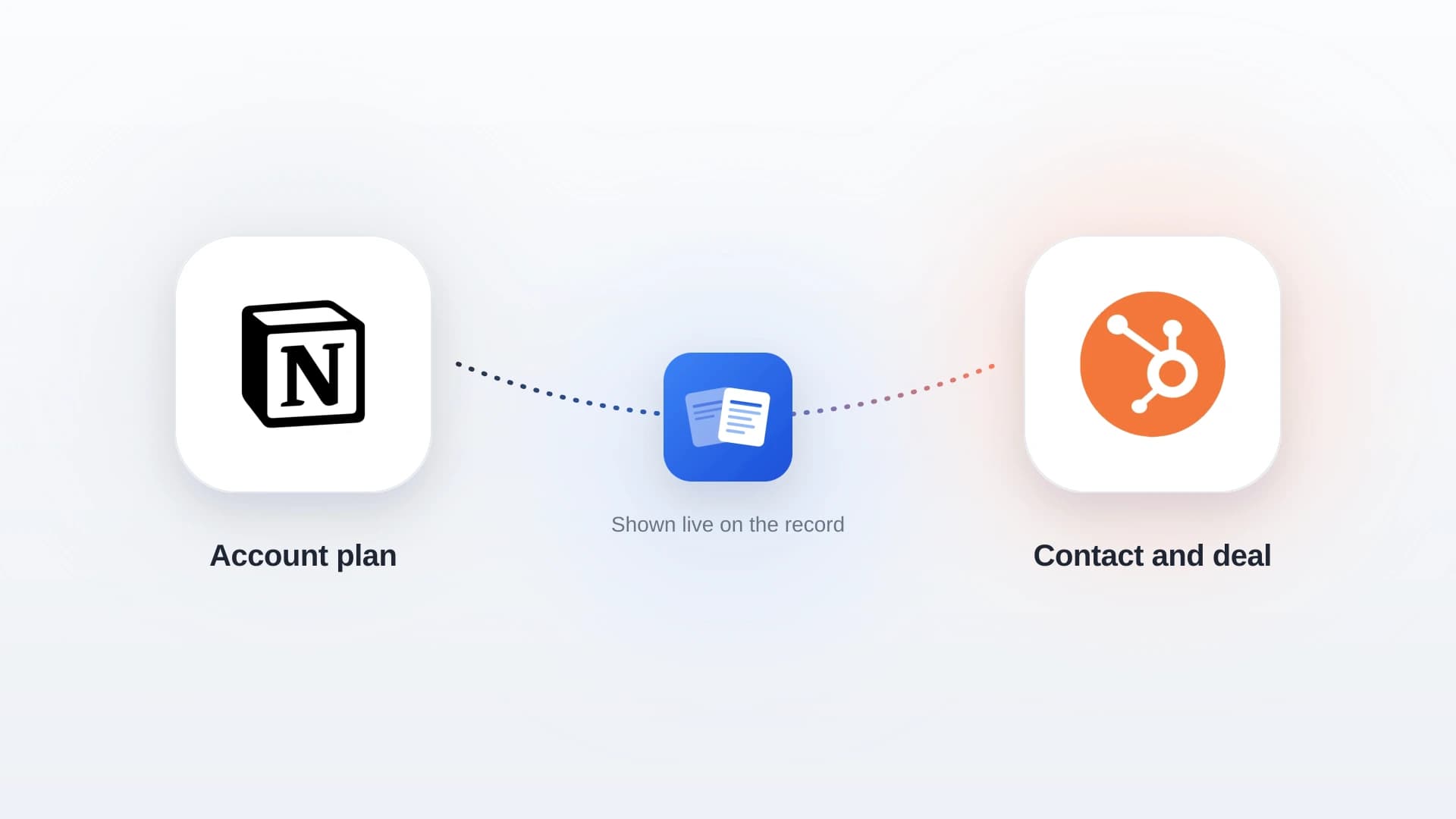
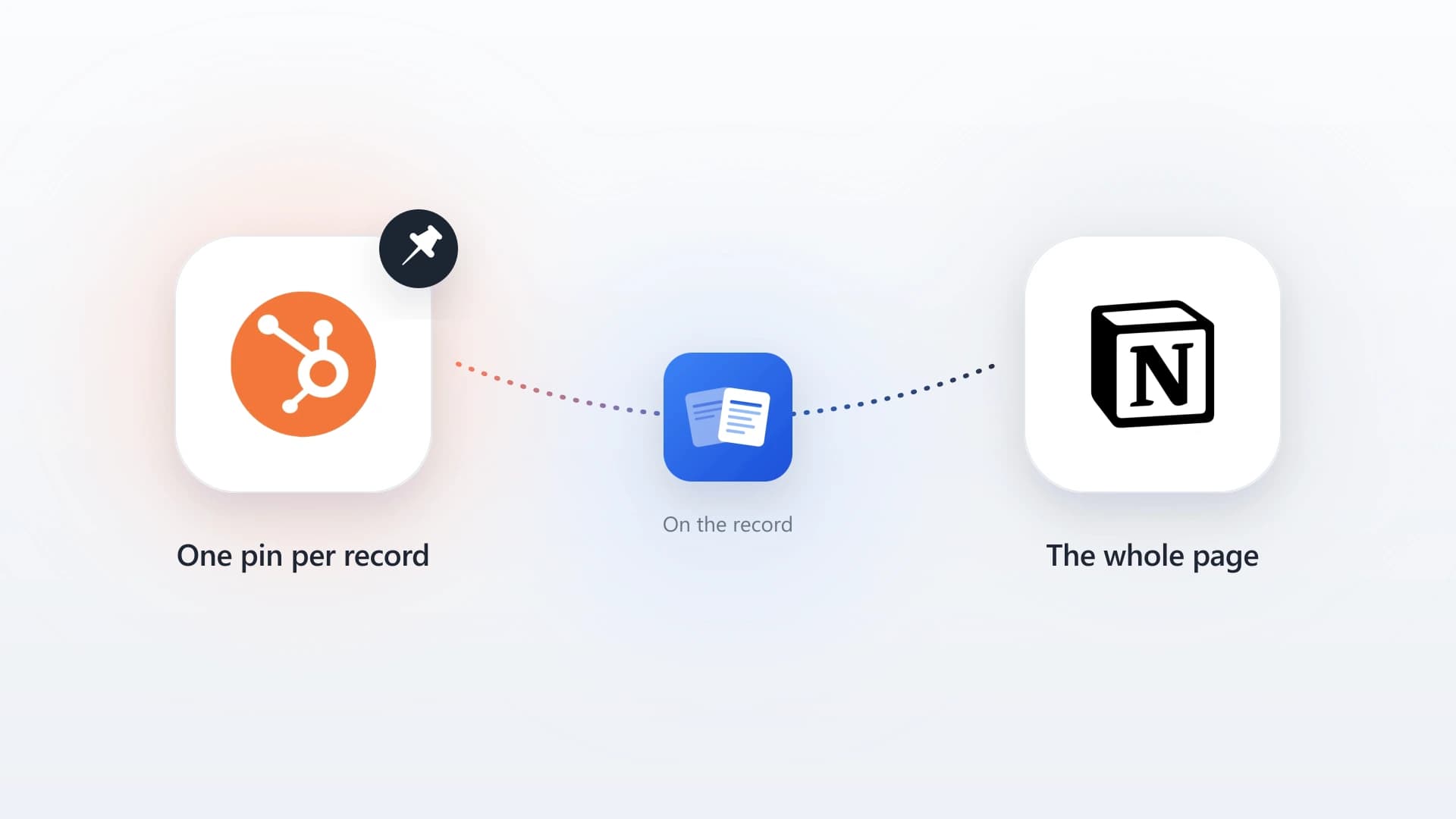
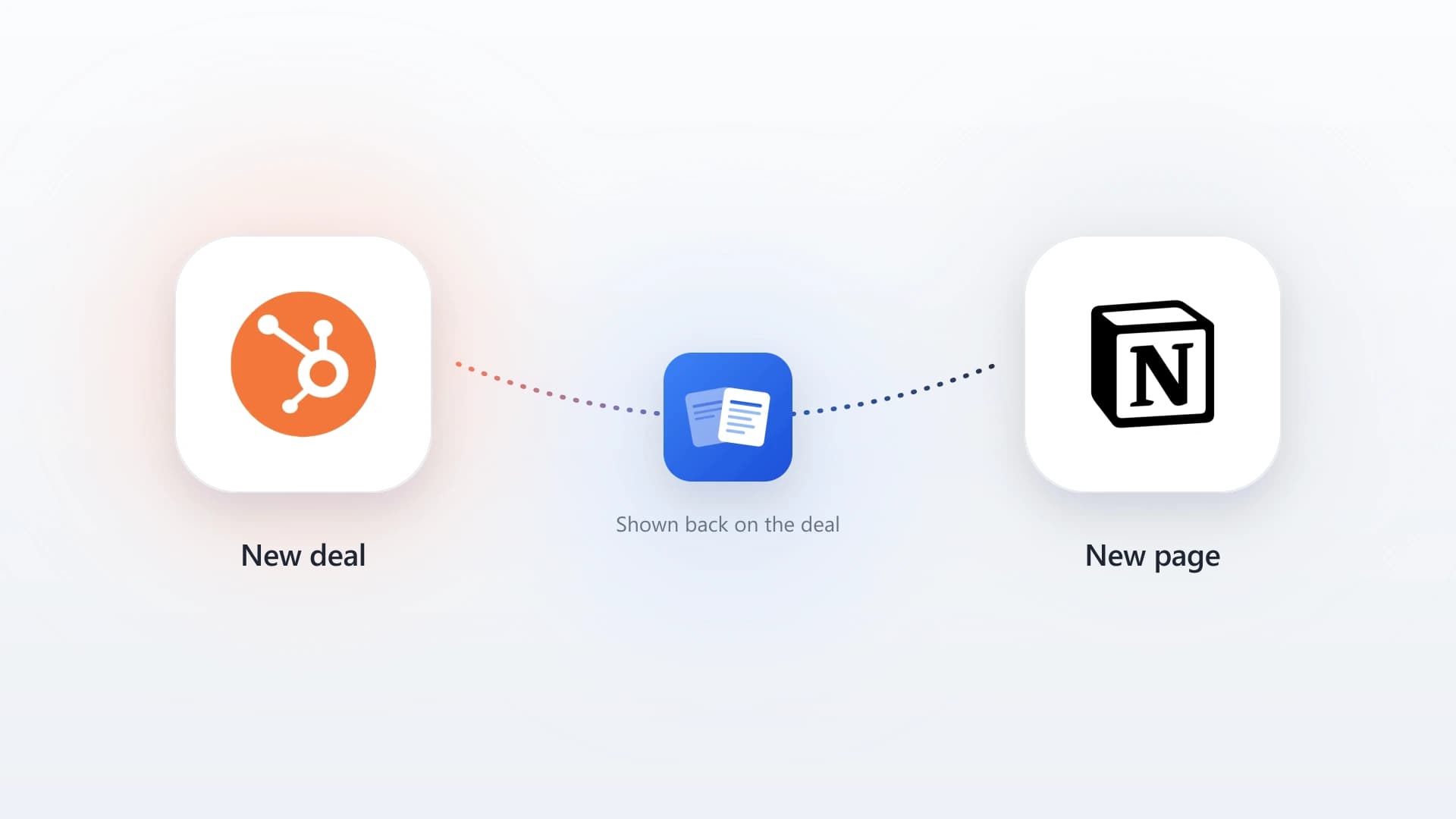
Build the QBR in Notion from the account plan you already keep, then use NoteLinker so the page shows on the matching HubSpot deal and contact. The prep lives where you write, and the record shows it to everyone who opens the account.
Fine for the meeting itself, but the deck lives in a folder disconnected from the CRM, so the next person to touch the account starts from nothing.
Workable for a one-line recap, but the flat note editor makes a full nine-section QBR painful to build and read.
Before your next QBR
- Pull last quarter's goals into the template so progress is measurable.
- Gather the results in the customer's own metrics, not yours.
- Confirm the decision maker, not just your champion, will attend.
- Send the materials ahead so the meeting is a discussion.
- Make sure the QBR is visible on the HubSpot record, not just in Notion.
Put your QBR on the HubSpot record
NoteLinker surfaces the Notion page where you build your QBR and account plan directly on the matching HubSpot deal and contact, so the whole account team sees it without leaving the CRM.