

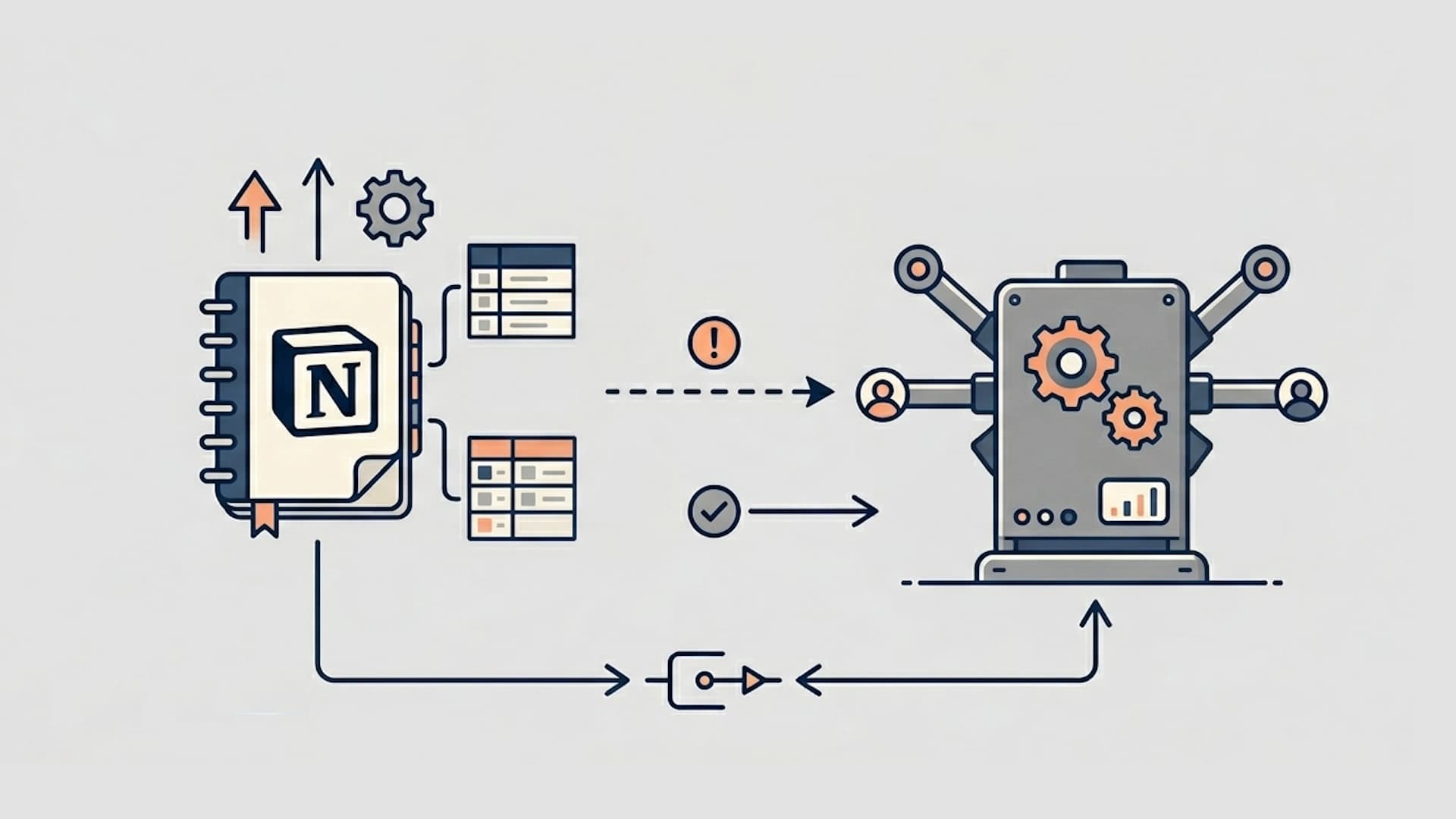
Every few months, a new "Notion CRM template" goes viral on Twitter. Someone shares a slick database with pipeline views, contact cards, and color-coded deal stages, and the replies fill up with people asking for the link. The appeal is obvious. Notion is free, flexible, and already where many teams spend their day. Why pay for a CRM when you can build one yourself?
The honest answer is that Notion works surprisingly well as a CRM up to a point. For a solo founder tracking 10 prospects or a freelancer managing client relationships, a Notion database can handle the job. But the moment you add a second rep, start running outbound sequences, or need to report on pipeline health to your board, the cracks become impossible to ignore. This guide covers how to set up a Notion CRM that actually works, where it falls apart, and what to do when you outgrow it.
In this article
1.
2.
3.
4.
5.
6.
What makes Notion attractive as a CRM
The biggest draw is cost. HubSpot's free tier is generous, but the features most growing teams need, like sequences, custom reporting, and workflow automation, sit behind paid plans that scale with your contact count. Notion, by contrast, gives you unlimited databases, views, and pages on its free plan. For a startup watching every dollar, that difference matters.
Beyond cost, Notion offers a level of flexibility that no traditional CRM can match. You can build a contacts database with exactly the properties you care about, create linked databases for deals and companies, and switch between table, board, calendar, and gallery views without asking an admin to configure anything. Templates let you standardize how your team logs meeting notes and call summaries. And because Notion is already where many teams run their internal wiki, project management, and meeting notes, adding a CRM database keeps everything in a single workspace.
The learning curve is also gentle. Most people already know how to use Notion. Teaching a new hire to log a deal in a Notion board takes five minutes. Teaching them to navigate HubSpot's interface, understand required fields, and follow your team's CRM conventions takes considerably longer.
How to set up a basic CRM in Notion
Start with three linked databases: Contacts, Companies, and Deals.
Contacts should include properties for name, email, phone, role, company (as a relation to your Companies database), deal stage, last contacted date, and a notes field. The notes field is where reps will log call summaries, objections, and follow-up items. Add a "Source" select property to track where leads come from: inbound, outbound, referral, event, or partner.
Companies should track company name, industry, headcount range, website, and a relation back to Contacts. Add a formula property that counts the number of linked contacts so you can quickly see account depth.
Deals should include deal name, value, stage (as a select with options like Discovery, Demo, Proposal, Negotiation, Closed Won, Closed Lost), expected close date, and relations to both the Contact and Company databases. A board view grouped by stage gives you a visual pipeline.
The key to making this work is the relations between databases. When a rep opens a contact, they should be able to see every deal associated with that person and every other contact at the same company. Without these links, your Notion CRM becomes a glorified spreadsheet.
Add a fourth database called Activity Log if you want to track individual interactions. Each entry links to a Contact and includes a date, type (call, email, meeting, demo), and a summary. This is the closest you can get to a CRM activity timeline in Notion, but it requires manual entry for every single touchpoint.
Where Notion as a CRM starts to break down
The first problem is manual data entry. In a dedicated CRM, emails are logged automatically when you send them from the platform or use the browser extension. Calls are logged when you use the built-in dialer. Meetings are logged when they sync from your calendar. In Notion, every single interaction has to be entered by hand. This works when you have five active deals. At fifty, it becomes a full-time job that reps will quietly stop doing.
The second problem is automation. HubSpot can automatically move a deal to the next stage when a meeting is booked, send a follow-up email three days after a demo, notify a manager when a deal has been stagnant for two weeks, and rotate new leads to the next available rep. Notion has no native automation engine. You can bolt on tools like Zapier or Make, but the workflows are fragile, limited in what they can trigger, and add ongoing maintenance overhead.
The third problem is reporting. A sales manager needs to know this week's pipeline value, conversion rates by stage, average deal cycle length, and forecast accuracy. In HubSpot, these reports exist out of the box. In Notion, you would need to build formula properties, rollup fields, and manually maintained dashboards that break the moment someone changes a property name or adds a new deal stage.
The fourth problem is team scaling. When two reps share a Notion CRM, things work fine. When you grow to five, you start running into permission issues, conflicting views, and the fundamental problem that Notion has no concept of record ownership, territory management, or lead routing. Everyone sees everything, and nobody knows who owns what unless you build a manual system to track it.
The fifth and most underestimated problem is the activity timeline. In HubSpot, you open a contact record and see a chronological log of every email, call, meeting, note, and deal change associated with that person. This timeline is what allows a manager to coach effectively, a new rep to pick up an account, and a CS team to understand what happened during the sales cycle. Notion has no equivalent. Notes exist as separate pages or database entries, but there is no unified, time-ordered view of all interactions with a contact.
When you need a real CRM like HubSpot
The tipping point is not a specific team size or revenue number. It is the moment when the manual overhead of maintaining your Notion CRM starts costing more than the CRM subscription would. For most teams, this happens when one or more of the following becomes true:
You are running outbound sequences and need to track open rates, reply rates, and follow-up timing automatically. You have more than one rep and need visibility into who is working which accounts. Your sales cycle involves more than three touchpoints per deal, making manual activity logging unsustainable. You need to report on pipeline metrics to leadership or investors. You are handing off closed deals to a customer success team that needs full context on what happened during the sale.
HubSpot's free CRM covers the basics: contact management, deal tracking, email logging, and a basic pipeline view. The paid tiers add sequences, custom reporting, workflow automation, and the activity timeline features that make HubSpot genuinely powerful for growing sales teams.
The transition does not have to be all-or-nothing. Many teams start by moving their pipeline and contact records into HubSpot while continuing to use Notion for everything else. The question then becomes how to keep the two connected.
Why the best teams use both Notion and HubSpot
Here is the pattern that keeps showing up in the most effective sales organizations.
HubSpot is the system of record for structured data. Notion is where the thinking happens.
Reps use Notion for pre-call research, meeting notes, account strategy, and follow-up planning because it is a better writing environment than any CRM. They use HubSpot for pipeline management, email sequences, activity logging, and reporting because it is purpose-built for those tasks. The two tools serve genuinely different functions, and trying to force one into the other's role creates friction for everyone.
This is not a compromise. It is an intentional architecture. Notion handles qualitative context: the nuances of a conversation, the competitive dynamics at an account, the internal politics that will determine whether a deal closes. HubSpot handles quantitative execution: deal stages, task reminders, sequence enrollment, and the pipeline metrics your VP of Sales reviews every Monday.
The problem teams run into is the gap between the two. A rep writes a detailed discovery call summary in Notion, but the HubSpot timeline shows nothing. A manager opens a deal record to prep for a pipeline review and has no context on the conversations that shaped the opportunity. The thinking happens in Notion, but the decisions get made in HubSpot, and there is no bridge between them.
This is exactly why HubSpot and Notion are the perfect combo when they are properly connected, and exactly why the combination falls apart when they are not.
Sync Your Notion Notes to HubSpot in One Click
NoteLinker bridges the gap between Notion and HubSpot so your sales notes land on the right contact and deal timelines automatically.
How to bridge Notion and HubSpot without losing your workflow
The core challenge is that Notion and HubSpot do not have a native two-way integration for notes. HubSpot's built-in Notion connection is limited to embedding pages and syncing database properties. It does not push the content of a Notion page into HubSpot's activity timeline, which is where your team actually looks for deal context.
General automation tools like Zapier and Make can move data between the two platforms, but they struggle with rich Notion content. Notion's API returns content as individual blocks (paragraphs, headings, bullet lists), and stitching those back into readable formatted text inside a HubSpot note requires custom logic that breaks whenever Notion updates its block types. Teams that go this route spend more time maintaining the automation than they save by using it.
Purpose-built tools like NoteLinker handle this translation layer natively. You write your notes in Notion the way you always have, click sync, and the formatted note appears on the correct HubSpot contact or deal timeline. The sync preserves bullet points, headings, and bold text so your notes are readable in HubSpot without manual cleanup.
The practical outcome is that reps keep writing in Notion, managers get full context in HubSpot, and nobody has to change their workflow. For a step-by-step walkthrough of connecting the two, see our guide to syncing Notion notes to HubSpot automatically or the two-minute quick start.
The teams that get this right do not treat Notion and HubSpot as competing tools. They treat them as two halves of a system: one for thinking, one for executing, and a sync layer that ensures nothing falls through the gap.
Get HubSpot and Notion tips delivered straight to your inbox
We'll email you 1-3 times per week, and never share your information.