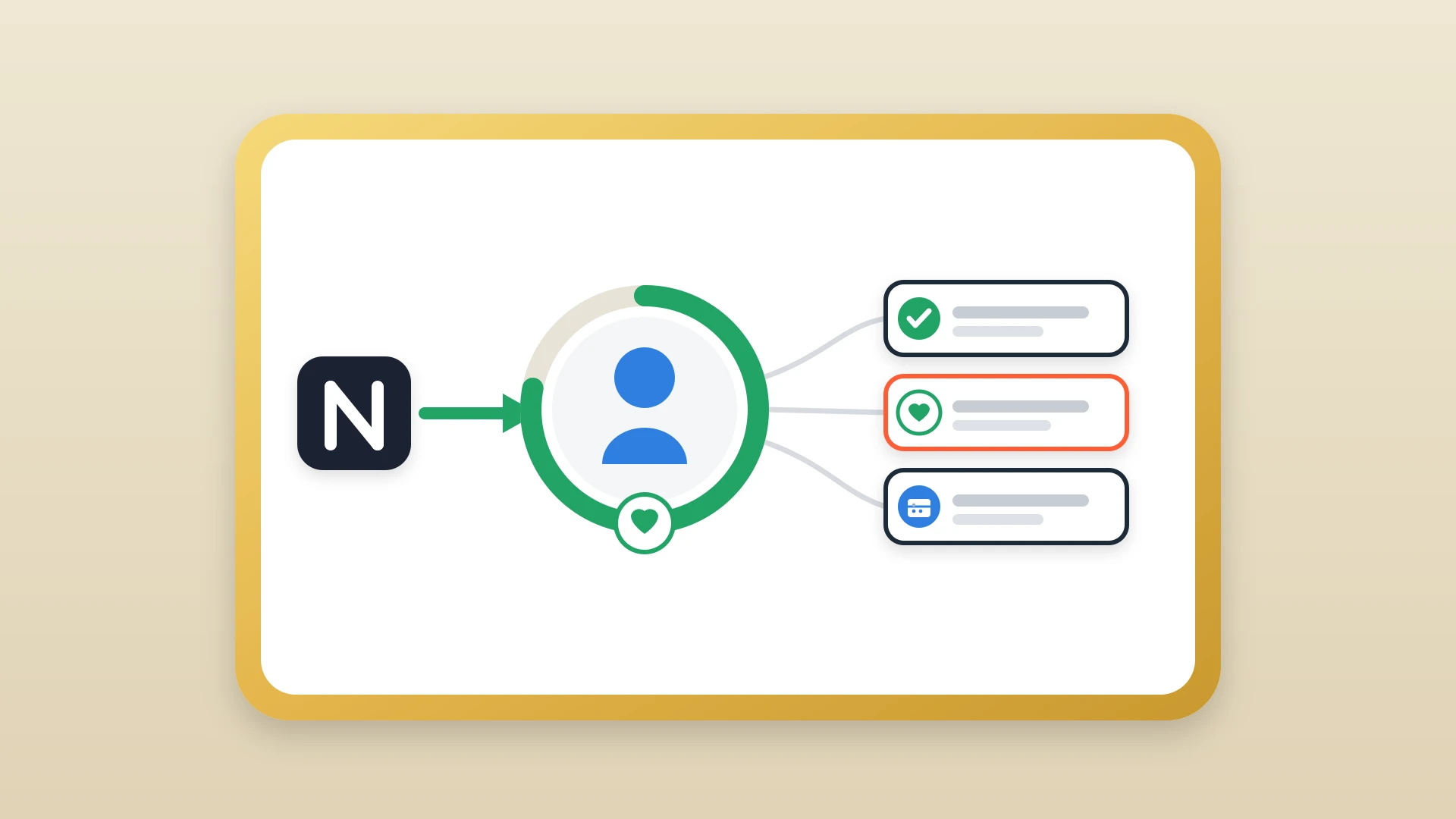
To get sales reps to actually update HubSpot, remove the friction that makes updating it feel like a chore; more reminders and stricter policies do not work. Here are seven tactical changes that actually move the needle on CRM adoption:
- Audit your required fields and kill the ones that do not drive a decision this quarter.
- Make the CRM useful to the rep, not just the manager.
- Let reps write where they already think, such as Notion.
- Ban the copy-paste between tools before it dies on its own.
- Automate the sync so updates happen without extra steps.
- Build a feedback loop that reinforces the habit.
- Measure adoption with notes per deal, time to log, and note coverage.
In this article
1.
2.
3.
4.
5.
6.
7.
8.
9.
Why reps skip HubSpot (it is not what you think)
Reps skipping HubSpot is not a discipline problem. It is a design problem. Reps skip HubSpot because the workflow punishes them for doing the right thing. Every minute spent typing into a CRM text box is a minute not spent selling, and per Salesforce's 2023 State of Sales research reps already spend less than 30% of their time actually selling. The rep gets zero immediate benefit from the effort. The fix is not more reminders or stricter policies. The fix is removing the friction that makes updating HubSpot feel like a chore in the first place.
This is not a discipline problem. It is a design problem. Reps skip HubSpot because the workflow punishes them for doing the right thing.
You already know the problem. You open a deal record in HubSpot to prepare for a pipeline review and there is nothing there. No notes from the last call, no context on the buyer's objections, no record of what was promised during the demo. The rep clearly did the work because the deal moved forward, but HubSpot has no idea it happened. So you ask the rep to update the record, again, and they say they will, and then they do not, and the cycle repeats until someone gives up.
The default explanation is that reps are lazy or do not care about data quality. That is almost never true. The real reasons are structural, and once you see them, they are obvious.
Context switching kills momentum
A rep finishes a call, has five minutes before the next one, and has to choose between prepping for the next conversation or switching to HubSpot to log what just happened. Prep wins every time because it directly affects the next deal. The note gets deferred, then forgotten.
The writing environment is hostile
HubSpot's note editor is a plain text box with minimal formatting. Try writing a structured discovery summary with nested bullet points, headers, and quoted buyer language in that box. It fights you at every turn. Reps who care about the quality of their notes move to tools that support real writing.
Required fields feel like surveillance
When every deal stage transition demands six mandatory fields, reps start filling them with placeholder text just to get past the gate. The data looks complete in a dashboard but it is meaningless. The fields become a tax on movement rather than a source of insight.
There is no immediate payoff for the rep
Managers use CRM data for forecasting and coaching. Customer success uses it for handoffs. But the rep who wrote the note already knows what happened. They do not need to read their own note back to themselves. Until the CRM helps the rep sell, updating it will always feel like unpaid administrative work.
If you want to dig deeper into why rigid CRM workflows backfire, we covered the philosophical side in why forcing your sales team into HubSpot's box does more harm than good.
Audit your required fields and kill the dead weight
Auditing required fields is the single fastest CRM adoption win. Open your HubSpot deal pipeline settings and list every required field at every stage transition. For each one, ask a simple question: does this field drive a decision that someone will actually make this quarter?
If the answer is no, make it optional or remove it entirely.
Required fields to put on the chopping block
- "Lead Source" when you already have attribution from marketing automation.
- "Competitor" dropdowns that nobody updates after the first entry.
- Free-text fields like "Next Steps" that duplicate what should be in a note.
- Any field that does not drive a decision someone will make this quarter.
Every required field you remove is one less reason for a rep to dread moving a deal forward.
After the audit, watch what happens. You will likely see deal stages update faster and more frequently, simply because the act of updating stopped being painful.
Make the CRM useful to the rep, not just the manager
CRM adoption stalls when the system only serves people who are not using it. If the only time a rep opens HubSpot is during a pipeline review that a manager scheduled, the CRM is a reporting tool, not a selling tool. Flip that.
Configure custom views that show each rep their own deals with the most recent note, the last activity date, and the next scheduled task. Make HubSpot the place where a rep starts their day: "What calls do I have today, what did I learn last time, and what do I need to follow up on?" When the CRM answers those questions faster than digging through email or Notion, reps open it voluntarily.
This also means that notes need to be worth reading. If the only notes in HubSpot are one-line entries like "Good call, will follow up," nobody benefits from reading them, including the rep. We covered why adding detailed notes to your contact records directly increases your close rate, and the same logic applies here: rich notes make the CRM a competitive advantage for the individual rep, not just a reporting layer for management.
You are not asking reps to update HubSpot for the company. You are showing them that HubSpot, when properly fed, helps them personally close more deals.
Let reps write where they already think
Here is the uncomfortable truth: most of your reps are already taking notes. They are just not taking them in HubSpot. They are writing in Notion, Google Docs, Apple Notes, or a physical notebook. The notes exist. They are often detailed and well-structured. They just never make it into the CRM.
The instinct is to ban those tools and force everyone into HubSpot. That instinct is wrong. It trades note quality for note location and ends up with neither. Instead, channel the behavior. If your reps write in Notion, let them write in Notion. The question is not how to make them stop. The question is how to get those notes into HubSpot without adding another step to the workflow.
If your team uses Notion and the workspace is not yet structured for sales, setting up your Notion workspace for sales teams is worth doing first. And if you suspect that notes are already being written but never leaving individual Notion pages, the warning signs are covered in five signs your sales notes are trapped in Notion silos.
The best notes your reps will ever write are the ones they write in the tool they are already comfortable with. Your job is to build the bridge, not to relocate the writer.
Ban the copy-paste before it bans itself
Forcing reps to manually copy their Notion notes into HubSpot is not a middle ground. It is the worst of both worlds, and it is worth being honest about why it always dies.
Manual copy-paste
- Zero tooling to set up
- Works for the first week or two
- Feels like progress in a planning meeting
Automatic sync
- Formatting breaks on the way into HubSpot
- Reps forget which contact to attach the note to
- Adds the exact friction you are trying to remove
- Quietly stops within a month
The lesson is not to try harder at copy-paste. It is to remove the step entirely.
Stop fighting your reps. Start syncing their notes.
NoteLinker pushes Notion notes to the HubSpot timeline in one click. Your reps keep writing where they think best. Your CRM stays updated without the nagging.
Automate the sync so updates happen without extra steps
Once you accept that reps will write in Notion, the next step is making sure those notes reach HubSpot without manual effort. Copy-pasting is not a solution. It works for a week, maybe two, and then it dies because it adds exactly the kind of friction you are trying to remove. The formatting breaks, the rep forgets which contact to attach the note to, and within a month nobody is doing it.
The workflow that actually sticks looks like this.
- 1
The rep finishes a call
They have the context fresh in their head, with no tab-switching required yet.
- 2
They write notes in Notion
Where they were going to write them anyway, with real formatting and structure.
- 3
They click one button
No copy-pasting, no reformatting, no Zapier workflow to maintain.
- 4
The note lands in HubSpot
It appears on the correct contact or deal timeline with all the formatting intact.
This is what NoteLinker does. The rep never has to leave Notion, and the manager never has to wonder whether the CRM is up to date. The sync adds about twenty seconds to a post-call wrap-up, which is the difference between a habit that survives and a process that dies quietly.
If you want the full walkthrough on the underlying sync, see how to sync Notion notes to HubSpot CRM automatically. And if you want to understand what the manual alternative actually costs your team in aggregate, the hidden cost of copy-pasting notes between Notion and HubSpot lays out the math.
The fewer steps between doing the work and logging the work, the more likely it is that the work gets logged.
Build a feedback loop that reinforces the habit
Automation removes friction, but it does not create motivation. Reps need to see that their notes are being read, used, and valued. Without that feedback loop, even a frictionless sync will eventually feel like shouting into a void.
The easiest way to build this loop is to reference synced notes in contexts the rep already cares about. During a pipeline review, pull up the HubSpot deal timeline and read directly from the rep's last synced note. Quote specific details: "You mentioned the CFO wants to see a 30% reduction in onboarding time. Have you confirmed that number?" When reps hear their own words used in coaching, they internalize that documentation is not busywork. It is preparation.
The same logic applies to handoffs. When a customer success manager inherits an account and the entire qualification history, discovery notes, and demo recap are already on the HubSpot timeline, that is a handoff that works. And when the rep sees that their CS counterpart actually used those notes to run a smooth onboarding, the habit reinforces itself. We covered the mechanics of that handoff in how the sales to customer success handoff breaks and how to fix it.
A few specific things you can do this week.
Reinforce the habit this week
- In your next pipeline review, open HubSpot and read from the deal timeline instead of asking the rep to narrate the deal from memory. This signals that the notes matter.
- In your team Slack channel, highlight a particularly well-written note and explain what made it useful. Positive reinforcement beats compliance mandates.
- In one-on-ones, ask reps whether their documentation workflow is working for them, not just whether they are logging notes. This surfaces friction you can fix before it kills adoption.
The goal is to make documentation feel like a tool that helps the rep win, not a chore that helps the manager report.
Measure adoption with the right metrics
You cannot improve what you do not measure, but you can measure the wrong things and make the problem worse. Tracking "number of HubSpot logins per week" tells you nothing about data quality. A rep who logs in every day to check their task list but never writes a note looks great on that metric while contributing nothing to deal context.
Instead, track three things that actually correlate with useful CRM adoption.
Notes per deal per week
The most direct measure of whether reps are documenting their interactions. A healthy target for active deals is at least one note per week per deal that had a customer touchpoint. If a deal had three calls this week and zero notes, the context is evaporating in real time.
Time to log
The gap between when a call happens (use the HubSpot meeting record or calendar event) and when the note appears on the timeline. Notes written within an hour of the call are detailed and accurate. Notes written two days later are reconstructed from memory and missing the details that matter. If your average time-to-log is over 24 hours, the workflow has too much friction.
Percentage of deals with at least one note
Your coverage metric. In a well-adopted workflow, every deal in "Discovery" or later should have at least one note attached. If 40% of your pipeline has zero notes, your forecast is built on guesses.
The cost of letting that data drift is real: Validity's 2022 State of CRM Data Management report found that 44% of companies estimate they lose more than 10% of annual revenue to low-quality CRM data, and the gap usually starts with notes that never made it into the system.
Teams that implement the changes in this article, cutting required fields, making the CRM useful to reps, letting them write in Notion, and automating the sync, typically see all three metrics improve within the first 30 days. The improvement is not gradual. It tends to show up as a step change in the first two weeks because the friction reduction is immediate.
If you want to get the sync running today, here is how to set it up in two minutes.