To build an ideal customer profile from CRM notes, pull your top twenty closed-won deals, read the contact notes on each, tag the recurring patterns, and write the themes that show up in at least half of them into your ICP. The process takes four steps and works on any HubSpot notes history.
A step-by-step framework for building your ICP from notes
Building a notes-driven ICP is straightforward once you have the right process.
- 1
Pull your top deals
Export your twenty best closed-won deals from HubSpot. Define "best" however makes sense for your business: highest contract value, fastest time to close, lowest churn rate, or a combination of all three.
- 2
Read the contact notes
For each deal, read through every note logged on the associated contact and company records. Pay attention to the language prospects used to describe their problems, the alternatives they evaluated, and the moments where momentum shifted in your favor.
- 3
Tag the patterns
Create a simple spreadsheet with columns for pain points, buying triggers, objections, internal champions, and any firmographic traits that repeat. As you read through the notes, tag each deal with the relevant patterns. For guidance on structuring your notes to make this easier in the future, check out our guide on mastering sales documentation in HubSpot.
- 4
Synthesize into your ICP
Look for the themes that show up in at least half of your top deals. These are your ICP attributes. Write them into a document that includes both the quantitative criteria (industry, size, tech stack) and the qualitative signals (specific pain points, buying triggers, common objections).
In this article
1.
2.
3.
4.
5.
6.
7.
8.
What is an ideal customer profile and why does it matter
An ideal customer profile is a company-level description of the type of organization that gets the most value from your product. Unlike a buyer persona, which describes an individual decision-maker, an ICP defines the characteristics of the account itself. Think industry, headcount, annual revenue, technology stack, and the specific business problems your product solves for them.
ICP
Describes the account: industry, size, revenue, tech stack, and the business problem you solve. It answers "which companies should we sell to."
Buyer persona
Describes the individual: their role, goals, and the objections they personally raise. It answers "who inside that company do we talk to."
Having a clear ICP matters because it focuses your entire go-to-market motion. Marketing spends budget on the right channels. Sales prioritizes the right accounts. Customer success knows what "good fit" looks like before onboarding even begins. Forrester's research on B2B revenue alignment (2023) found that aligned go-to-market teams using shared targeting data close 38% more deals than peers without that alignment. Without one, your team chases every lead that shows a pulse, burning time on prospects who were never going to convert.
Why most ICPs fall short
The most common mistake teams make is building their ICP from assumptions. A founder writes down who they think their ideal customer is, the team nods along, and that document sits untouched in a Google Doc for the next eighteen months.
Most guides on building an ideal customer profile tell you to start with firmographics and technographics: company size, industry, tech stack, revenue range. These data points matter, but they only tell you what your best customers look like on paper. The richest signal for defining who you should actually be selling to is the qualitative notes your sales team writes after every call, meeting, and demo.
Even data-driven ICPs tend to lean too heavily on quantitative signals. The pain points prospects describe in their own words, the objections they raise, the internal politics they reveal, and the specific triggers that made them start looking for a solution in the first place all explain the close better than headcount does. This context lives in your CRM notes, and most teams never go back to read it.
How your CRM notes reveal your real ICP
Every time a sales rep logs a call summary, records an objection, or notes a detail about a prospect's internal buying process, they are capturing ICP intelligence. The problem is that this data is scattered across hundreds of contact records and rarely analyzed in aggregate.
When you read through the notes on your top twenty closed-won deals, patterns start to emerge. You might notice that your best customers consistently mentioned a specific pain point during discovery calls, like losing context when deals pass between teams. You might see that the deals with the shortest sales cycles all had an internal champion who was already using a tool like Notion for their workflow. You might find that the most common objection in lost deals was a concern your product actually addresses but your messaging never highlighted.
These qualitative signals are the difference between an ICP that says "mid-market SaaS companies" and one that says "mid-market SaaS companies where the sales team already uses Notion but struggles to get their notes into HubSpot."
The second version is actionable. The first is a guess.
Keeping your ICP fresh with ongoing note habits
An ICP is not a set-it-and-forget-it document. Markets shift, your product evolves, and the customers who were your best fit last year might not be your best fit next year. The only way to keep your ICP accurate is to treat note-taking as an ongoing source of customer intelligence rather than a compliance task.
When your team consistently logs detailed notes in HubSpot, you create a feedback loop. Better notes surface better ICP insights, which improve your targeting, which brings in better-fit prospects, which generate even richer conversation data. This cycle compounds over time. Teams that document their conversations thoroughly close more deals and build a progressively sharper understanding of who they should be selling to.
Your quarterly ICP refresh
- Pull your most recent closed-won deals from the last quarter.
- Read through the notes and tag the patterns the same way you did the first time.
- Compare the new themes against your existing profile.
- Update the document where the patterns have shifted and share the changes with your team.
The note-taking gap between Notion and HubSpot
Here is the reality for most sales teams in 2026: reps do not want to write detailed notes inside HubSpot. The CRM's note editor is built for quick entries, not for the kind of structured, thoughtful documentation that produces real ICP insights. So reps gravitate toward tools like Notion, where they can organize meeting notes with headers, bullet points, and linked databases.
The problem is that those rich Notion notes never make it back into HubSpot. They sit in a personal workspace or a shared Notion database, invisible to the CRM and inaccessible to anyone running an ICP analysis on contact records. Your best qualitative data ends up trapped in a silo, disconnected from the deals and contacts it belongs to. If this sounds familiar, you are not alone. It is one of the most common pain points we hear from sales teams.
If you want your ICP to reflect what is actually happening in your sales conversations, start by making sure those conversations are captured in your CRM.
Close the loop with NoteLinker
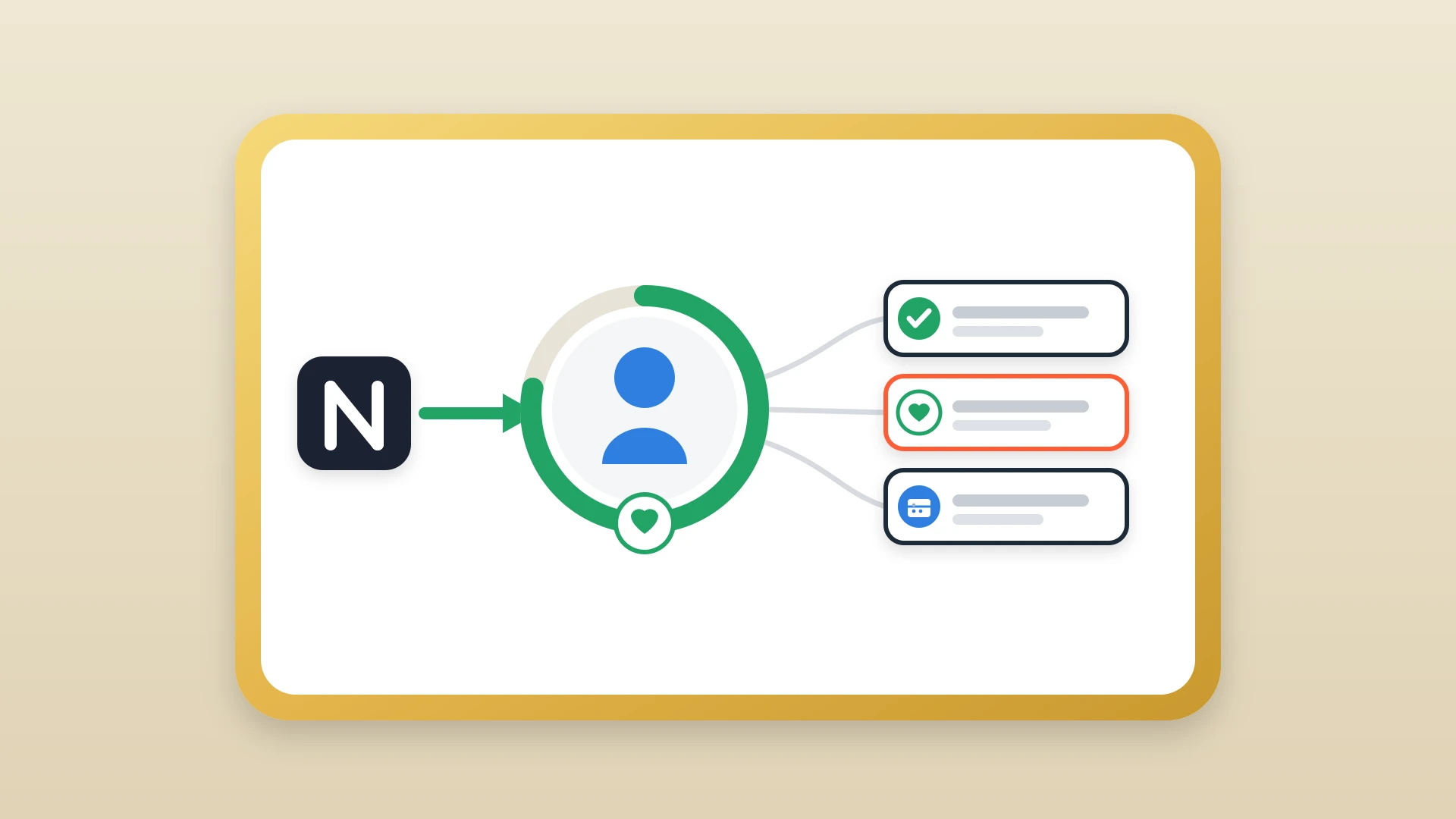
This is exactly the problem NoteLinker solves. NoteLinker automatically syncs your Notion notes directly into your HubSpot contact and company records. Your reps keep writing in the tool they prefer, and every insight they capture flows into the CRM where it can be searched, analyzed, and used to refine your ICP.
When every conversation summary, objection, and buying trigger lives on the HubSpot timeline, running the ICP analysis described in this article becomes simple. You do not have to chase down notes across Notion workspaces or ask reps to copy and paste. The data is already where it needs to be, attached to the right contact, on the right deal. NoteLinker makes that automatic.
Get every sales conversation onto your HubSpot timeline
NoteLinker syncs your Notion call notes to the matching HubSpot contact and deal records so the qualitative signals behind your ICP analysis are always in the CRM.