Most reps walk out of a discovery call with a few bullet points that make perfect sense in the moment and mean absolutely nothing a week later. A structured template fixes that. Here it is first, with the framework behind each section after it.
A discovery call notes template you can use today
Copy this structured template directly into your note-taking tool. Fill it in during or immediately after every discovery call.
Prospect overview
- Company:
- Contact name and role:
- How they found us:
- Industry / team size:
Pain points
- Primary problem (in their words):
- Secondary problems:
- Impact of the problem on their team or revenue:
Current tools and process
- What they use today:
- What they have tried before:
- What they liked / disliked about those solutions:
Budget and timeline
- Budget range or signals:
- Timeline driver (event, deadline, renewal):
- Target decision date:
Decision makers
- Economic buyer:
- Champion (internal advocate):
- Other stakeholders who need to weigh in:
Objections or concerns raised
Next steps
- Action items (who does what by when):
- Follow-up date:
The discovery call notes template works with any sales methodology. If your team uses BANT, the categories map directly. If you run MEDDIC, you will notice the template covers Metrics (impact), Economic Buyer, Decision Criteria (current tools, likes/dislikes), Decision Process, Identify Pain, and Champion. Adapt the headers to match your team's language, but keep the structure consistent across reps so notes are easy to scan.
In this article
1.
2.
3.
4.
5.
6.
7.
What to capture during a discovery call
A good discovery call note is not a transcript. It is a structured summary of the information your team needs to move the deal forward.
Vague notes like "Interested in automation." "Budget TBD." "Follow up next week." do not help you write a compelling follow-up email, prepare for a demo, or hand the deal to an AE with full context. The difference between reps who consistently close and reps who stall out often comes down to what they write down after the first real conversation. Gartner's 2024 B2B buying journey research found that buyers spend only 17% of their total purchase journey meeting with potential suppliers, and when they are comparing multiple vendors, the time with any single rep can drop to 5% or 6%. That tiny window is the entire opportunity to gather the context that drives every follow-up email, demo, and proposal.
Most sales methodologies boil this down to a handful of categories.
Pain points in the prospect's own words
Write down the exact language the prospect uses to describe their problem. "We are drowning in spreadsheets" is more useful than "needs better data management." Their words will show up in your follow-up emails, your demo script, and your proposal. Paraphrasing too early strips out the emotional weight that makes your messaging resonate.
Budget signals
You rarely get a number on a first call. What you can capture are signals: whether they have allocated budget for this initiative, what they are currently spending on the problem (even if it is just time), and how they typically evaluate new tools. A note like "currently paying for three Zapier automations to move data between tools" tells you more than "budget unknown."
Decision-making process
Who else needs to sign off? Is there a procurement process? Has the prospect bought software like this before, and if so, how did that go? Understanding the internal buying motion early saves you from surprises in week six when a VP you have never met suddenly needs a separate demo.
Timeline and urgency
What is driving the timeline? A quarterly review, a new hire class starting, a contract renewal with a competitor? Capture the event behind the date. "Need something in place before Q3 planning kicks off in June" is actionable. "Soon" is not.
Competitive landscape
Ask what else they are looking at or have tried before. Note which alternatives they mention and what they liked or disliked about each one. This shapes how you position your product in the next conversation and helps you anticipate objections before they surface.
Next steps
Every discovery call should end with a clear next step. Write down exactly what was agreed: who is doing what, by when. "Send proposal by Friday, prospect loops in their CTO for a 30-minute technical review next Tuesday."
If there is no next step, there is no deal.
Where to take your discovery call notes
The tool you use matters more than most teams realize. Not because one tool is objectively better at capturing text, but because where your notes live determines whether anyone besides you ever reads them.
HubSpot's note editor
The obvious choice if you want notes attached to the contact record. The problem is that HubSpot's editor is a flat text box. No headers, no toggles, no structured sections. Reps who try to use the discovery call template in HubSpot end up with a wall of text that is hard to scan and painful to update. For a deeper look at why this creates friction, see our piece on why you should stop forcing your sales team into HubSpot's box.
Google Docs or a shared drive
Gives you formatting flexibility but disconnects your notes from the CRM entirely. The document lives in a folder somewhere. It is not linked to the contact, the deal, or the timeline. When someone else picks up the account, they have to go hunting.
Notion
Hits the sweet spot for most sales teams. Its block-based editor handles headers, bullet points, tables, and databases natively, which means the discovery call template translates cleanly. You can build a Notion database where every row is a discovery call, linked to a contact, with properties for deal stage and follow-up date. If you are starting from scratch, our guide on how to set up Notion for sales teams walks you through the full setup.
The block editor matches the template cleanly and reps actually enjoy writing in it. Pair it with a sync so the notes still reach HubSpot.
Fine for short stubs attached to the contact, but the flat text box makes the full template painful to scan and update.
Use it only if you have no CRM requirement at all, since the notes stay disconnected from the contact and deal records the rest of the team reads.
The catch with Notion is that your notes are invisible to HubSpot.
How to make your discovery notes useful for the whole team
Taking great notes is only half the job. The other half is making sure those notes are accessible and useful to everyone who touches the deal after you.
Write for the next person, not for yourself
Assume someone will read your notes cold, with zero context about the call. Avoid shorthand like "discussed pricing" and write "prospect said current budget is locked until Q3 but has discretionary funds for pilot programs under 5K." The extra thirty seconds of typing saves fifteen minutes of Slack messages later.
Log notes within five minutes of hanging up
Memory decays fast. The nuance you captured in real time turns into a vague summary by the next morning. If you cannot write up full notes immediately, at least jot down the three most important takeaways and flesh them out within the hour.
Use the same template every time
When every rep on your team uses the same structure, managers can scan notes across deals without deciphering each rep's personal shorthand. This consistency also matters for building your ideal customer profile since ICP analysis requires reading notes in aggregate, and that only works when they follow a predictable format.
Tag notes to the right record
A note that lives in a personal workspace and is not attached to the contact or deal record in your CRM might as well not exist. Whether you log notes in HubSpot directly or sync them from another tool, make sure every note is linked to the right person and the right deal. For more on structuring your CRM documentation, see our guide on sales documentation inside HubSpot.
The post-call note checklist
- Pain points captured in the prospect's own words.
- Budget signals and timeline driver written down, not labeled "Soon."
- Decision makers and champion identified.
- A next step naming who does what by when.
- The note attached to the right contact and deal record.
The gap between your Notion notes and your CRM
Here is the pattern we see on almost every sales team that uses Notion: reps take detailed, well-structured discovery notes in their Notion workspace. The notes follow a template. They capture pain points, budget signals, decision makers, and next steps. They are genuinely useful.
And then none of it shows up in HubSpot.
The CRM timeline stays empty or has a one-line entry that says "had discovery call." The cost shows up the moment anyone else needs the context.
The manager reviewing the pipeline
Cannot see what was discussed, so the pipeline review turns into an interrogation of the rep instead of a read of the record.
The AE picking up the deal
Has to schedule another call just to ask the same questions the rep already answered.
The customer success team
Inherits the account after close with zero context on what the customer actually cares about.
This is not a discipline problem. Reps are doing the work. The notes exist. They are just trapped in a tool that your CRM cannot see.
If this sounds familiar, you are not alone. It is one of the most common pain points we hear from sales teams running Notion and HubSpot side by side.
Close the gap with NoteLinker
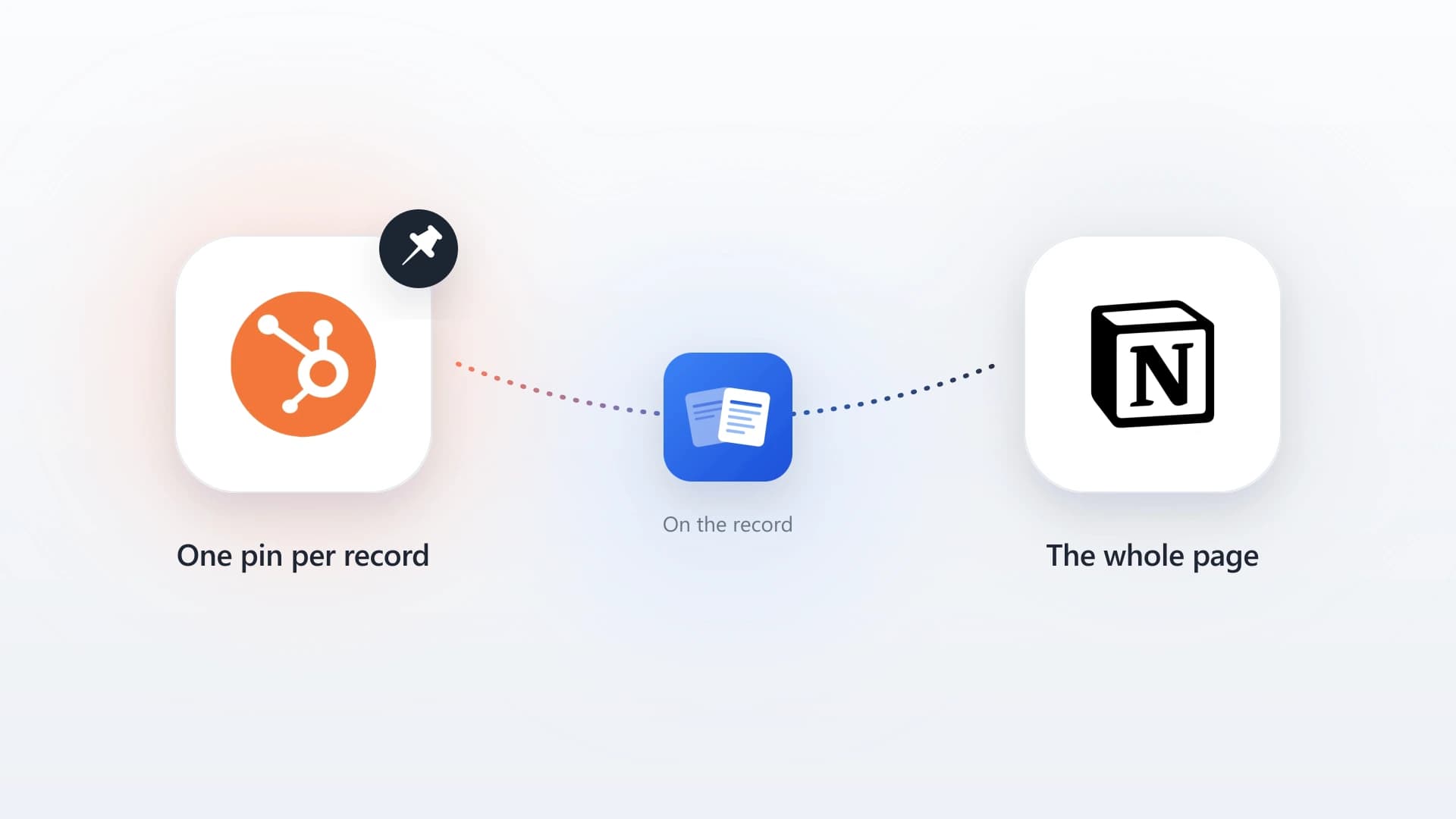
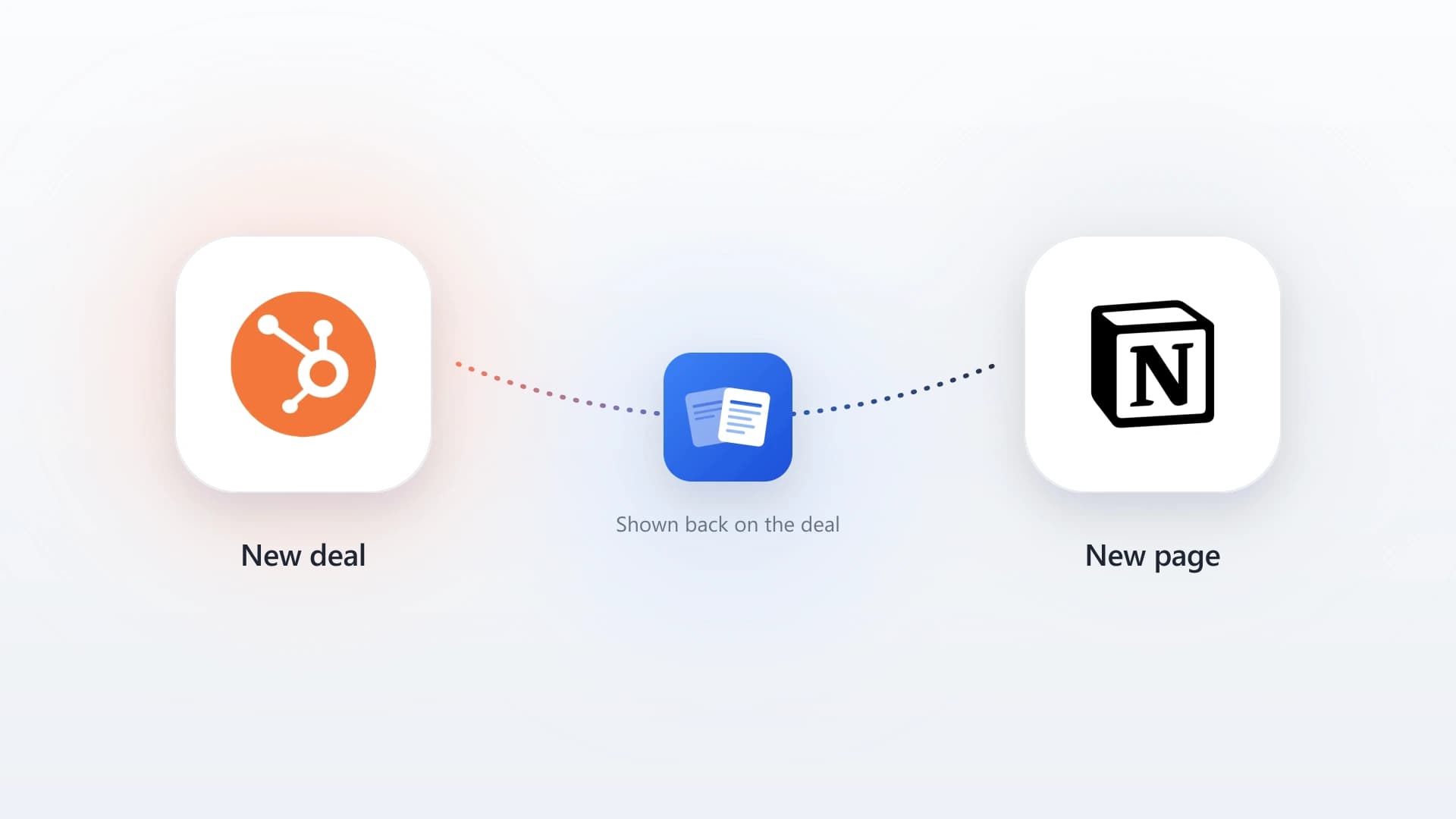
This is exactly the problem NoteLinker solves. NoteLinker automatically syncs your Notion notes to your HubSpot contact and deal timelines. Your reps keep taking discovery notes in Notion using the template and structure they prefer, and every note flows into the CRM where it belongs.
The formatting carries over. Headers, bullet points, and structured sections appear on the HubSpot timeline exactly the way your rep wrote them. Managers can review discovery call notes without leaving HubSpot. AEs can pick up deals with full context. Customer success gets the complete picture on day one.
Get your discovery notes from Notion onto the HubSpot timeline
NoteLinker syncs your structured Notion discovery notes to the matching HubSpot contact and deal records in one click, so managers, AEs, and CS can read them without asking.