Account management software is sold as three different products: customer success platforms with health scores, account planning tools with stakeholder maps, and the account record in your CRM. Buying the wrong one is the most common way teams waste a year in this category, so here are eight options across all three, followed by how to tell which one you need.
Eight options worth looking at
Most vendors in this category quote rather than publish pricing, so what follows is positioning rather than a price list. Verify the numbers for your own account count before you build a business case.
Gainsight: the enterprise standard
The most complete customer success platform and the one most likely to appear on an enterprise shortlist. Health scoring, lifecycle playbooks, revenue forecasting, and product analytics in one system. It is also the heaviest to implement, and it assumes you have the data infrastructure to feed it. Quoted pricing, enterprise contracts.
Planhat: mid-market depth without the weight
Much of what Gainsight does with a friendlier data model and a faster implementation, aimed at companies that need real health scoring but do not have an ops team to build it. The usual pick when Gainsight is right in shape but wrong in scale.
ChurnZero: subscription retention
Built specifically around subscription renewal and expansion, with in-app messaging and automated touchpoints as first-class features. Good fit for SaaS with a high account count and a small CS team. Narrower than the two above by design.
Totango: modular adoption
Sold as composable modules rather than an all-or-nothing platform, which makes it the easiest of the customer success tools to start small with. Attractive if you want health scoring this quarter without committing to a full lifecycle program.
Kapta: key account management
A different category from the four above. Kapta is built for named-account teams running formal account plans, with voice-of-customer capture and plan accountability rather than usage-derived health scores. Fits enterprise sales more than SaaS CS.
DemandFarm: account planning on top of your CRM
Org charts, whitespace analysis, and relationship maps that live inside Salesforce or Dynamics rather than beside them. The right shape when the CRM is fine and the missing piece is structured strategic planning on large accounts.
HubSpot: the commercial record, properly
Worth naming separately because it does one of the three jobs better than most platforms on this list, and the free tier makes it cheap to confirm that. Company records, associated contacts and deals, renewal dates as properties, owners, and full activity history. If what you are missing is the commercial record, you do not need a new category of software.
Notion plus HubSpot: the assembled stack
Notion for the account plan, stakeholder notes, QBR prep, and the written strategy, HubSpot for the record and the renewal forecast. This is what a large share of teams under fifty people are running already, whether or not they would call it account management software.
In this article
1.
2.
3.
4.
5.
6.
7.
8.
What account management software actually covers
The category is defined by a bundle, so it helps to name the jobs. Nearly every product in this space is a different weighting of the same three.
The account plan
Who the stakeholders are, what they care about, where the growth is, what the competitive situation looks like, and what you intend to do about all of it. This is the strategy half, and it is written prose more than it is data. Our account plan template covers what belongs in one.
Account health
Usage, engagement, support burden, sentiment, and the derived risk score that tells you which accounts need attention this week. This is the job that genuinely needs software, because it is arithmetic across more accounts than a person can hold in their head.
The commercial record
Contacts, contract value, renewal date, owner, and the activity history behind the relationship. Your CRM already does this, which is why the category is confusing.
The three shapes the category comes in
Once you strip the branding, the options sort into three groups. Picking the group settles most of the evaluation.
Gainsight, Planhat, ChurnZero, Totango. Strongest on health scoring, lifecycle automation, and renewal forecasting. Expect a real implementation project and a data integration before you see value.
Kapta, DemandFarm, Prolifiq. Layer onto an existing CRM rather than replacing it. Strong on stakeholder maps, whitespace, and plan structure. Much lighter to adopt.
HubSpot for the commercial record, Notion for the plan itself. Cheapest by a distance, and the only option where the strategy gets written somewhere people will actually write.
How to choose without a three-month evaluation
Evaluations here sprawl because every vendor demos all three jobs. Narrowing it is mostly refusing to compare on the ones you did not come for.
- 1
Count accounts per rep
Under roughly twenty, automated health scoring solves a problem you do not have, and the whole customer success platform group drops out of scope. Over a hundred, it is the only thing that will work. Do this arithmetic before any demo.
- 2
Name what you cannot currently answer
"Which accounts will churn next quarter" points at a customer success platform. "Who are the four people who decide our renewal at this account" points at a planning tool. "What did we agree to in March" points at a documentation problem, which no platform on this list fixes.
- 3
Check what your product actually emits
Health scoring depends on usage telemetry. If you cannot name the events today, budget the instrumentation work as part of the purchase, because it is usually larger than the implementation itself.
- 4
Open your last three account plans
Wherever they live now, look at them. If they are thorough and current, you have a visibility problem. If they are stale or nonexistent, a platform with a plan template will not fix that, and you should find out why they are not being written first.
- 5
Test the renewal forecast with your own data
Load one real segment and produce the forecast. Vendors demo this with clean sample data and complete usage history. Yours will have neither.
Questions worth asking every vendor
- Which specific data sources drive the health score, and do we have all of them today?
- Does this replace our CRM's company record or sit alongside it, and which one is then the source of truth?
- How long is a realistic implementation for our account count, in weeks, with references?
- Is pricing driven by seats, accounts, or revenue under management, and what happens when that number grows?
- Can an account plan be exported, or is it locked in a proprietary template?
- What does a rep have to do differently every week for this to keep working?
Where account management platforms consistently break down
The platforms above are genuinely good at the arithmetic. Health scores, renewal forecasts, lifecycle triggers, and coverage gaps are structured problems, and structured problems are what software solves well.
The break is always in the same place: the plan itself.
Every platform in this category ships an account plan field. Open any deployment eighteen months in and look at how many of those fields have anything in them.
An account plan is not a form. It is the stakeholder who quietly blocked the expansion last year and why, the reorganization that changed who owns the budget, the thing you promised in the QBR, the competitor they keep mentioning, and the reasoning behind the strategy for next year. It is long, it is written by several people over months, and it links to other documents.
So it gets written where writing actually works, which for a lot of teams means Notion, and the platform's account plan tab holds a template with three bullet points from onboarding. The account plan template is only useful if it lives somewhere people will genuinely maintain it.
What these platforms genuinely fix
- Risk detection across hundreds of accounts
- Renewal forecasting from usage signals
- Lifecycle automation and playbook triggers
- Coverage gaps on large accounts
- One place for leadership to look
- Consistent QBR cadence
What they do not touch
- The written strategy still happens elsewhere
- Health scores need usage data you may not emit
- Implementation is a project, not a signup
- The plan field goes stale within two quarters
- Reps update it because they are told to, not because it helps them
- Context stays invisible from the CRM record
Invisible context is the one that costs teams quietly. The strategy exists, it is well written, and the person walking into the renewal call cannot see it, because it lives in a different system from the account record. It is the same failure as the sales to customer success handoff, one stage later in the relationship.
The assembled stack, and the gap in it
Plenty of teams conclude that no platform earns the migration and keep what works: HubSpot for the commercial record and the renewal forecast, Notion for the account plan, the QBR prep, and the stakeholder notes. That is a defensible answer at most sizes and cheaper than every option above. Our guides to Notion client management and Notion for customer success cover how to structure the Notion half.
The assembled stack has one honest weakness. The two systems do not know about each other. The account strategy is in Notion. The renewal date, the contacts, and the deal history are in HubSpot. When someone opens the HubSpot company record before a renewal or an expansion conversation, they see the commercial history and none of the strategy.
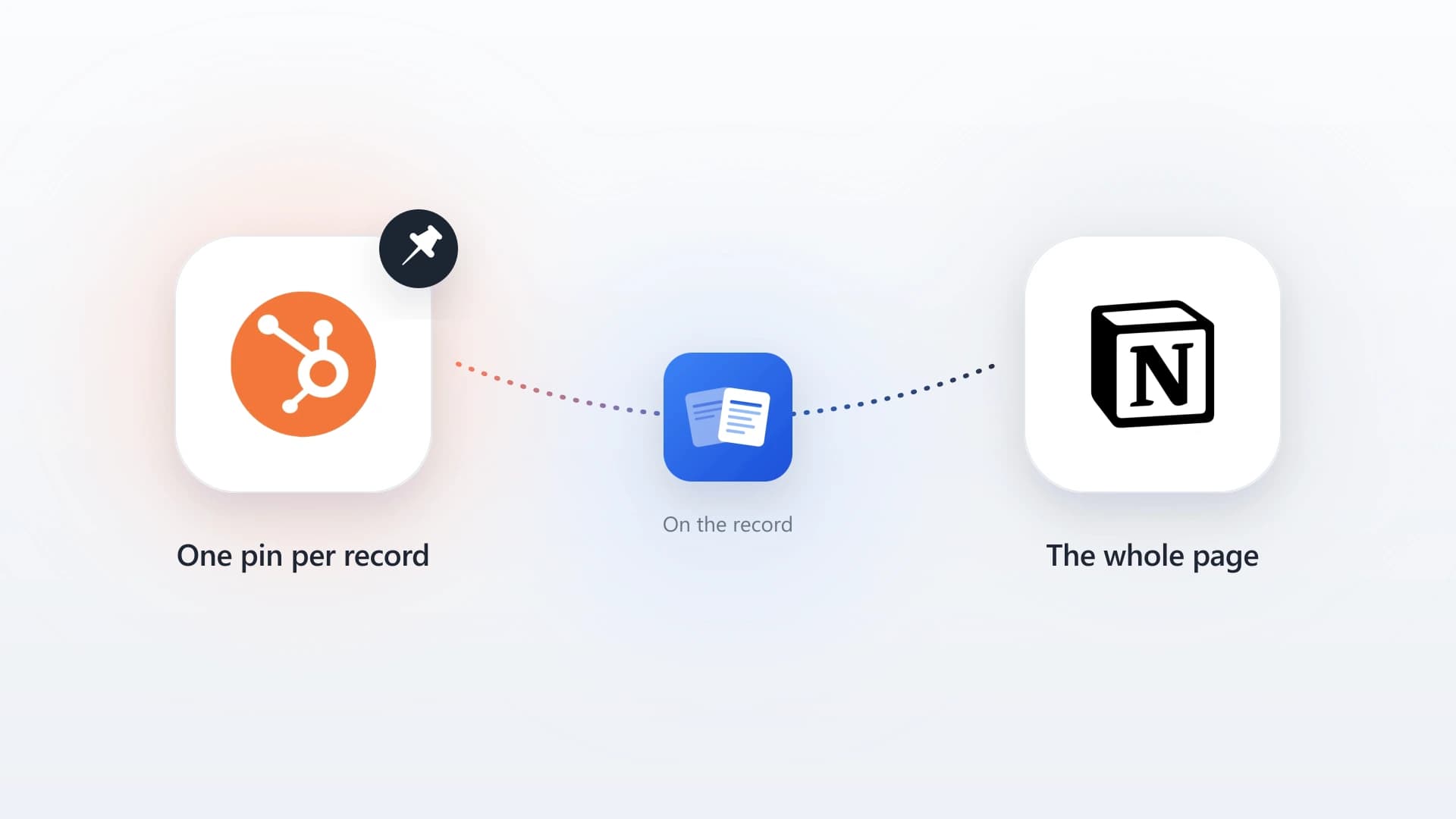
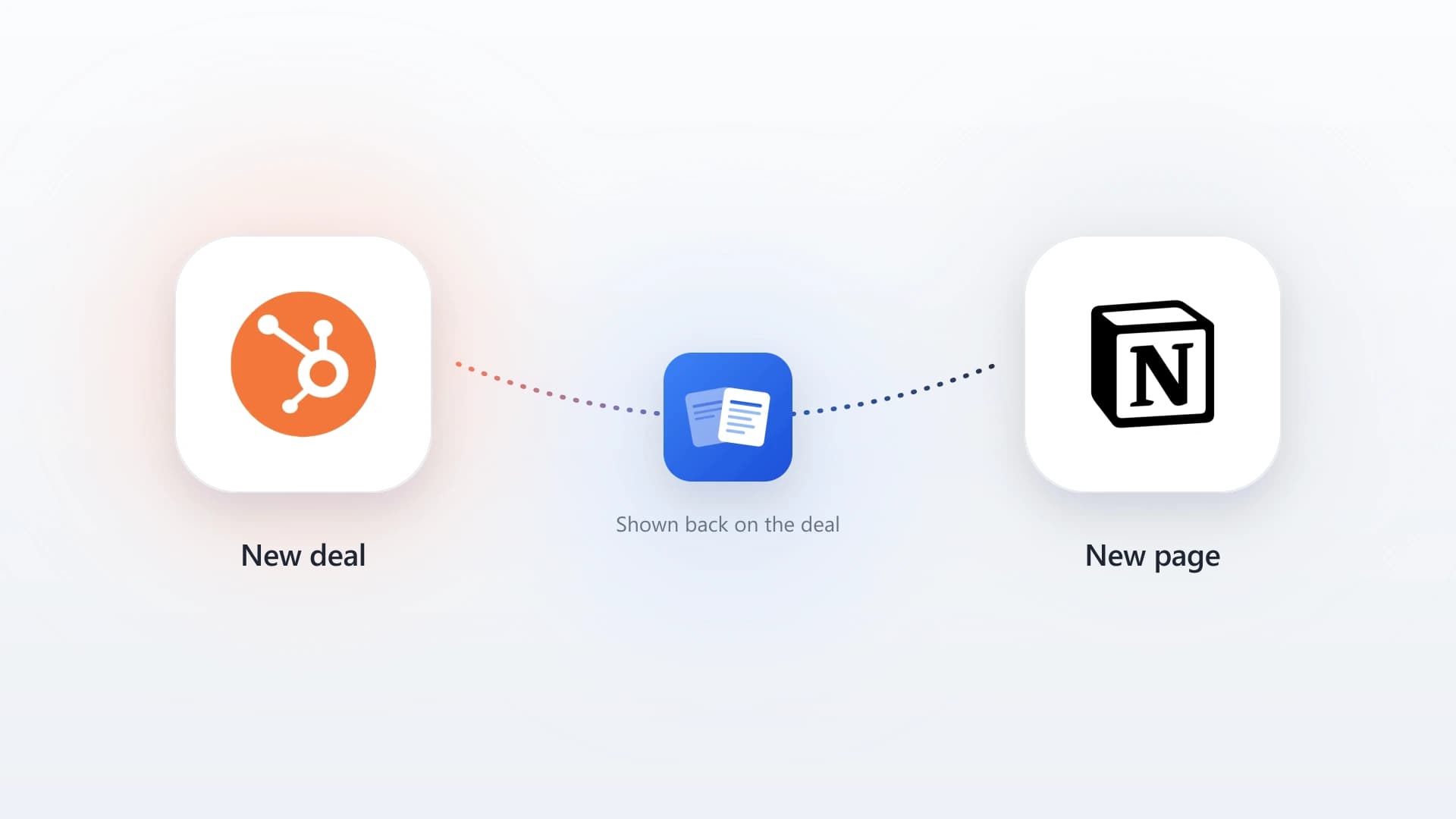
That is the specific gap NoteLinker closes. It adds a card to the HubSpot contact and deal record that renders your Notion database rows live, so the account plan, the QBR notes, and the stakeholder detail your team maintains in Notion show up on the record where the commercial conversation happens. Nothing is copied and nothing has to be kept in sync.
- 1
Install NoteLinker from the HubSpot Marketplace
Find NoteLinker in the HubSpot App Marketplace and install it. Standard OAuth, no developer build, and it works on every HubSpot tier including free.
- 2
Connect Notion and pick your account databases
Authenticate with Notion and grant access to the databases holding your account plans and client records. The rest of the workspace stays private.
- 3
Name the match properties
Tell NoteLinker which Notion property holds the client email and which holds the deal name. That is how the card knows which rows belong on which record.
- 4
Open any account's contact or deal
The card renders the matching Notion rows inline, with the columns your Notion view already shows. Rows are visible by default, so there is no sync step and nothing to press.
The full walkthrough lives on the setup page, and the Notion HubSpot integration guide compares this against the other ways to connect the two.
Put your account plans on the HubSpot record
NoteLinker renders your live Notion rows on the matching contact and deal, so the strategy your team maintains shows up where the renewal conversation happens. No migration and no second copy.
Choosing the honest answer
If you are managing hundreds of accounts with a small team and cannot tell which are at risk, buy a customer success platform. That job is real, it is arithmetic at a scale humans cannot do, and it is worth paying for.
If you run a handful of large, complex accounts and keep losing to stakeholder blind spots, an account planning tool layered on your CRM is the cheaper and more targeted fix.
If your problem is that the strategy is written but invisible, which is where most teams under fifty people actually are, you do not need either. You need the plan to show up on the record. That is a connection problem, and it costs a great deal less than a platform. The QBR template and the mutual action plan guides cover the two documents worth making visible first.