Does HubSpot do project management: yes. The native Projects object, launched in September 2025, is available on every HubSpot plan, including Free. Projects get tasks, pipelines and a Gantt view, and link to deals and contacts.
What it costs: nothing extra to start. Project tags need Starter. Workflows that create a project when a deal closes need Professional, which for Sales Hub is reported at about $90 per seat per month billed yearly.
Where it stops: no time tracking, budgets, resource planning or invoicing yet. Billable client work usually needs a paired tool, and the project write-ups (scopes, briefs, status notes) still need somewhere to live.
HubSpot Project Management at a Glance
| Option | Best for | How it connects to HubSpot | Reported price |
|---|---|---|---|
| HubSpot Projects | Delivery projects tied to deals, on HubSpot already | Native CRM object | Included; workflows need Professional |
| PSOhub | Professional services needing time, budgets and resourcing | Built on HubSpot | $25/user/mo yearly (Essentials) |
| Teamwork.com | Agencies running billable client projects | HubSpot workflows create projects and tasks | About $19.99/user/mo yearly (Grow) |
| Asana | Cross-team work management | Marketplace apps; plan rules vary | $10.99/user/mo yearly (Starter) |
| monday.com | Visual boards for ops and delivery teams | Marketplace app on Standard or Pro | About $12/seat/mo yearly, seats in bundles |
| ClickUp | All-in-one work management on a budget | Marketplace app, Free plan and up | $7/user/mo yearly (Unlimited) |
| Notion + NoteLinker | Teams that already run projects in Notion | Notion rows shown live on HubSpot contact and deal records | Your Notion plan + $19/mo for the whole HubSpot account |
Prices are what vendors, marketplace listings and review sites reported in 2026. Several tools change tiers often, so confirm on each pricing page before you buy.
Three questions that decide it
- Do you bill for time or need to track budgets? If yes, HubSpot Projects alone is not enough today; look at PSOhub or Teamwork.
- Who needs to see the project? If it is mostly sales and account managers working the deal, keep the project visible on the HubSpot record.
- Where does the project's writing already live? A tool your team will not write in ends up with empty project notes.
In this article
1.
2.
3.
4.
5.
6.
7.
8.
Does HubSpot Have Project Management?
Yes. HubSpot added a Projects object to the CRM in September 2025. It works like deals or tickets: each project is a record with properties, a pipeline of stages, an owner, tasks, and associations to the deals, contacts and other records it belongs to. HubSpot's knowledge base lists it as available on all products and plans.
It is off until a Super Admin switches it on:
- 1
Open the data model
Go to Data Management > Data Model and click Edit Data Model in the upper right.
- 2
Activate Projects
Find Projects, click Activate object, and confirm. Projects then appear under CRM > Projects.
- 3
Set it up for your work
Add a pipeline with your delivery stages, the associations you need (usually deals and contacts), custom properties and notifications. On Professional, add a workflow that creates a project when a deal reaches Closed Won.
Once it is on, you get a projects index with a Gantt view (parts of HubSpot's documentation still mark it beta), saved views by status and owner, and project data you can use in reports and workflows. HubSpot's own example setup is service delivery: a deal closes, a project opens, and the delivery team works through its tasks.
What HubSpot Projects Costs on Each Plan
The object is free. The features around it follow your HubSpot subscription:
| Feature | What you need |
|---|---|
| Projects object, tasks, pipelines, Gantt view | All plans, including Free |
| Project tags | Starter, Professional or Enterprise |
| Subtasks (beta, up to 60 per task reported) | Starter and up, per a partner guide |
| Pipeline rules, such as blocking skipped stages | Professional or Enterprise |
| Workflows that create projects, such as on Closed Won | Professional or Enterprise |
| Projects tab in the customer success workspace | An assigned Service Hub seat |
HubSpot also says seats are required for certain project features, so check which seat each person who edits projects has before you roll it out. If you only want automation, the cheapest route to deal-triggered projects is a Professional hub: Sales Hub Professional is reported at about $90 per seat per month billed yearly, plus a one-time $1,500 onboarding fee.
Where HubSpot Projects Stops
As of August 2026, a HubSpot partner's review listed what the object did not do yet:
- No time tracking against tasks.
- No budget or cost tracking.
- No resource planning or capacity view.
- No invoicing or milestone billing from project data.
- No project profitability reporting.
Project templates and task dependencies were on HubSpot's roadmap but not confirmed as shipped, and the same partner, relaying a December 2025 HubSpot webinar, put resource management and time tracking in late 2026. Check your portal's product updates before you plan around any of them.
There is also a quieter gap. A project record holds stages, dates and tasks well, but the writing behind a project, the scope, the client brief, the weekly status note, the reason the plan changed in week three, does not fit in a task description. Teams write that somewhere else, and the CRM record ends up with a title and a stage.
Run projects in Notion? Show them on the HubSpot deal
NoteLinker shows your Notion project rows live on matching HubSpot contact and deal records. $19 a month for the whole account.
6 Project Management Tools That Work With HubSpot
1. PSOhub: best for professional services on HubSpot
PSOhub is built on top of HubSpot for firms that sell services, and positions itself as the layer that takes over once a deal is won. It adds what the native object lacks: time and expense tracking, budgets, Gantt and Kanban planning, and resource views. Its pricing page lists Essentials at $25 per user per month billed yearly ($30 monthly) and Professional, which adds financial insight and resource optimization, at $35 ($40 monthly).
2. Teamwork.com: best for agencies billing client work
Project management made for client work, with time tracking and budgets built in. Its HubSpot app connects to HubSpot workflows, so a deal stage or other HubSpot event can create a Teamwork project or task, and a scheduled import brings standard project fields back into HubSpot. Teamwork says the integration needs its Grow or Scale plan; Grow is reported at about $19.99 per user per month billed yearly.
3. Asana: best for cross-team work management
The familiar choice when marketing, ops and delivery share one work tool. There are two HubSpot apps: HubSpot for Asana shows deal and campaign details inside Asana tasks, and HubSpot's own Asana app lets workflows create Asana tasks. Their listings name different required Asana plans, so check the one you install. Starter is $10.99 per user per month billed yearly; Advanced is $24.99.
4. monday.com: best for visual boards
Flexible boards that ops and delivery teams adopt quickly. The HubSpot Marketplace app lists the Standard or Pro plan as required. Standard is reported at about $12 per seat per month billed yearly, but seats are sold in bundles, so a small team can pay for more seats than it uses. The app's marketplace rating was 2.1 from 63 reviews, with reviewers saying the initial sync of existing items is not supported, so test it on real data.
5. ClickUp: best all-in-one on a budget
Tasks, docs, Gantt charts and dashboards in one tool at a low per-seat price. ClickUp's HubSpot listing says the app works with its Free Forever, Unlimited, Business and Enterprise plans. Unlimited is $7 per user per month billed yearly and Business is $12.
6. Notion + NoteLinker: best if your projects already live in Notion
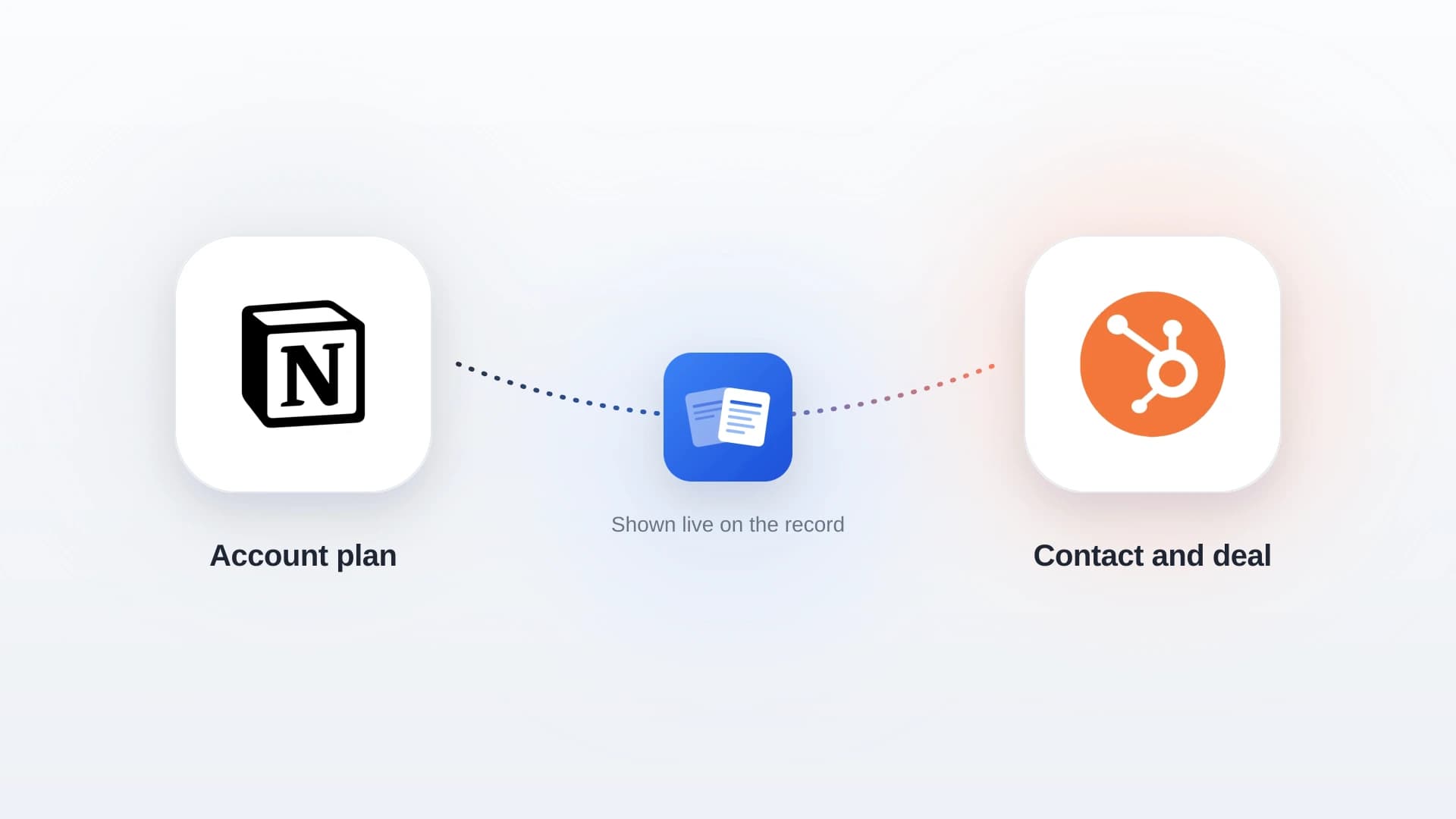
Keep a Notion projects database with a client email or deal name column, and NoteLinker shows each matching project row live on the HubSpot contact or deal record, so sales and account managers see status, owner and next steps without leaving HubSpot. The full project page, with the scope and status notes, stays in Notion. No time tracking or invoicing, and it does not create HubSpot project records. $19 a month for the whole HubSpot account, or $190 a year, with a 14-day trial and no credit card.
Which HubSpot Project Management Setup Fits Your Team?
Free to turn on. Add a Professional hub when you want projects created automatically from deals.
PSOhub if you want everything on HubSpot; Teamwork if you want a dedicated client-work tool that HubSpot triggers.
Keep the tool people use and connect it to HubSpot. Check which plan the HubSpot app needs first.
No migration and no per-seat cost. The project stays in Notion and shows up on the HubSpot record.
The Most Expensive Mistake: Two Places to Update
Most project setups fail the same way: the delivery team updates one tool, the account team works from another, and nobody trusts either. A HubSpot project that nobody updates is as stale as a Notion tracker nobody in sales can see.
Pick one place where each project is written and updated, then make it visible where the rest of the team works. If that place is HubSpot, use the Projects object. If it is a dedicated tool, use its HubSpot integration. If it is Notion, show it on the record.
Running Projects in Notion With HubSpot
Many client services teams and agencies already run delivery in Notion, because a project there can hold the tracker and the writing in one page. The gap is that the account manager in HubSpot never sees it. Here is how teams close it:
- 1
Give each project row a match column
Add a client email column (for contact records) or a deal name column (for deal records) to your projects database. Our Notion project tracker guide covers the rest of the build.
- 2
Connect Notion and HubSpot
Install NoteLinker from the HubSpot Marketplace and connect the Notion databases you want to show. Setup takes a couple of minutes.
- 3
Open a deal or contact
Every matching project row appears on the record with its columns, read live from Notion. Hide a row from HubSpot with one click, or create a new project row from the record.
To open a Notion project page automatically when a deal is won, see these 4 Zap recipes for a Notion page per HubSpot deal. For the wider agency stack, our guide to agency management software covers platforms that bundle projects with time and billing.
NoteLinker is not a project management tool and not a fit if you need time tracking, invoicing or HubSpot project records. It is the right fit when the projects already work in Notion and the problem is that HubSpot cannot see them. See pricing for the current plan.
Notion projects your account team will actually see
NoteLinker connects Notion and HubSpot in two minutes and shows your project rows on the contact and deal records your team already opens. $19 a month flat.
Get HubSpot and Notion tips delivered straight to your inbox
We'll email you 1-3 times per week, and never share your information.