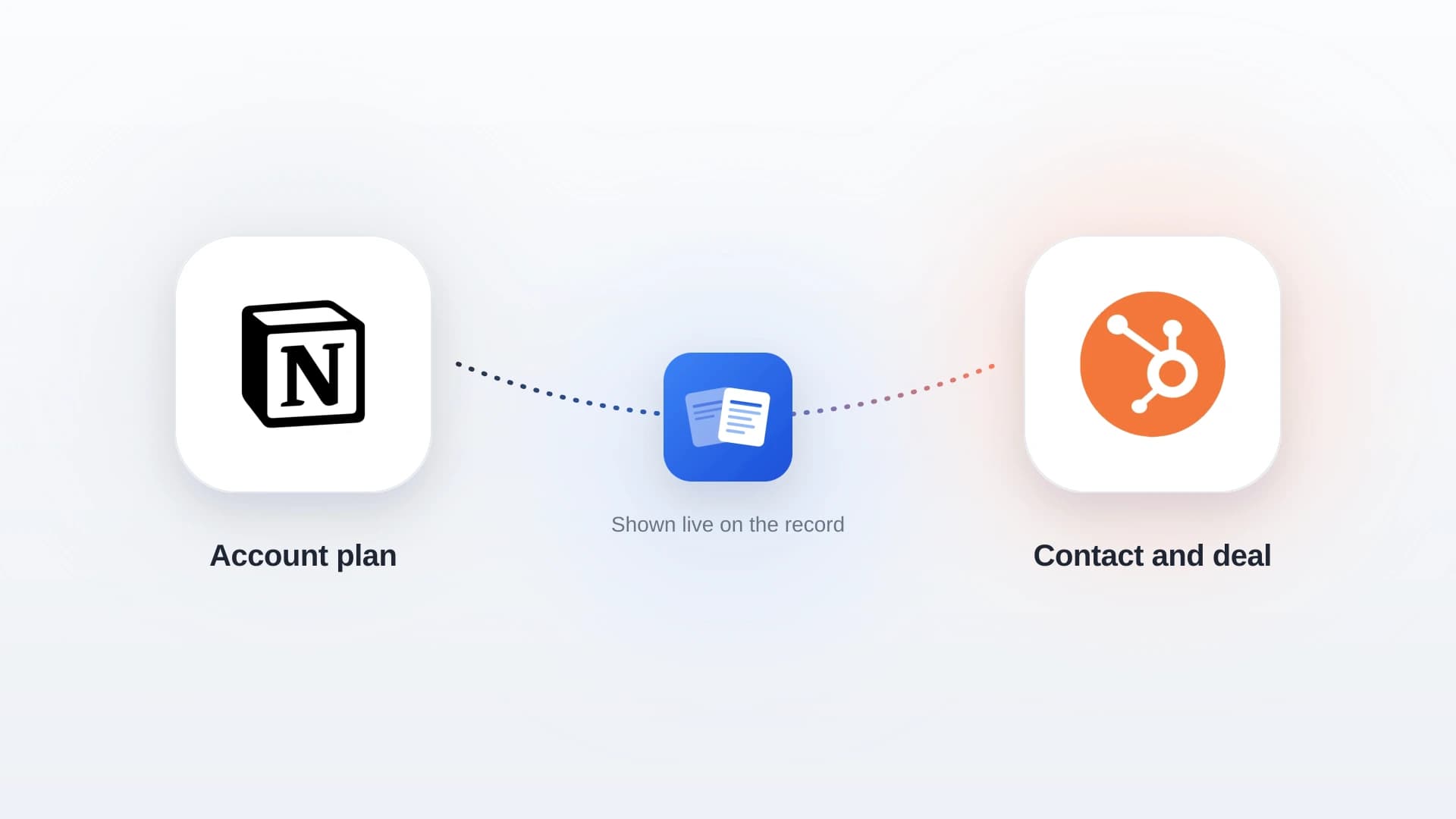
The short answer: start free with Trumpet or Flowla. For HubSpot sync on a per-user plan, choose GetAccept. For a full sales room synced to HubSpot or Salesforce, choose Dock. If your team already plans deals in Notion and runs the pipeline in HubSpot, keep the plan in Notion and show it on the HubSpot deal with NoteLinker.
What it costs: free plans exist. Paid plans run from about $29 to $119 per user per month, and Dock starts at about $350 a month for five users.
Do you need it: only for complex deals. A shared doc is enough for one or two buyer contacts; dedicated tools pay off with three or more decision makers or parallel workstreams.
Mutual Action Plan Software at a Glance
| Tool | Free plan | Paid from | HubSpot sync | Best for |
|---|---|---|---|---|
| Trumpet | Yes, 10 Pods, unlimited users | About $45/user/mo | HubSpot app; tier reported inconsistently | Starting free with buyer-friendly rooms |
| Flowla | Yes, limited rooms | About $49/seat/mo | Vendor says from the free plan | Small teams that want plans, forms and proposals in one place |
| Aligned | Yes, a few rooms per seat | About $29/seat/mo yearly | Reported on Enterprise only | Budget sales rooms per seat |
| GetAccept | No, free trial | About $49/user/mo, 5-user minimum | Yes, on Professional | Plans plus proposals and e-signature |
| Dock | Yes, limited workspaces | About $350/mo for 5 users | Yes, on Standard | Full sales rooms synced to HubSpot or Salesforce |
| Accord | No | $99 to $119/user/mo | Salesforce confirmed; HubSpot unconfirmed | Methodology-driven enterprise sales |
| Notion + NoteLinker | Notion's free plan | $19/mo for the whole HubSpot account | Plan shown live on the HubSpot deal | Teams that already plan deals in Notion |
Prices are what vendors and review sites reported in 2026, and several tools change tiers often. Confirm on each vendor's pricing page before you buy.
Three checks before you pick one
- Which tier includes your CRM sync. It is the feature most teams need and the one most often held back for a paid or enterprise plan.
- Whether the buyer can edit or tick off steps without creating an account. If they cannot, they will not use it.
- Whether you need a whole sales room or just the plan. Paying per seat for a room when you only use the checklist is the most common overspend.
In this article
1.
2.
3.
4.
5.
6.
The 7 Best Mutual Action Plan Tools
1. Trumpet: best free plan
Trumpet builds shared buyer spaces called Pods, with mutual action plans inside them. Its free plan includes mutual action plans, basic analytics and integrations for up to 10 Pods with unlimited users. Pro is reported at about $45 per user per month, with Scale and Elite above it. It has a HubSpot Marketplace app, but reviews disagree on whether the CRM sync needs Pro or Scale, so confirm before you rely on it.
2. Flowla: best for small teams
Flowla puts mutual action plans, forms, proposals and room analytics in one deal room. The free Starter plan includes mutual action plans with a limited number of rooms; Pro is about $49 per seat per month and Team about $79. Flowla says its HubSpot, Salesforce and Attio integrations start on the free plan, though its own comparison page puts bi-directional CRM sync on Enterprise, so check which one you need.
3. Aligned: best budget sales room
Per-seat digital sales rooms with plans, analytics and secure sharing. The free tier allows a few rooms per seat. Basic is about $29 per seat per month billed yearly and Pro about $49. Reviews place CRM sync with HubSpot and Salesforce on the Enterprise tier, which matters if the plan needs to update your pipeline.
4. GetAccept: best for plans plus proposals and e-signature
A sales room built around documents: proposals, contracts and e-signature, with mutual action plans alongside. There is no free plan, only a trial. Professional is about $49 per user per month with a five-user minimum and includes the HubSpot integration. A competitor's comparison quotes $79, so ask for a quote.
5. Dock: best full sales room with CRM sync
Dock's mutual action plans let you assign tasks to people on either side of the deal, and the company says they integrate fully with Salesforce and HubSpot. The free plan has a small workspace limit and no CRM sync. Standard is about $350 a month for five internal users and adds HubSpot and Salesforce; extra users are reported at about $50 a month each. Premium is reported at $750 to $1,000 a month.
6. Accord: best for methodology-driven enterprise sales
Accord pairs mutual action plans with sales playbooks and value-based selling frameworks. Its pricing page lists Growth from $119 per user per month plus a platform fee; listings show a Startup tier at $99. Salesforce integration is confirmed; we could not confirm a HubSpot integration, so ask in the demo if you run HubSpot.
7. Notion + NoteLinker: best if your plans already live in Notion
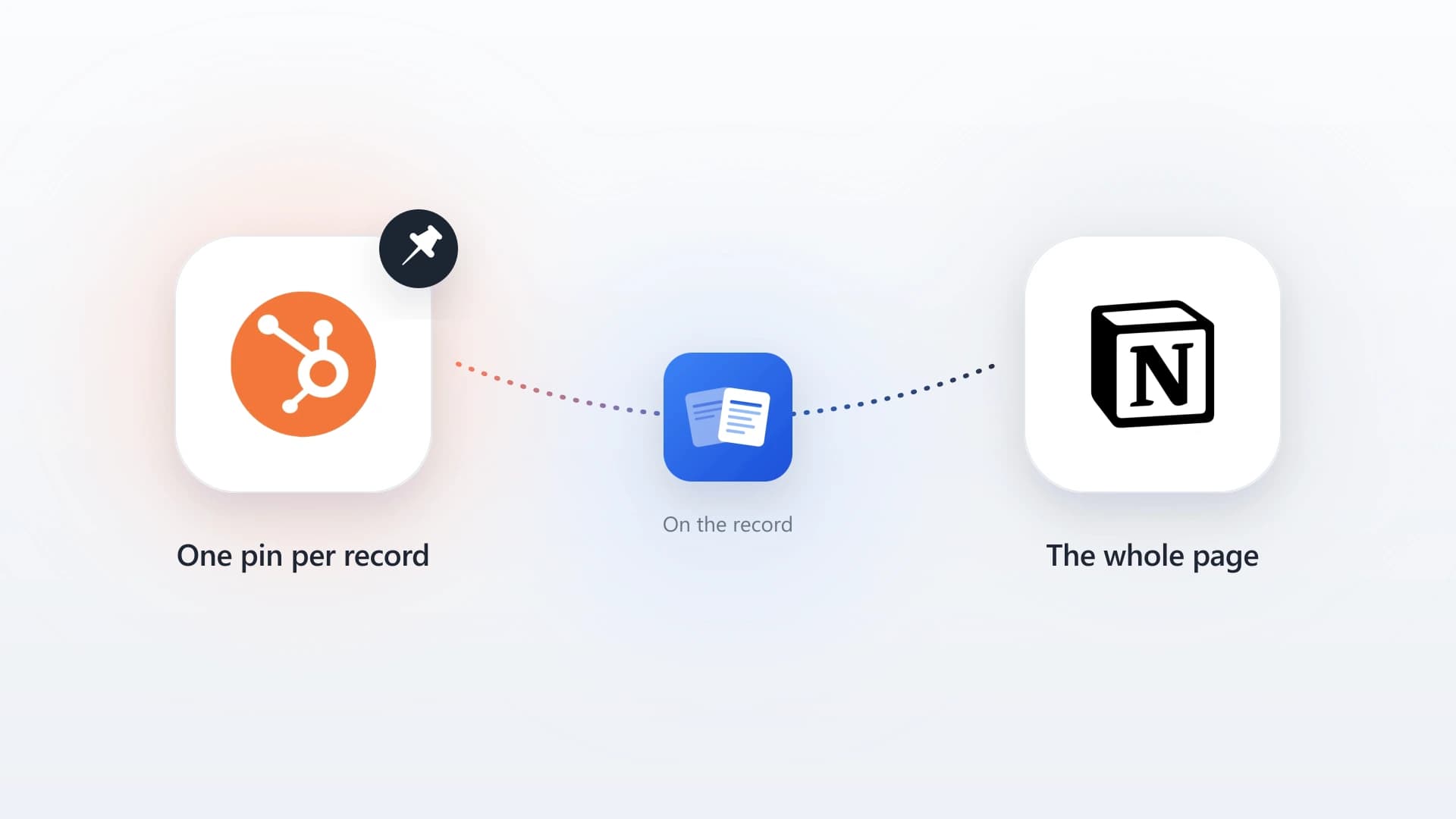
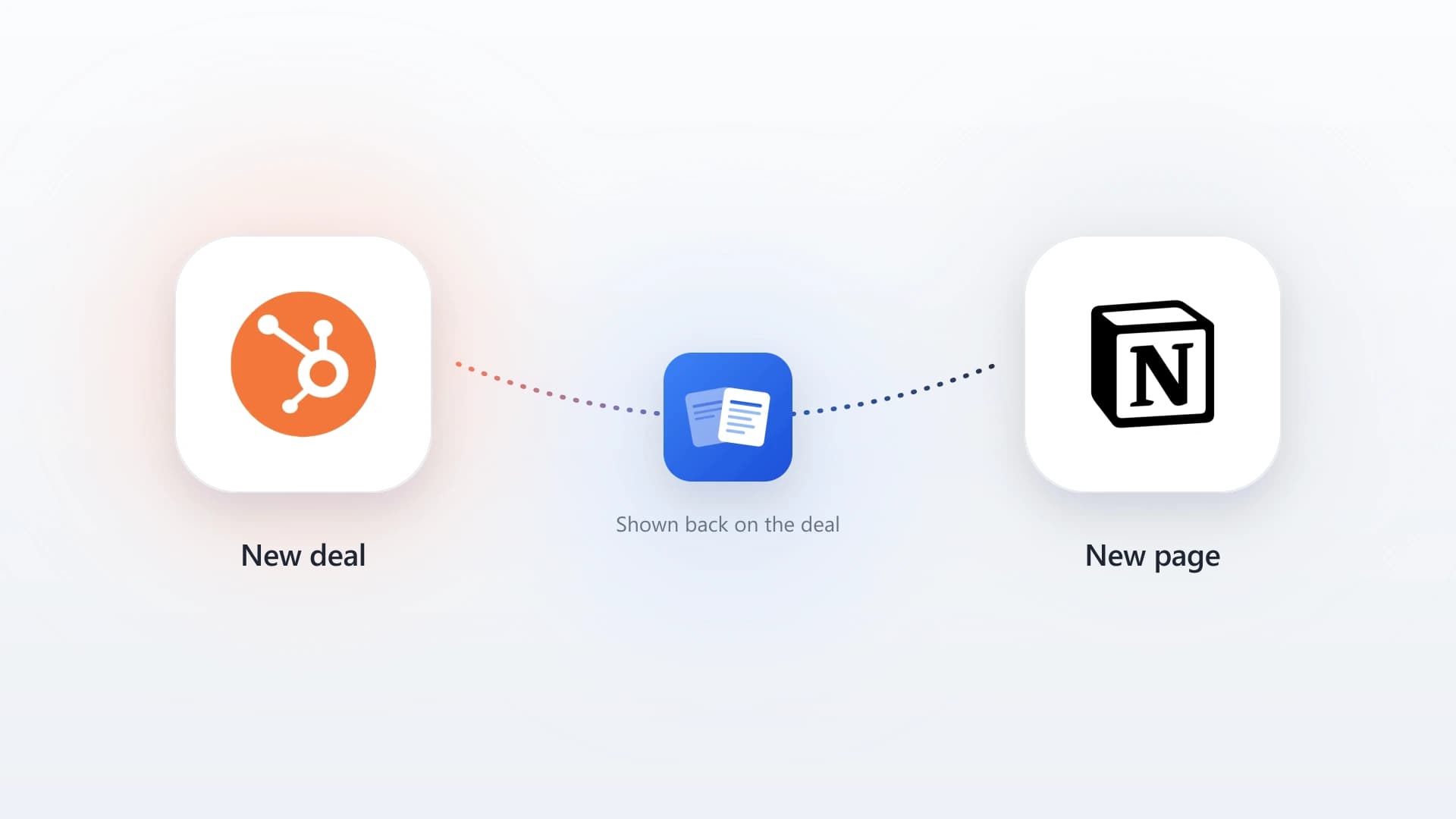
Keep each mutual action plan as a Notion page, with the steps, owners and dates in a table, and share it with the buyer from Notion. NoteLinker then shows the plan live on the matching HubSpot deal record, matched by deal name, so reps see where the deal stands without leaving HubSpot. It costs $19 a month for the whole HubSpot account, or $16 billed yearly. It does not track buyer engagement or handle e-signature, so it fits teams that want the plan visible, not a full sales room.
Plan the deal in Notion, see it on the HubSpot deal
NoteLinker shows your Notion mutual action plans on HubSpot deal records, live and formatted. $19 a month for the whole account.
Which Mutual Action Plan Software Fits Your Team?
Both include plans on their free plans. Move to a paid tier once you need CRM sync or more rooms.
Plans, documents and e-signature in one place, with HubSpot on the Professional plan.
Team pricing rather than per seat, with CRM sync from the Standard plan.
No new tool for the buyer to learn and no per-seat cost. The plan stays in Notion and shows up on the HubSpot deal.
When You Do Not Need Dedicated Software
A mutual action plan is a short table: the step, who owns it on each side, the due date and the status. For a deal with one champion and a handful of steps, a shared document does the job, and adding a sales room can slow the buyer down.
One comparison guide sets a useful line: dedicated software makes sense once a deal has three or more decision makers, several workstreams running in parallel, or you need engagement data and CRM sync. Below that line, start with a template. Our guide to the mutual action plan has one you can build in Notion, along with what goes in each step.
What Good Mutual Action Plan Software Does
Must-haves to check in a demo
- Steps with an owner on each side and a due date, not just a list of tasks.
- Buyer access without friction: they can view and tick off steps from a link.
- Sync to your CRM, so the plan's status shows where reps and managers look.
- Alerts when a step slips past its date.
- Templates, so every rep starts from the same plan for the same kind of deal.
The CRM step is the one teams regret skipping. A plan the buyer updates in one tool while the rep forecasts from another goes stale within a week. Whatever you choose, make sure the plan shows up on the deal record your team already opens.
Mutual Action Plans in HubSpot
HubSpot has no built-in mutual action plan. Teams on HubSpot usually do one of three things:
- 1
Use a sales room with a HubSpot integration
Dock, GetAccept, Trumpet and Flowla all connect to HubSpot, usually on a paid tier. The right choice if you also want the room: proposals, recordings and engagement tracking.
- 2
Use HubSpot tasks and deal properties
Free and already there, but tasks are internal only, so the buyer never sees the plan, which defeats the point of making it mutual.
- 3
Write the plan in Notion and show it on the deal
Share the Notion page with the buyer, and use NoteLinker to show it on the HubSpot deal record. See how to sync Notion notes to a HubSpot deal for the setup.
For planning the account beyond a single deal, see our guide to account planning software.
Mutual action plans your reps will actually see
NoteLinker connects Notion and HubSpot in two minutes and shows your Notion plans on the deal records your team already opens. $19 a month flat.
Get HubSpot and Notion tips delivered straight to your inbox
We'll email you 1-3 times per week, and never share your information.