A CRM fails when the data stops being trustworthy and the team stops bothering to update it. These are the ten CRM best practices that keep a CRM clean and used, grouped into four phases: strategy, structure, data, and adoption.
The 10 CRM best practices:
- Decide what the CRM is actually for (strategy).
- Choose a single source of truth (strategy).
- Standardize naming conventions and required fields (structure).
- Treat implementation and data migration as their own project (structure).
- Automate data capture so reps never type what a tool can log (data).
- Run a recurring data hygiene routine (data).
- Sync the context, not just the fields (data).
- Route and assign leads in seconds, not days (adoption).
- Win adoption by making the CRM the path of least resistance (adoption).
- Review and prune every quarter (adoption).
The rules are ordered so each one sets up the next.
In this article
1.
2.
3.
4.
5.
6.
7.
8.
9.
What "CRM best practices" really come down to
CRM best practices come down to two things: data quality and adoption. Those two failures feed each other. Bad data makes the CRM useless, uselessness kills adoption, low adoption produces worse data. Every best practice that matters is really an intervention on that loop.
A CRM is not a database. A database is judged by what it stores. A CRM is judged by whether people act on what it stores, which means it lives or dies on two properties that have nothing to do with the software's feature list.
A CRM does not fail because of a missing feature. It fails because the data stops being trustworthy and the team stops bothering to update it.
Data quality
If a rep opens a contact record and the email is wrong, the last activity is from four months ago, and the notes field is empty, the record is worse than useless because it actively misleads.
Adoption
A CRM that holds perfect data for the three reps who diligently update it and nothing for the other seven is not a CRM, it is three people's private spreadsheet wearing an enterprise badge.
Every rule below serves one or both of those. When you are deciding whether some CRM tactic is worth the effort, the test is simple: does it make the data more trustworthy, or does it make the system easier to use? If it does neither, skip it, no matter how good the vendor's demo looked.
Get the strategy right before you configure anything
The most expensive CRM mistakes are made in the first week, before a single record exists, when someone configures the system around how the tool works instead of how the team sells.
1. Decide what the CRM is actually for
Before you touch a setting, write down the two or three questions the CRM needs to answer. "Which deals are at risk this quarter." "Who owns this account and what happened on the last call." "Which leads has nobody followed up on." Those questions define your CRM strategy, and they dictate everything downstream: which fields are required, which stages exist, which reports get built.
2. Choose a single source of truth
Decide, explicitly, that the CRM is the system of record for pipeline and customer context, and that anything contradicting it is wrong by definition. This sounds obvious and almost nobody does it, which is why so many teams run a shadow CRM in a spreadsheet that the VP actually trusts more than the real one.
The single source of truth only works if the CRM is genuinely complete, which is the entire reason the rest of this list exists. The moment reps believe the real story lives somewhere else, a Notion page, a Slack thread, a rep's head, the CRM becomes a compliance chore instead of a tool, and you are back in the rot loop.
Build a structure that survives contact with your team
A clean strategy still produces a messy CRM if the structure underneath it is sloppy. Two practices keep the structure from degrading the moment real data starts flowing in.
3. Standardize naming conventions and required fields
Decide how things are named before reps start naming them, because they will each invent their own convention otherwise. Pick a deal naming convention (a common, durable one is Company Name - Product - Date) and document it. Standardize the picklist values for stage, lead source, and industry so you are not later reconciling "Referral," "referral," and "Ref." Define the small set of fields that are genuinely required and enforce them with validation.
The payoff is findability and reporting. A CRM where every deal follows the same naming pattern is a CRM you can search, sort, and report on without cleaning the data first. A CRM where naming is freeform is one where every report starts with an hour of manual normalization, which means most reports never get built.
4. Treat implementation and data migration as their own project
CRM implementation best practices come down to one principle: do not rush the migration. The data you import on day one sets the baseline of trust for the entire system, and a launch full of duplicates and half-mapped records poisons that trust before anyone has logged in.
- 1
Clean the source data first
Fix formatting, standardize values, and correct obvious errors at the source before you import, not after. Cleaning in place after a messy load costs far more than cleaning the export beforehand.
- 2
Deduplicate contacts and companies
Merge duplicates at the source so you do not import three versions of the same account and spend launch week untangling them.
- 3
Map old fields to new ones deliberately
Decide exactly which legacy field lands in which CRM property. Guessing here is how you end up with half-mapped records nobody trusts.
- 4
Validate a sample before the full load
Import a small batch, confirm records and activity came across correctly, then load the rest once the sample looks right.
- 5
Bring historical activity and notes across
Where you can, import past activity and notes so the CRM does not launch as an empty shell reps have to backfill from memory.
- 6
Roll out to one team, then expand
Launch with a single team, fix what breaks, and only then widen access. The teams that import everything in one unvalidated batch spend their first quarter on cleanup a staged migration would have prevented.
Keep the data worth trusting
Structure gets you a clean starting point. Keeping it clean as hundreds of interactions pile up is a different problem, and it is where most CRMs slowly fall apart.
5. Automate data capture so reps never type what a tool can log
Automating data capture is the single highest-leverage CRM practice. Most stale-CRM problems, missing activity, wrong last-contacted dates, deals that look dead but are not, trace back to data a human was supposed to enter by hand and did not.
The deeper version of this argument, and the order to build automations in, lives in the CRM automation guide.
Manual data entry is where data quality goes to die. Automate it, or lose it.
6. Run a recurring data hygiene routine
Even with good capture, entropy wins without maintenance. Schedule a recurring data hygiene routine, monthly for fast-moving teams, quarterly at minimum, that deduplicates contacts and companies, fills gaps on records missing a key field, corrects bounced email addresses, and archives records that are genuinely dead.
The discipline that makes this stick is treating it as a standing operation, not a heroic one-time cleanup. A team that cleans a little every month never accumulates the kind of mess that requires a painful, morale-sapping cleanup project later. CRM data quality is a flow, not a state, and the routine is what keeps the flow positive.
7. Sync the context, not just the fields
Syncing qualitative context is the practice almost every "best practices" list omits, and the one with the largest hidden cost. The structured data, stage, value, close date, is only half of what a CRM is for. The other half is the qualitative context: what the prospect actually said, what is blocking the deal, who the real decision-maker is. And that context almost never lives in the CRM, because reps do not write it there.
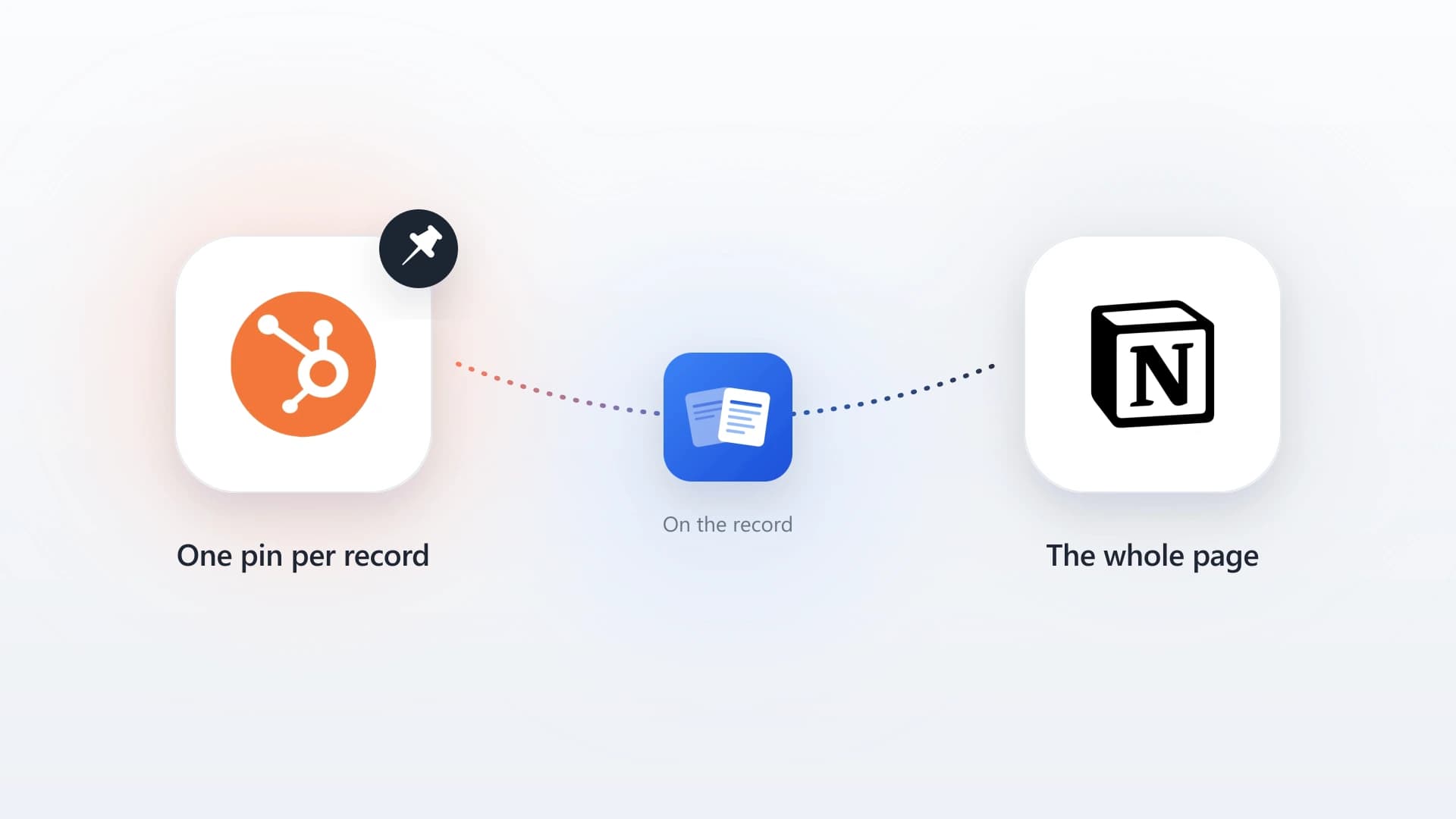
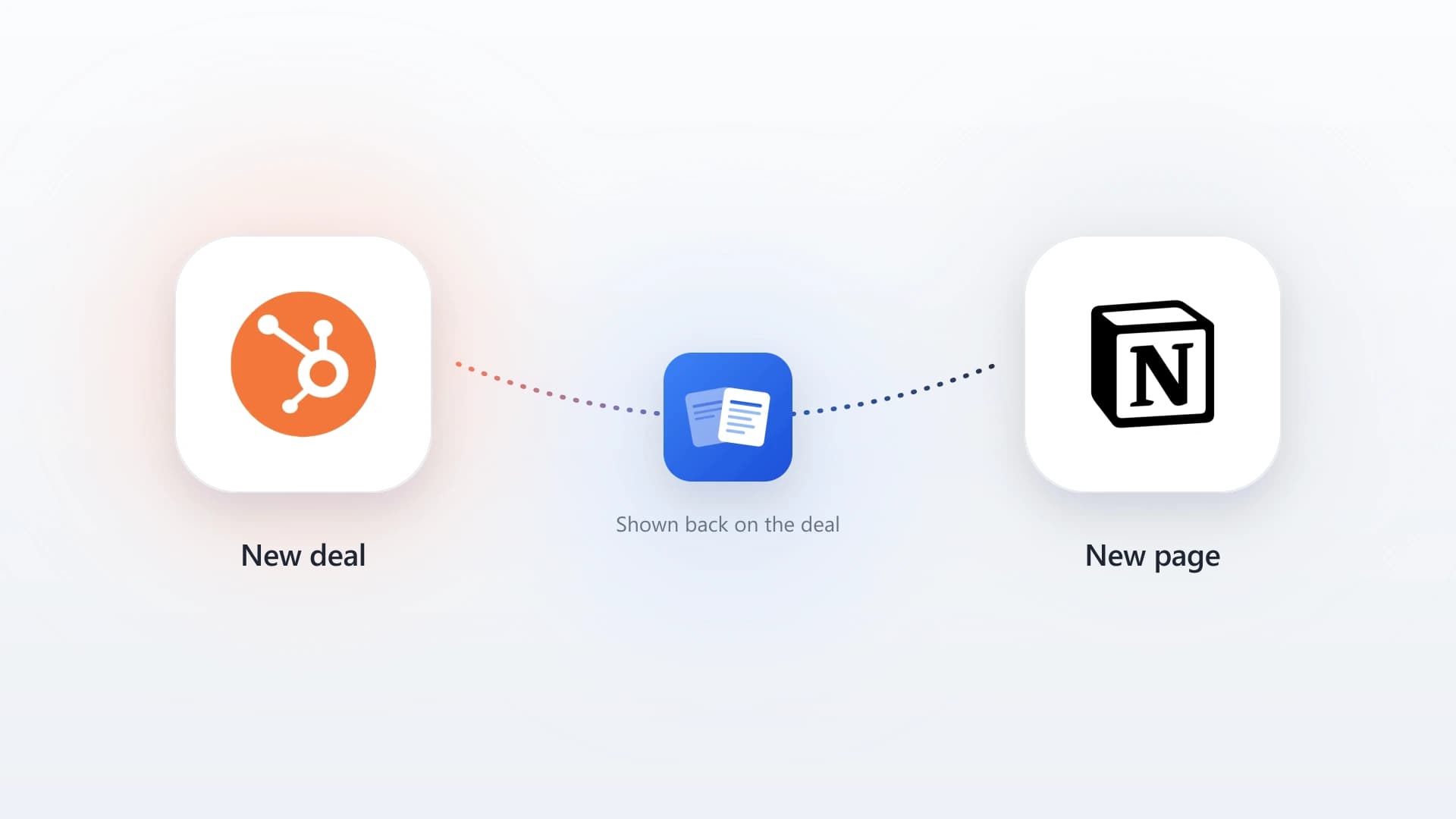
The clean fix is to sync the qualitative content from where reps write it into the CRM where the team reads it, automatically, so nobody has to copy-paste. For teams that live in Notion and HubSpot specifically, NoteLinker does exactly this: flip a Sync to HubSpot checkbox on any Notion row and the formatted note (headings, bullets, and bold preserved) lands on the matching HubSpot contact or deal timeline. The full case for why this matters is in the hidden cost of copy-pasting notes between Notion and HubSpot.
Get the team to actually use it
Clean data and good structure are necessary, but a CRM only pays back when the whole team records work in it. These three practices are about adoption, which is a friction problem, not a training problem.
8. Route and assign leads in seconds, not days
When a new lead enters the CRM, it should land on the right rep's desk immediately, not sit unassigned in a queue someone checks twice a day. Build routing rules, round-robin across the team or by territory and segment, that assign and notify the owner in under a minute.
The value is speed, and the data on speed is not subtle: leads contacted within the first few minutes convert dramatically better than leads contacted an hour later. Fast routing is also an adoption win, because reps trust a system that hands them live opportunities far more than one that buries leads in an unattended pool.
9. Win adoption by making the CRM the path of least resistance
Reps do not avoid the CRM because they were not trained. They avoid it because updating it costs them time and gives them nothing back. Flip that equation and adoption takes care of itself.
Remove the friction: lean on automated capture so reps rarely type anything, cut required fields to the genuine minimum, and, critically, let reps keep writing notes where they already write them while a sync tool moves that content into the CRM for them. When updating the CRM costs a rep almost nothing and pays them back with cleaner handoffs and less status-meeting prep, the chasing stops. The full playbook is in how to get sales reps to actually update HubSpot.
10. Review and prune every quarter
A CRM is not a set-and-forget system. Every quarter, walk through the configuration and prune what no longer fits how you sell.
The quarterly prune checklist
- Required fields nobody fills, removed or made optional.
- Workflows firing at the wrong time, or no longer needed at all.
- Deal stages that no longer match how you actually sell.
- Reports nobody opens, archived.
- The top one or two things reps say slow them down, fixed.
This is the practice that keeps the other nine from decaying. Sales processes change, the team changes, and a CRM configured perfectly for last year's motion becomes friction this year if nobody revisits it. The quarterly prune is cheap insurance against slow, invisible drift back into the rot loop.
The two CRMs this all adds up to
The ten rules add up to two possible end states. Every practice is a nudge from the second toward the first.
A CRM the team trusts
- Records are clean, current, and safe to act on
- Capture is automated, so data stays fresh without anyone's discipline
- Notes and context live where the team looks
- Reps update it because it costs them almost nothing
A CRM that rots
- Wrong emails and stale activity that actively mislead
- Manual entry nobody keeps up with
- The real story trapped in Notion, Slack, and reps' heads
- Required-field overload that reps quietly route around
Sync the Notes Your CRM Is Missing
NoteLinker pushes formatted notes from Notion onto the matching HubSpot contact and deal timelines automatically. The context your team writes, where your team reads it, with no copy-paste.
CRM best practices in HubSpot specifically
On HubSpot, the ten CRM best practices map cleanly onto native tools, with one gap worth naming.
Data capture
Install the HubSpot Sales extension for Gmail or Outlook on day one and connect the meeting tool to your calendar so email and meetings log themselves.
Structure
Set required properties and use property validation to enforce your naming conventions, and build deal stages that mirror how you actually sell rather than HubSpot's defaults.
Routing
A contact-based Workflow that triggers on form submission and assigns the owner covers most teams without extra tooling.
Hygiene
HubSpot's duplicate management tool and saved "records missing field X" views make the recurring routine fast.
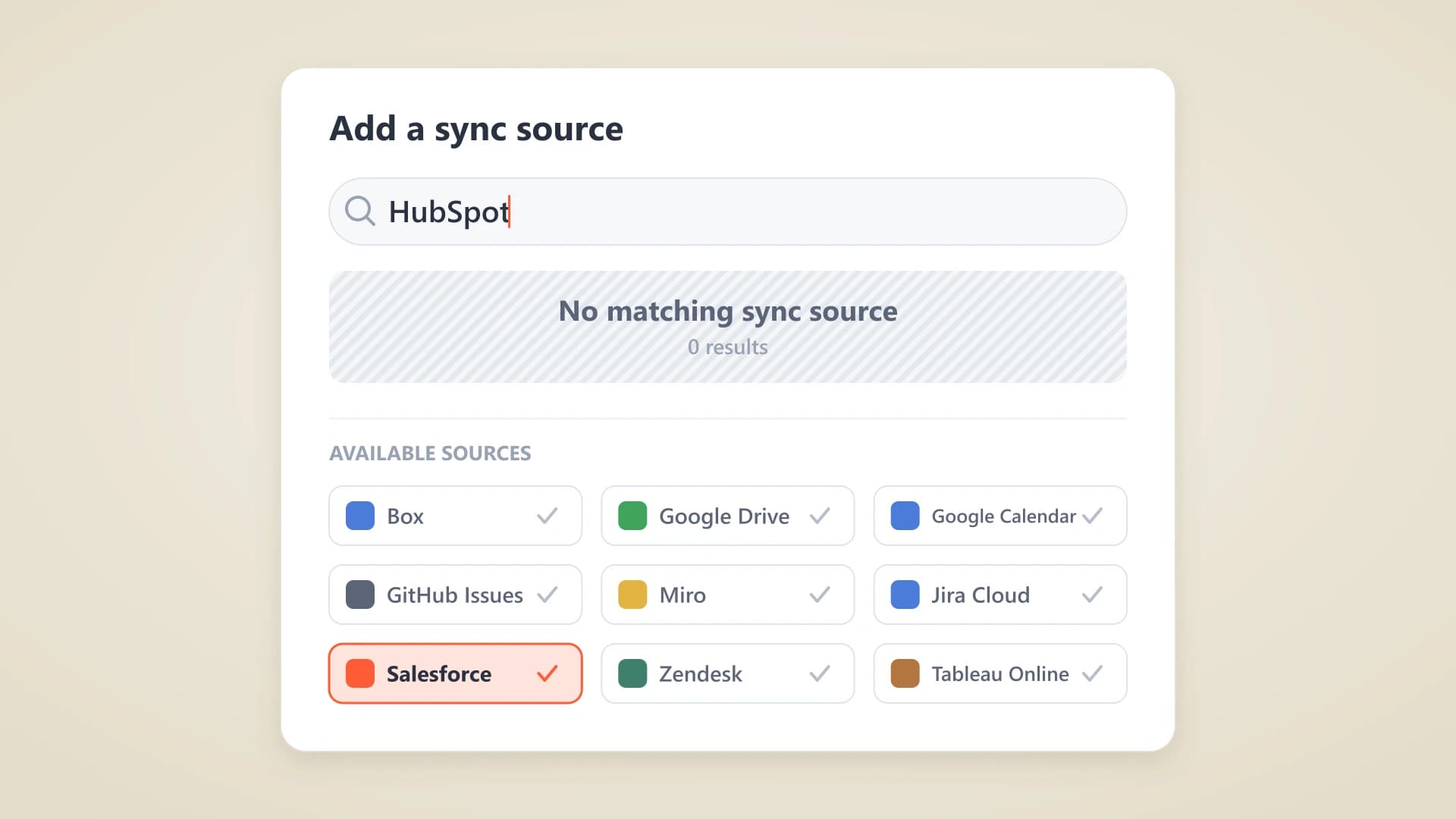
The gap is rule 7, syncing the context. HubSpot captures structured data and email well, but the qualitative notes your reps write in Notion never make it in, and HubSpot has no native bridge to Notion. That is the slot NoteLinker fills, and the two-minute setup is documented in the Notion to HubSpot sync guide. If you are still deciding how the two tools should divide the work, our complete Notion CRM guide lays out the split.
Common CRM mistakes to avoid
Six common CRM mistakes reliably wreck a CRM. Each one is the opposite of a best practice.
Requiring too many fields
Every required field is a tax on adoption. If reps cannot save a record without filling twelve boxes, they stop creating records.
Configuring around the tool, not the process
Deal stages that match HubSpot's defaults instead of how you actually sell produce a pipeline view that lies.
Treating data cleanup as a project instead of a routine
Cleanups you do once decay immediately. Hygiene has to be standing maintenance, not a heroic one-off.
Relying on manual entry for anything a tool can log
Manual data entry is where data quality goes to die. Automate it or lose it.
Letting context live outside the CRM
Notes in Notion, decisions in Slack, strategy in a doc, and a blank CRM record is the single most common reason pipeline reviews turn into guesswork.
Never revisiting the setup
A CRM tuned for last year's motion is friction this year. Prune quarterly.
Get the ten rules right and the CRM becomes what it is supposed to be: the one place the whole team trusts for what is happening with every customer and deal. Get them wrong and you build an expensive, half-filled database that everyone works around, which is the fate of most CRMs and the entire reason this list exists.