The CRM automations worth building each eliminate a specific, identifiable manual task, and almost all of them fall into five categories: data capture, lead routing and assignment, stage progression and task creation, nurture sequences, and external document and note sync. Everything else, for most teams, is a workflow that fires at the wrong time and generates notifications nobody acts on.
In this article
1.
2.
3.
4.
5.
6.
7.
8.
The five categories that earn their seat
Almost every CRM automation that consistently pays back falls into one of five categories. Most teams need four of them. Almost no team needs more than the five.
Data capture
Auto-logging emails, meetings, calls, and notes so activity never depends on a rep remembering to type it.
Lead routing and assignment
Putting every new lead on the right rep's desk the moment it arrives, without a human triaging the queue.
Stage progression and task creation
Generating the right next-step task the moment a deal moves, so reps stop carrying the pipeline in their heads.
Nurture sequences
Dripping relevant content to leads who are not yet sales-ready and reactivating cold deals on a clear trigger.
External document and note sync
Pushing the qualitative context reps write in Notion or a doc into the CRM where the rest of the team reads it.
1. Data capture
The highest-ROI category and the one to build first. Data capture automations log activity that would otherwise live in a rep's inbox, calendar, or memory: emails sent and received, meetings booked, calls made, notes written.
In HubSpot, this includes the Gmail and Outlook extensions for automatic email logging, the meeting tool that creates deal records when a prospect books time, and the calling tool that logs calls and recordings against the right contact. In any modern CRM, the equivalent integrations exist and should be turned on day one.
2. Lead routing and assignment
When a new lead enters the CRM (form fill, downloaded asset, demo request), an automation assigns it to the right rep without anyone having to do it manually. The rules can be simple (round-robin across the SDR team) or complex (route by territory, company size, or product interest).
The value here is mostly speed. Studies have shown for years that lead response time within five minutes dramatically outperforms responses an hour later. A routing automation that assigns and notifies the right rep in under a minute is the difference between a lead that converts and a lead that goes cold.
3. Stage progression and task creation
When a deal moves to a new stage, the automation creates the follow-up tasks the rep needs at that stage. Discovery completed creates a "Send follow-up summary" task. Demo completed creates a "Send proposal" task. Proposal sent creates a "Check in on proposal" task three days later.
These automations work because they reduce the cognitive load on reps. Instead of remembering what the next step is for every deal, the rep opens their tasks queue and sees what the CRM has already decided needs doing. Done well, this kind of automation can add a measurable lift to deal velocity. Done poorly, it floods the rep with tasks that get ignored, which trains the rep to ignore the entire tasks queue.
The discipline is restraint. Create one task per stage transition, not five. Make the task actionable and time-bounded. Revisit the workflow every quarter and prune tasks that reps consistently dismiss without acting on.
4. Nurture sequences
Automated email sequences that drip relevant content to leads who are not yet sales-ready, and reactivation sequences that re-engage cold deals or churned customers. This is the category where most teams overbuild and underuse.
A well-tuned nurture sequence runs in the background, fires on a clear trigger (downloaded a specific asset, attended a webinar, deal stalled in a specific stage), and produces measurable engagement. An overbuilt nurture sequence sends 12 emails over six weeks regardless of behavior, generates unsubscribes, and trains the prospect to ignore future emails from the brand.
If you are early in your CRM automation journey, build one nurture sequence with three to five emails for the most common cold-lead scenario. Add more only when the first one is producing measurable engagement.
5. External document and note sync
The category most teams underinvest in and the one with the largest hidden cost. Reps write detailed call notes in Notion, account strategy in Google Docs, and meeting prep in their AI notetaker. The CRM, where the rest of the company looks for context, has none of it.
Without note sync, every other CRM automation runs on partial context.
A manager opens a deal record for a pipeline review and sees the structured data (stage, value, close date) but not the qualitative context (what the prospect actually said, what the competitive dynamics look like, what is going to make this deal close or not). The pipeline review becomes a guessing game.
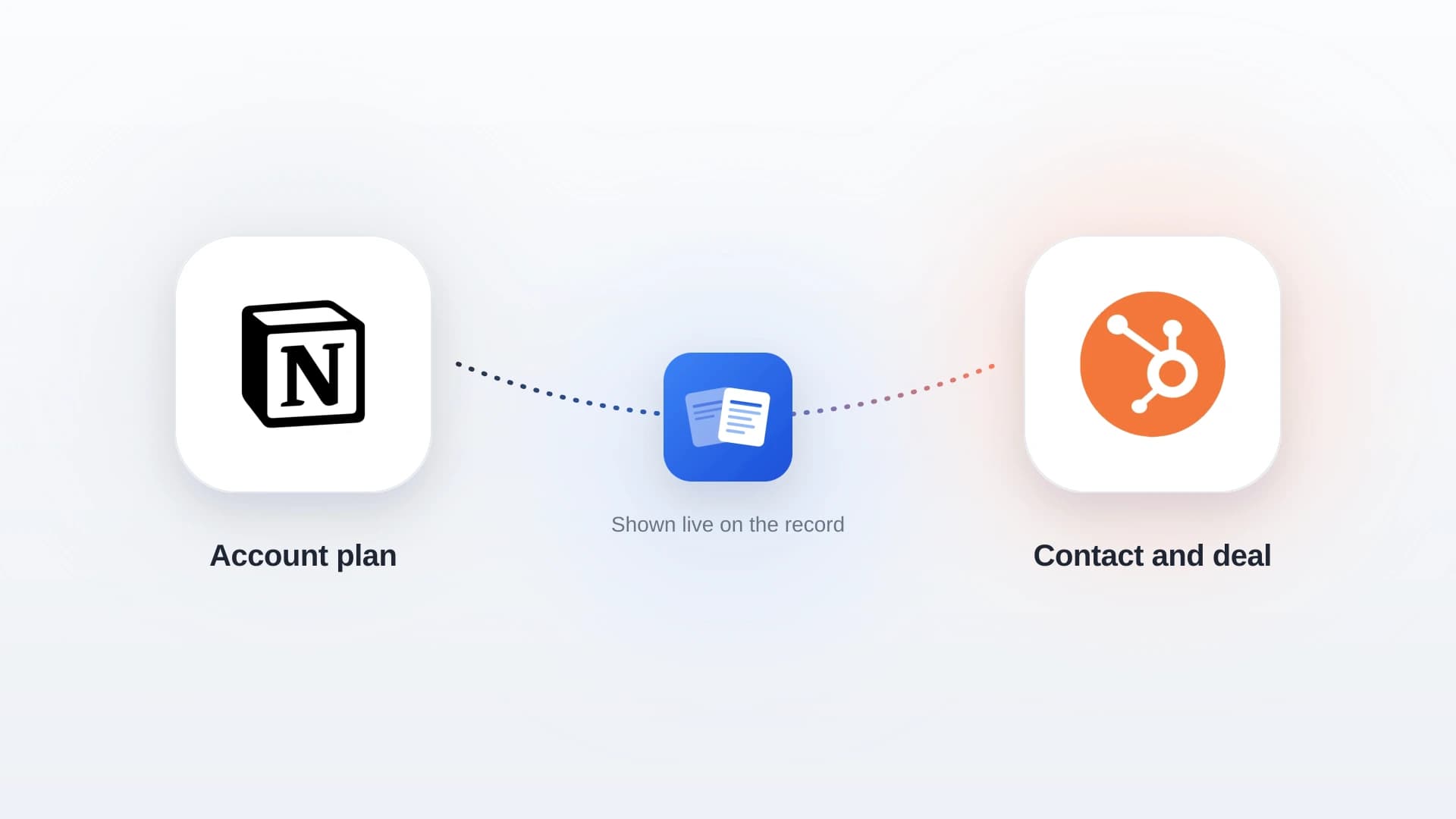
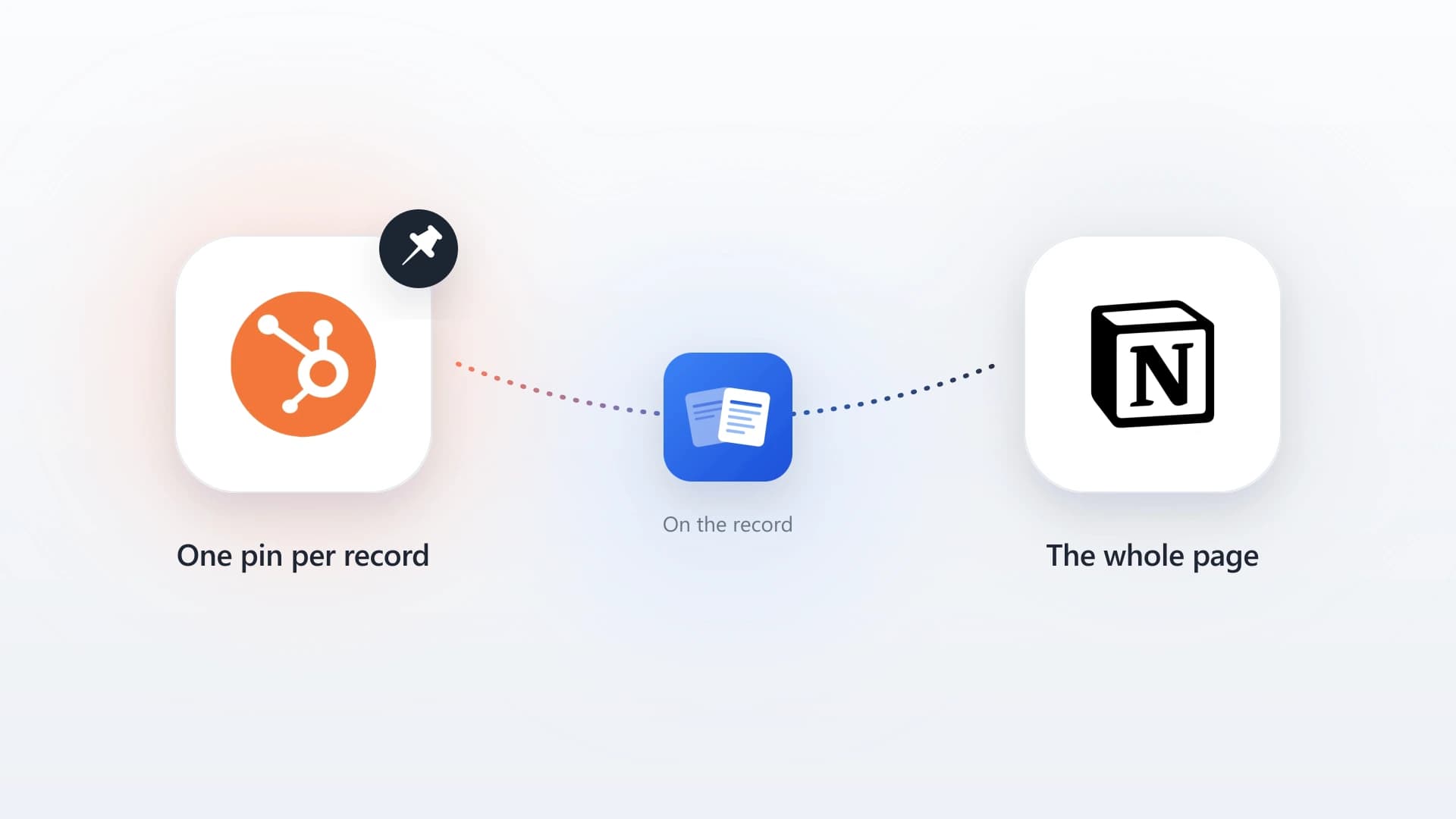
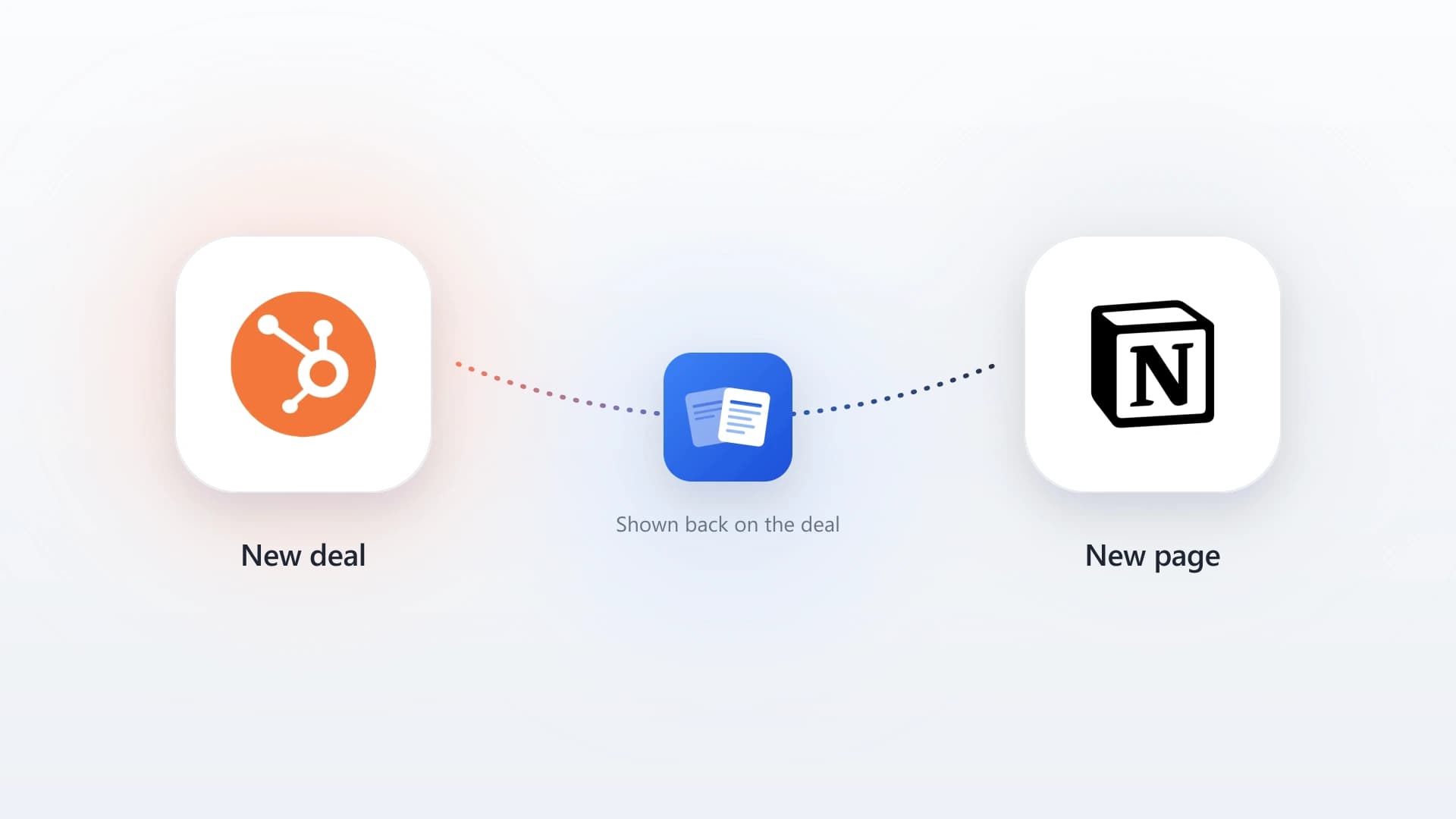
The cleanest fix is a sync tool that pushes the qualitative content from where reps write it into the CRM where the rest of the team reads it. For the Notion-to-HubSpot case specifically, NoteLinker handles this without a Zapier subscription: a Sync to HubSpot checkbox in any Notion row pushes the formatted note onto the matching HubSpot contact or deal timeline, with headings, bullets, and bold text preserved. The deeper case for this category lives in the hidden cost of copy-pasting notes between Notion and HubSpot.
What CRM automation actually is
CRM automation is any setup inside or around a CRM that performs an action without a person doing it manually. The action might be logging an email when a rep sends it, assigning a new lead to the next available SDR, creating a follow-up task three days after a demo, moving a deal stage when a contract gets signed, or pushing a formatted note from Notion onto the matching HubSpot deal timeline.
The thing that separates a useful CRM automation from a useless one is whether it eliminates a real manual task. An automation that "notifies the team in Slack when a deal hits Negotiation" sounds useful and almost always becomes noise. An automation that "logs the email a rep just sent against the matching contact record" eliminates 15 minutes a day of copy-pasting. The first is overhead. The second is automation.
Every automation you build should answer one question: what specific thing will a human stop doing because of this.
The framing that holds up: if the answer is concrete (logging emails, assigning leads, copying notes), build it. If the answer is vague (improving visibility, increasing engagement, enhancing collaboration), the automation is going to produce noise instead of value.
The order to build them in
Build the five categories in dependency order. Each one depends on the categories above it producing clean data, so building them out of order produces brittle automations that quietly fail.
- 1
Data capture
Email logging, meeting sync, call logging. Without this, every other automation runs on incomplete activity data, so it comes first.
- 2
Lead routing
Once leads are entering the system, route them to the right rep automatically. The leverage on response time is too high to leave on the table.
- 3
Stage progression and task creation
Once routing is clean, build the workflows that remove cognitive load from reps as deals move. Start with two or three task-creation workflows on the highest-value stage transitions.
- 4
Document and note sync
Once the structured side of the CRM is running cleanly, fix the gap between the writing tools reps prefer and the CRM the rest of the company reads from.
- 5
Nurture sequences
The most visible category and the one with the longest payback period. Build it last, when the rest of the foundation is producing the data sequences need to fire on intelligent triggers.
Teams that build in reverse (sequences first, data capture last) end up with sequences firing on bad data, routing rules that conflict with sequences, and a CRM that nobody trusts.
What to skip
Three categories of CRM automation consistently fail to pay back, no matter how good the demo looks.
Cleverness for its own sake
Workflows that fire on five conditions, branch into seven paths, and produce different outcomes for different edge cases. They look impressive in the workflow editor and break the first time the marketing team renames a property. The best workflows are boring. They fire on one condition, do one thing, and stay out of the way.
Notification-only automations
"Slack the team when a deal hits Closed Won." "Email the manager when a contact has not been touched in 30 days." These feel like automation and produce no behavior change. After the first week the notifications become noise the team learns to ignore. If an automation does not eliminate a manual task or trigger a clear action, it is not pulling its weight.
Dashboard-driven automations
"Build a workflow that updates this scorecard property whenever a deal moves stages, so the dashboard stays current." The dashboard is the cart. The pipeline data is the horse. Build the automation around the work, not around the dashboard the manager wants to look at.
The pattern across all three is the same: the automation is solving for a feeling (visibility, control, cleverness) rather than removing a real task. CRM automations that earn their seat eliminate work. Everything else is overhead in a workflow skin.
Building CRM automation in HubSpot specifically
HubSpot's Workflows tool covers most of the five categories natively. The setup approach that holds up:
The HubSpot automation starter set
- For data capture, install the HubSpot Sales extension for Gmail or Outlook on day one, turn on the meeting tool and connect it to your calendar, and turn on HubSpot calling (or an integration like Aircall) if your team makes calls.
- For lead routing, build a contact-based workflow that triggers on form submission, branches by the routing rule (round-robin, territory, product interest), assigns the contact owner, and pings the assigned rep in Slack or email.
- For stage progression, build deal-based workflows that trigger on stage change and create one follow-up task per stage transition that matters. Resist the urge to chain them.
- For nurture, use HubSpot's Sequences for one-to-one sales sequences or Email workflows for one-to-many marketing nurture. Start with one of each.
- For document and note sync, plug in NoteLinker if you use Notion alongside HubSpot.
The two-minute note-sync setup is documented in the Notion to HubSpot sync guide.
Most of this lives on HubSpot's Sales Hub Professional tier. The free and Starter tiers cover the data capture basics but require upgrading for the multi-step workflows. For the full breakdown of where HubSpot's native automation fits versus generic tools, see the Notion automation guide.
Native workflows versus a generic automation tool
When the automation you want is note sync from Notion, the choice usually comes down to a purpose-built tool versus wiring it up in Zapier or Make. Here is the honest trade-off.
A purpose-built sync (NoteLinker)
- Preserves headings, bullets, and bold across the sync
- One checkbox, no flow to design or maintain
- Built specifically for the Notion-to-HubSpot note shape
- No per-task billing as volume grows
A generic automation tool (Zapier, Make)
- Notion's block model arrives flattened or mangled
- Edge cases pile up and the flow needs babysitting
- General-purpose, so the note format is an afterthought
- Task-based pricing climbs with note volume
Automate the Note Sync You're Doing By Hand
NoteLinker pushes formatted notes from Notion onto the matching HubSpot contact and deal timelines automatically. No Zapier subscription, no copy-paste.
How to know an automation is working
The metric that matters is whether the manual task you built the automation to replace is actually getting eliminated. Two ways to check.
Ask the reps
If you built an email logging automation, the answer to "how often do you manually log emails" a month later should be "never." If it is "still a few times a week because the automation misses certain cases," the automation is not done.
Look at the data
A working data capture automation produces a meaningful jump in logged activity per rep per week. A working routing automation produces a measurable drop in lead response time. A working stage progression workflow produces a drop in deal cycle time at the transition it targets. If the numbers do not move, the automation is not pulling its weight.
The automations that consistently move the numbers are the boring ones. Email logging. Lead routing. One task per stage transition. Note sync from the writing tool reps actually use. The flashy automations (multi-branch workflows, conditional sequences, AI-powered next-best-action recommendations) almost never produce measurable lift in their first year, and most never produce it at all.
CRM automation is not a feature show. It is a set of small, boring workflows that each remove a specific piece of manual work, built in dependency order, with the data capture layer running cleanly before anything downstream gets added. Build it that way and the team will trust it. Build it the other way and you will spend the next year debugging workflows that nobody actually wanted in the first place.