The sales productivity tools worth using are the smallest set that removes the most friction from a rep's day, one tool per time sink. Here is the five-tool stack that fits most teams, followed by the six tool categories, what to skip, and how to evaluate anything new.
The stack that fits most teams
If you are picking a stack from scratch, the configuration that consistently shows up at well-run small and mid-size sales teams looks like this.
HubSpot free for the CRM
Contacts, deals, pipeline, basic email logging. Upgrade to Sales Hub Professional when sequences and custom reporting become real requirements, not before.
Granola, Fireflies, or Read AI for AI meeting notes
Any of the three is fine. The differences are smaller than the marketing suggests. Pick the one whose UX you find least irritating and stick with it.
Calendly for scheduling
The free tier covers most single-rep needs. Move to a paid plan when you need round-robin routing across a team.
Notion for account strategy
Pre-call research and meeting notes that go deeper than the AI summary captures. Build out the database structure once and templatize the per-account research doc.
NoteLinker for notes sync
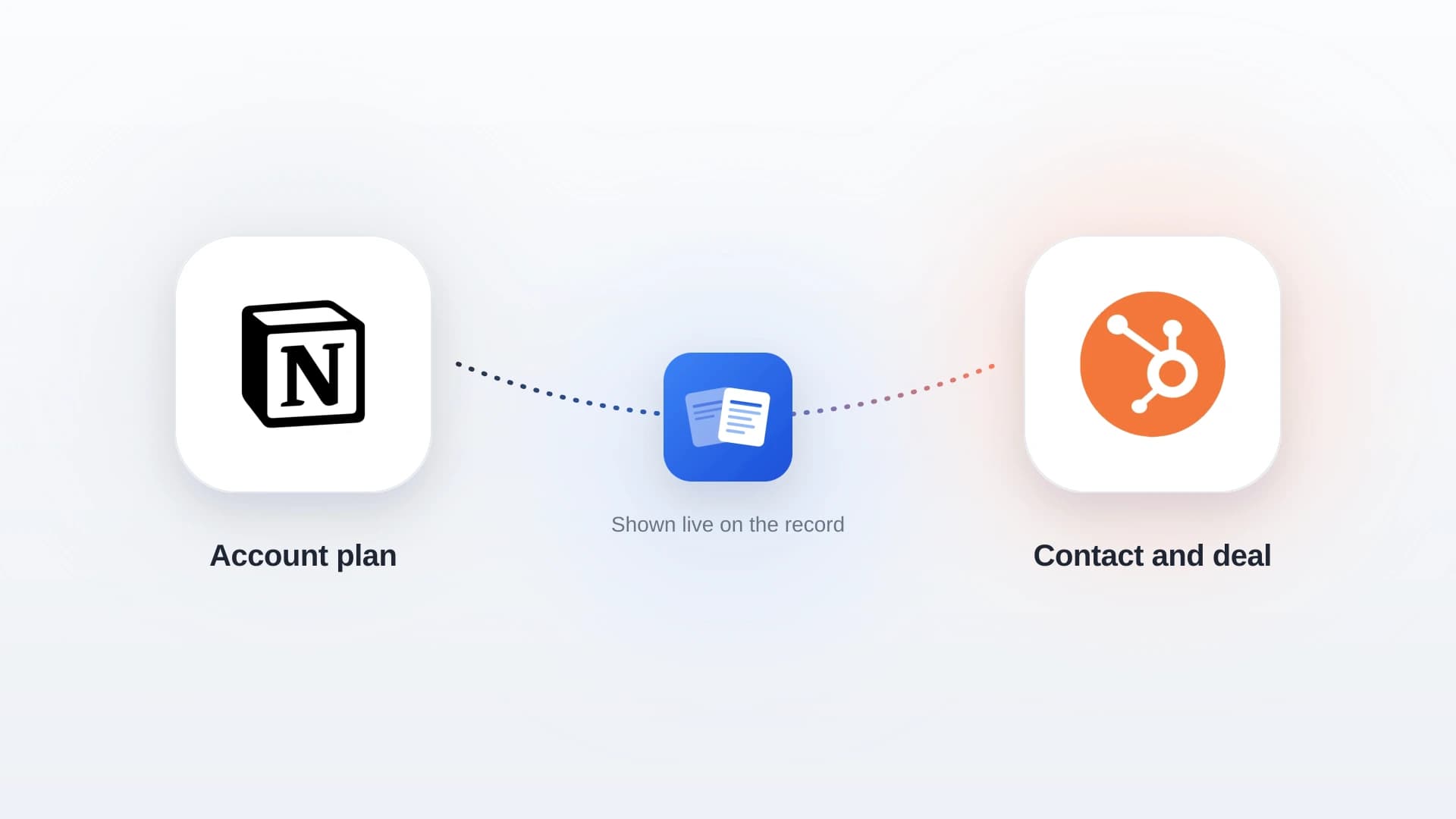
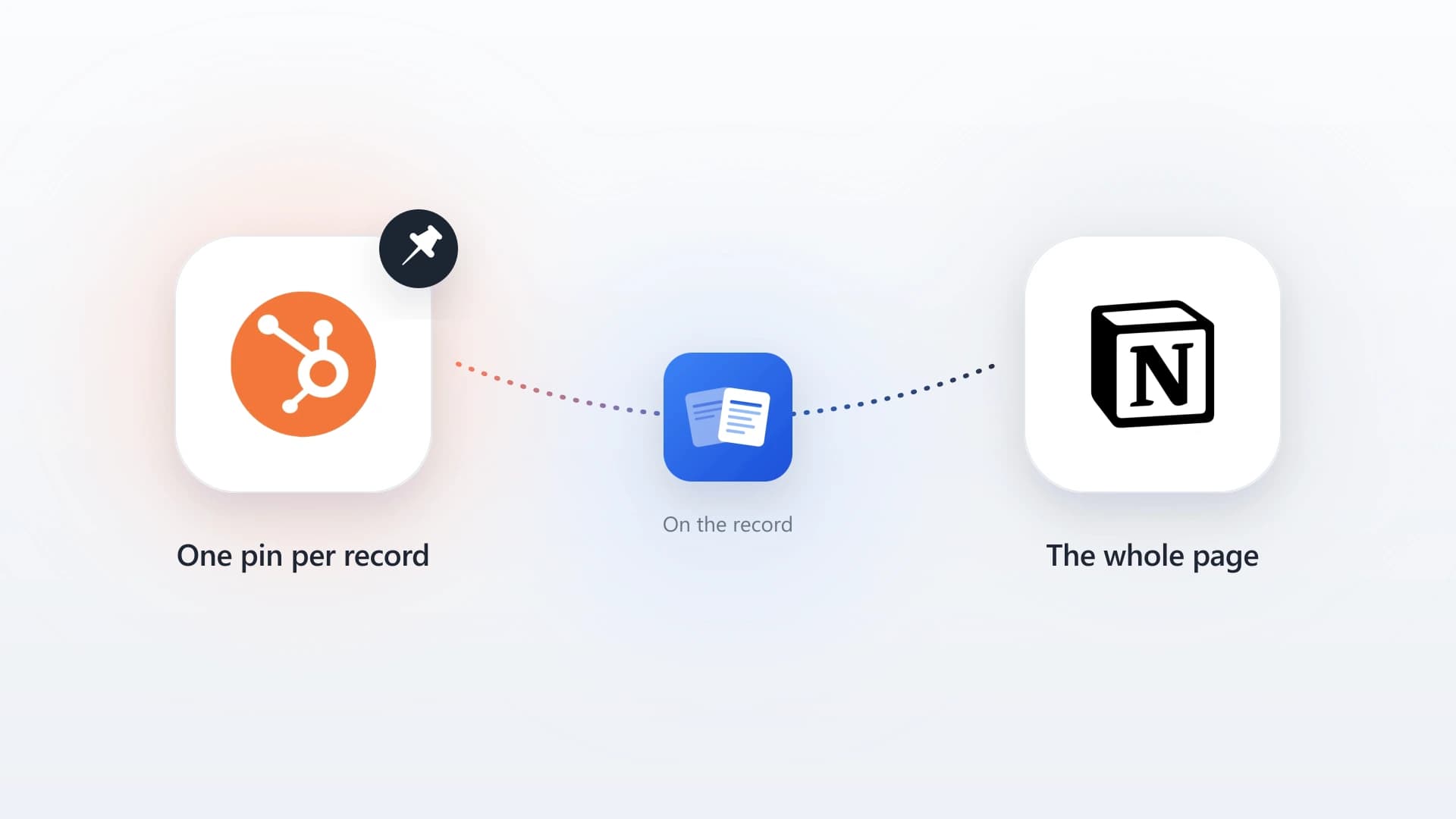
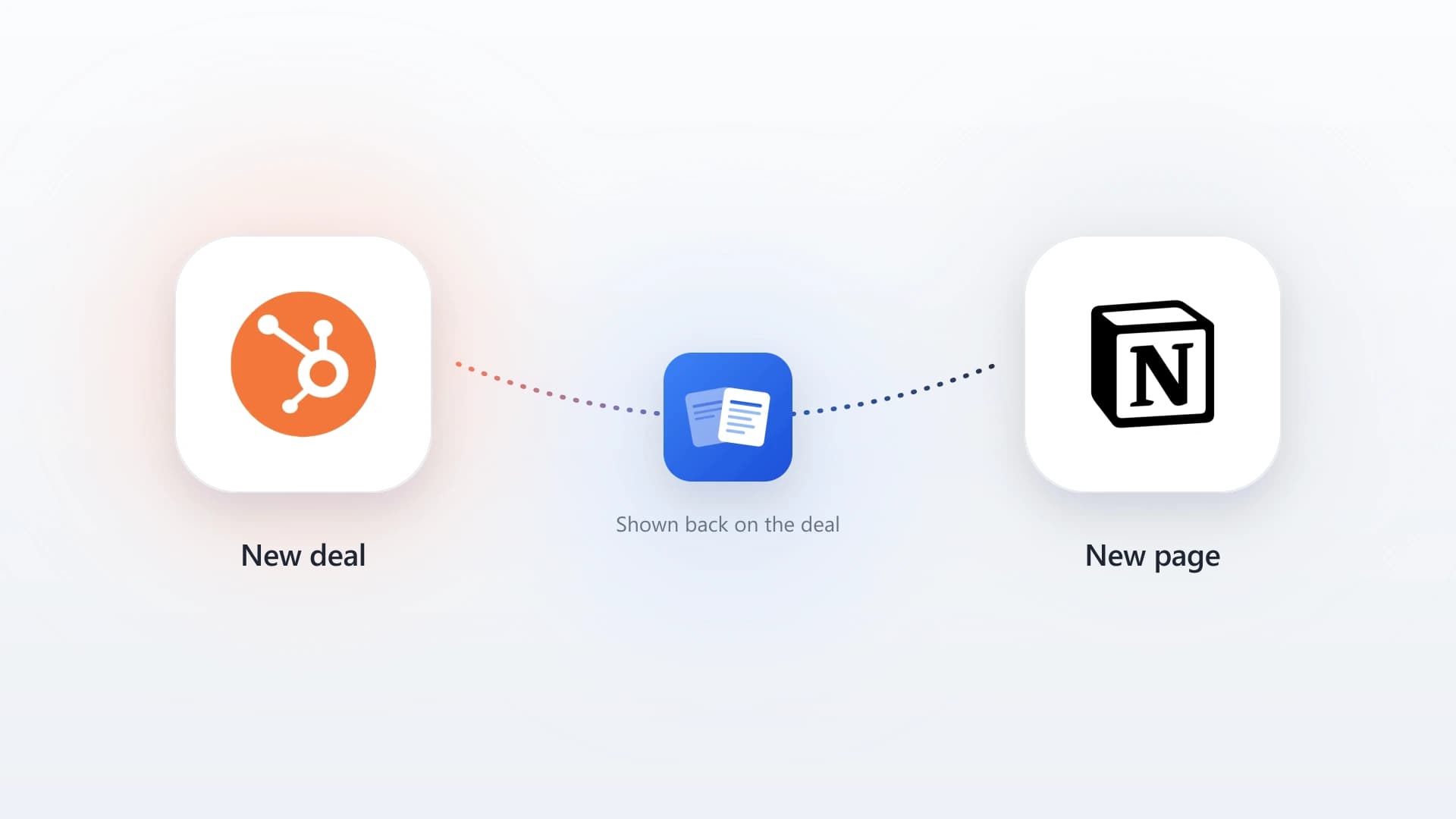
Pushes Notion notes into HubSpot so the qualitative writing reps do in Notion shows up on the matching HubSpot contact and deal timelines.
That is five tools, four time sinks eliminated (calendar coordination, post-call writing, manual CRM updates, lost context between tools), and a setup that scales from a two-person team to a thirty-person team without changing.
Five tools that eliminate distinct time sinks beats fifteen tools that overlap.
For teams running outbound at scale, add Apollo or Clay to the list. For teams sending async video to prospects, add Loom. Both are real additions, not duplicates. Most other "sales productivity tools" that get pitched in the trade press are duplicates of the six core categories, dressed up as something new.
In this article
1.
2.
3.
4.
5.
6.
7.
How to think about sales productivity tools
Productivity tools are not features. They are time sinks removed. A scheduling tool is not "Calendly." It is "the 30 minutes a day a rep used to spend coordinating calendars." An AI notetaker is not "Granola." It is "the 45 minutes a day a rep used to spend writing call summaries instead of taking the next meeting."
A productivity tool that does not eliminate a clearly identifiable time cost is not a productivity tool. It is overhead.
This framing matters because most teams end up paying for tools that do not actually remove a time sink. They duplicate something the rep already does in another product. They add a fifth dashboard nobody checks. They generate notifications nobody acts on.
Six tool categories consistently pay back. Pick one tool per category, skip the ones that do not map to a real time sink in your team's day, and resist the urge to layer on a sixth tool in a category that is already covered.
The categories that actually save time
There are six categories of sales productivity tools that earn their seat in a working stack. Most teams need four or five of them. Almost no team needs all six.
1. CRM and pipeline tracking
The foundation. Without a CRM, every other productivity tool is generating context that nowhere holds. The CRM is the system of record for contacts, accounts, deals, and activity history, and the place the whole company looks when they want to know what is happening with an account.
The two tools worth considering for most teams are HubSpot and Pipedrive. HubSpot's free tier is genuinely useful and the paid tiers scale into the mid-market without forcing a platform migration. Pipedrive is leaner and faster to set up if your only need is "track deals through a pipeline." For the deeper comparison, see the Notion CRM guide which walks through where each tool fits.
2. AI meeting notes
The single category with the highest demonstrated time savings per rep per week. An AI notetaker joins the call, transcribes the conversation, and ships a structured summary (key points, action items, next steps) within minutes of the call ending. Most reps spend 30 to 60 minutes a day writing post-call notes by hand. AI notetakers reduce that to near zero.
The three options most teams pick between are Granola, Fireflies, and Read AI.
Granola
The cleanest UX and the strongest opinion about what a meeting note should look like, which keeps it useful instead of overwhelming.
Fireflies
The deepest integration ecosystem and the strongest team review features for sales managers.
Read AI
The most polished summaries out of the box, but it tends to over-trigger on meeting bots in calls where attendees did not invite one.
For a deeper look at the trade-offs, the best AI notetakers for HubSpot guide covers each option in depth, with specific attention to which ones write back to a HubSpot record cleanly.
3. Calendar scheduling
Calendar back-and-forth is the most boring time sink in sales and the one with the highest leverage to remove. Average rep spends 20 to 30 minutes a day coordinating meeting times. A scheduling tool reduces that to near zero by handing the prospect a link, letting them pick from open slots, and writing the meeting into the calendar automatically.
Calendly is the default and rarely the wrong call. The free tier handles single-event scheduling cleanly. Cal.com is the strongest alternative if you want an open-source option, more workflow customization, or self-hosting. Chili Piper is worth considering at mid-market scale where round-robin routing across a team of SDRs and AEs becomes its own problem.
4. Writing and account strategy
The category most generic productivity articles miss. Pre-call research, account strategy, competitive notes, and the long-form thinking that does not fit in a CRM notes field needs to live somewhere. The CRM is not built for this kind of content (every CRM has a notes field, none of them are good writing environments), and a separate doc-per-account in Google Drive scales poorly past a handful of accounts.
The strongest option here is Notion. The flexibility, the database structure, the ability to template a research doc per prospect, and the speed of editing make it the de facto writing layer for sales teams that have outgrown ad hoc notes. The Notion sales workspace setup guide walks through the exact database structure most reps benefit from.
The trap to avoid is treating Notion as the CRM. It is a better writing environment than any CRM, and a worse pipeline tool than any CRM. Use it for the thing it is good at, not the thing it is not.
5. Notes-to-CRM sync
The bridge category. A rep writes detailed call notes in their AI notetaker, account strategy in Notion, and meeting prep in a separate doc. The CRM, where the rest of the company looks for context, has none of it. The handoff dies in the gap.
Without a sync layer, the productivity gains from every other tool get partially eaten by the time reps spend copy-pasting notes into the CRM after the fact.
This is the category most productivity articles skip entirely, and it is the one with the largest hidden cost. With a sync layer, the writing stays where reps prefer to write, and the structured tools (CRM, dashboards, manager reviews) automatically reflect it.
For the Notion-to-HubSpot specific case, NoteLinker handles this translation. Reps write in Notion, check a sync property, and the formatted note appears on the matching HubSpot contact or deal timeline. The formatting (headings, bullets, bold text) is preserved, and the rest of the team gets the context inside the tool they already use.
For AI notetaker output, most of the major notetakers (Granola, Fireflies, Read AI) have native HubSpot integrations that handle this for transcripts. The Notion side is what they do not cover.
6. Prospecting and sales intelligence
The category that matters most for teams running real outbound and matters almost not at all for teams running inbound or relationship-led pipelines. If your new business is mostly warm referrals and existing-customer expansion, you can skip this category entirely.
For teams running outbound at scale, Apollo and Clay are the two most-recommended tools. Apollo is the broader product: contact database, email sequences, basic reporting, all in one place. Clay is more specialized: a data orchestration tool that lets sales ops compose enrichment workflows across multiple data sources, then push the output to wherever the team wants it.
Most teams under 20 people do not need either. Most teams above 20 people running outbound need exactly one of them, not both.
Connect Your Sales Productivity Stack
NoteLinker syncs notes from Notion onto the matching HubSpot contact and deal timelines, so the writing reps do in Notion shows up where the rest of the team already looks.
What to skip
Three categories of sales productivity tools consistently fail to earn their seat in a working stack.
The all-in-one "sales operating system"
Tools that promise to replace the CRM, the notetaker, the scheduler, and the writing environment in one product. The pitch sounds appealing and the execution is always worse than the specialist tools each replaces. Reps end up using the all-in-one for one thing and the specialist tools for everything else.
Dashboard tools that aggregate other dashboards
A second-order dashboard layered on top of the CRM, the notetaker, the calendar, and the sequencer. Sales managers love the demo. Reps never open it.
Gamification platforms
Leaderboards, points, and achievements bolted onto the CRM activity log. They generate a brief lift in update frequency and then plateau. The underlying problem (the CRM is annoying to update) is what should be fixed, not papered over with confetti animations.
The pattern is the same in all three. Tools that do not eliminate a specific time sink are not productivity tools. They are overhead in a productivity skin.
How to actually evaluate a new tool
A short test that filters out most of the noise.
The three-question tool test
- Ask which specific time sink the tool eliminates. Not "what does it do," but "what activity will reps stop doing once we adopt it." If the answer is not a concrete activity, it is not a productivity tool.
- Ask how the tool hands off to the rest of the stack. A scheduler that writes to the calendar is fine. One that writes to the calendar and the CRM is better. One that writes to a separate dashboard nobody checks is worse than no tool at all.
- Ask which existing tool the new one replaces. If the answer is "none," the tool is adding overhead. The strongest signal that a tool will land is that something else can come out of the stack the same week.
The teams that get the most out of sales productivity tools are not the ones running the longest list. They are the ones running the shortest list that covers the real time sinks, with clean handoffs between each tool. Five well-chosen tools beats fifteen overlapping ones, every time.
Which tool to reach for first
If you can only adopt one new tool this quarter, pick by the time sink that hurts your team most.
Highest demonstrated time savings per rep per week, and it feeds clean activity data into everything downstream.
Cheap, fast to roll out, and it removes 20 to 30 minutes a day of coordination per rep with almost no setup.
Recovers the productivity the other tools generate by making sure the context actually lands where the team looks.