
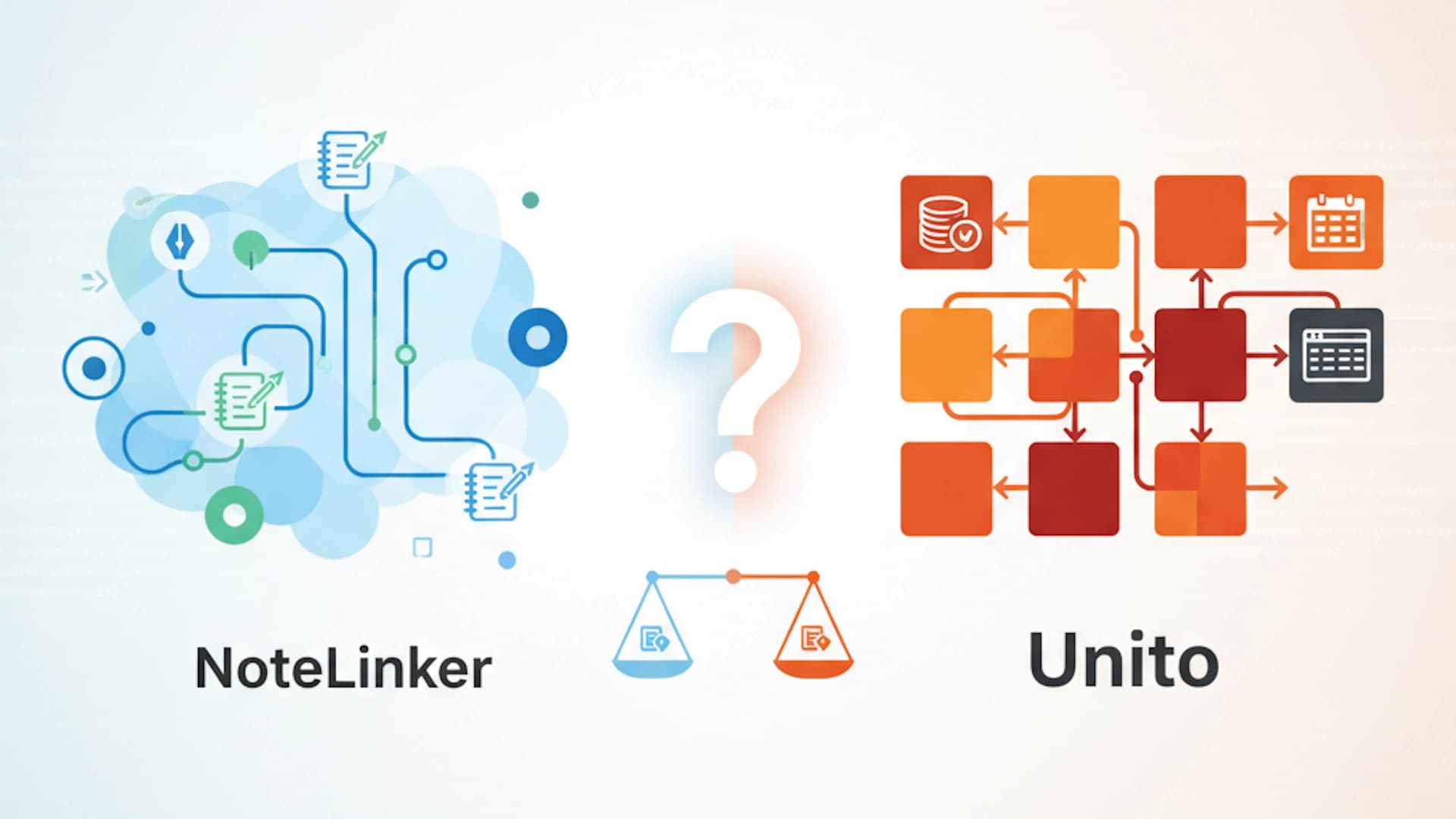
When it comes to connecting Notion and HubSpot, the market is split between "General Connectors" and "Specialized Bridges." Unito falls firmly into the first category — it is a powerful workflow automation tool designed to mirror databases. NoteLinker, on the other hand, is a dedicated bridge built for a single purpose: ensuring sales notes actually make it into the CRM.
If you are trying to decide which tool should power your sales documentation, you need to look past the "sync" buzzword and look at how the data actually lands in HubSpot. Here is the breakdown of how NoteLinker and Unito compare.
| Products | NoteLinker | Unito |
|---|---|---|
| Monthly Cost | $39/mo | Scaled (Varies) |
| Onboarding Time | 2 Mins (Click & Go) | 20+ Mins (Field Mapping) |
| Sync Destination | HubSpot Timeline | Database Properties |
| Note Formatting | Retains Bullets & Bold | Often Plain/Messy |
| Sync Limits | Unlimited Notes | Based on 'Items in Sync' |
1.
2.
3.
4.
5.
6.
1. The Output: Database Rows vs. Timeline Events
Unito is a master of "2-way database syncing." It is designed to make a Notion Database look exactly like a HubSpot Object (such as a Deal or a Contact). While this is great for syncing status tags or dates, it falls short when handling discovery notes. Unito typically syncs data into custom properties, which often limits where and how that information is displayed.
NoteLinker recognizes that sales notes belong on the HubSpot Timeline. Instead of burying your discovery insights in a hidden text field, NoteLinker pushes them directly to the activity feed. This ensures that when a manager or account executive opens a record, the notes are front-and-center — right where they expect to see meeting activity.
2. Formatting: Losing the Layout vs. Retaining the Context
A major pain point with general-purpose tools like Unito is the "Wall of Text." Because Unito focuses on mapping database properties, rich text formatting — like bolding, headers, and bullet points — often gets stripped away or mangled during the sync. If you spent time structuring a beautiful discovery template in Notion, Unito might deliver a version to HubSpot that is nearly unreadable.
NoteLinker treats formatting as a first-class citizen. It is built to interpret Notion's block-based editor and translate it into a clean, formatted HubSpot event. Your headers stay bold, your lists stay bulleted, and your layout stays professional. It ensures that the "messy middle" of your internal notes stays just as organized as the trade show orders or deals you're chasing.
3. Setup Complexity: 20 Minutes vs. 2 Minutes
Setting up a "Flow" in Unito requires a fair amount of configuration. You have to map individual fields, set up deep filtering rules, and define sync directions. While this level of control is necessary for complex project management, it's often an unnecessary hurdle for a sales team that just wants their notes to sync.
NoteLinker is designed for "Connect & Go" simplicity. There is no complex field mapping or rule-building. You authorize your accounts via OAuth, select your workspace, and you're done. It's a 2-minute setup that allows you to start syncing your first note before your coffee gets cold.
4. Pricing Structure: Scaled Items vs. Flat Unlimited
Unito's pricing is based on "Items in Sync." As your database grows and you add more notes, your costs can scale quickly. This often forces teams to be selective about what they sync, which defeats the purpose of having a "Source of Truth" in the CRM.
NoteLinker offers a simple, flat-fee model. For $39/month, you get unlimited notes. There are no "task limits" or "item counts" to worry about. You can document every single interaction with total peace of mind, knowing that your price won't jump just because your sales team is being more productive.
5. Use Case: Project Management vs. Sales Context
Ultimately, Unito is the better choice if you are trying to sync project management tasks — like moving Jira tickets to Notion or syncing HubSpot Tasks to an internal Trello board. It is an infrastructure tool for cross-functional project alignment.
However, if your goal is Sales Context, NoteLinker is the superior choice. It is the only tool designed specifically to bridge the gap between your scratchpad (Notion) and your timeline (HubSpot). It eliminates the "copy-paste tax" and ensures that your best sales insights never stay trapped in a siloed Notion doc.
When Unito Is the Better Choice
Unito shines when the job is cross-platform project management. If you need Jira tickets to appear in a Notion board, or HubSpot Tasks to sync bi-directionally with an Asana project, Unito's field-mapping engine is well suited for that. It is a horizontal connector built to align structured records across many different tools.
If your sales team's primary pain point is that note content written in Notion never reaches HubSpot's activity timeline, Unito does not address that directly. Its strength is in property-level synchronization, not in delivering formatted page content as timeline activities. For that specific workflow, NoteLinker exists to fill the gap.
Some teams find that both tools serve a purpose. Unito can keep task statuses and deal properties aligned across tools while NoteLinker handles the note delivery that Unito was not built for. The two are complementary rather than competing when the needs are different.
See how to get started with our Notion to HubSpot setup guide. If Make.com is also on your shortlist, see the best Make.com alternative for Notion and HubSpot.
Subscribe for more
Tips and strategies for keeping your CRM data clean and your workflows running smoothly.
No spam. Unsubscribe any time. By subscribing, you agree to receive marketing emails from NoteLinker.